
If you’ve heard of Qubes OS, you’ve probably also heard the horror stories: it needs a supercomputer to run, it’s impossibly hard to install, and it’s basically unusable unless you’re a full-time sysadmin. The reality? Far less dramatic. Yes, there are a couple of genuine hurdles — but most of what people believe about Qubes is either outdated or just plain wrong.
Let me walk you through the biggest myths and show you why this security-focused OS isn’t nearly as scary as it sounds.
Myth #1: It’s Difficult to Install
Reality: It’s a straightforward, 30-minute task
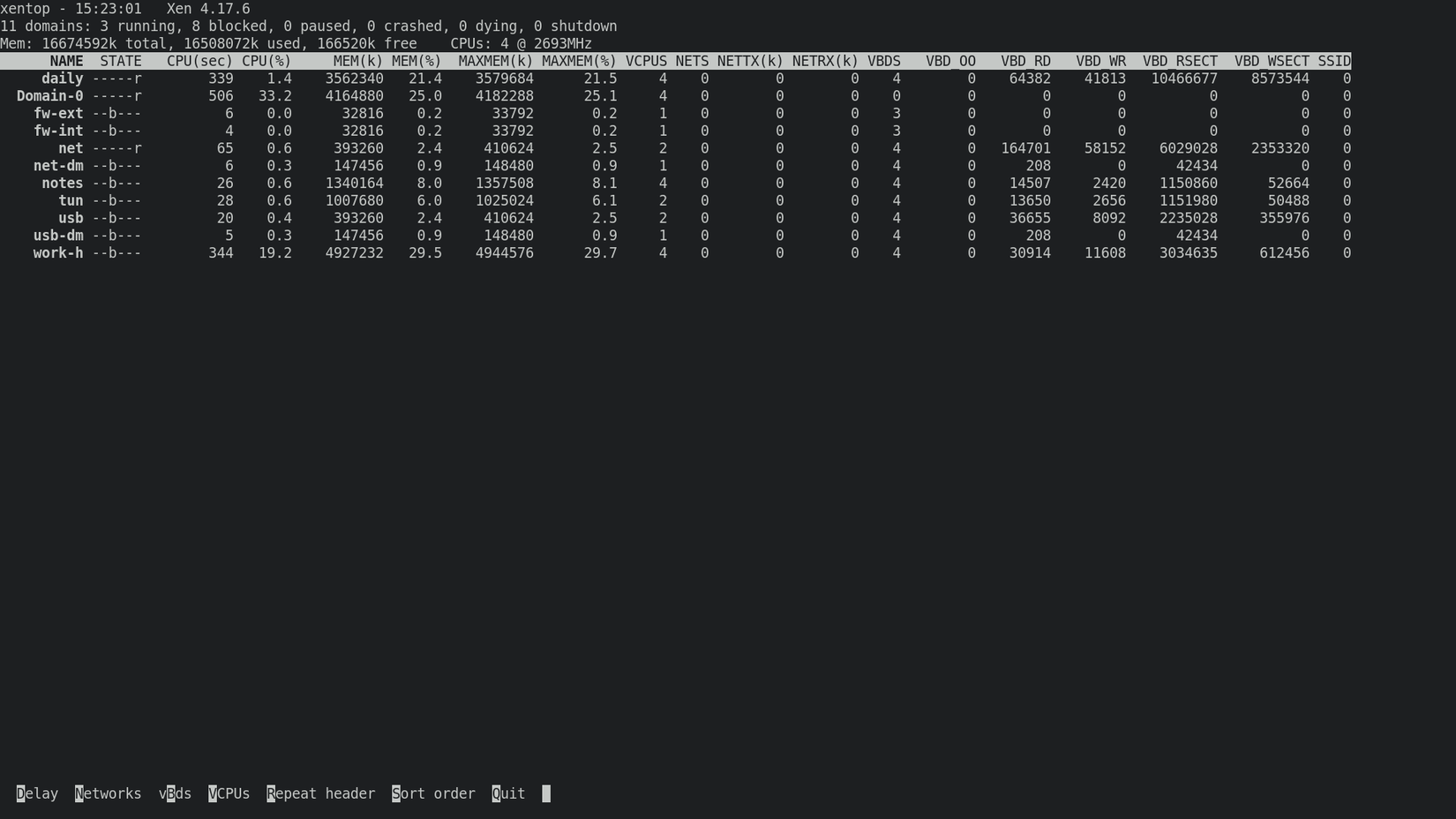
Qubes has a reputation for being a nightmare to install — but if your hardware is compatible, the process is as simple as installing Linux Mint. Seriously. I’ve done it countless times over the years. The only real challenge is wrapping your head around how the VM file systems work, but that clicks pretty quickly once you start using it.
Myth #2: You Need a Ton of RAM
Reality: 16 GB is plenty — and that’s standard these days
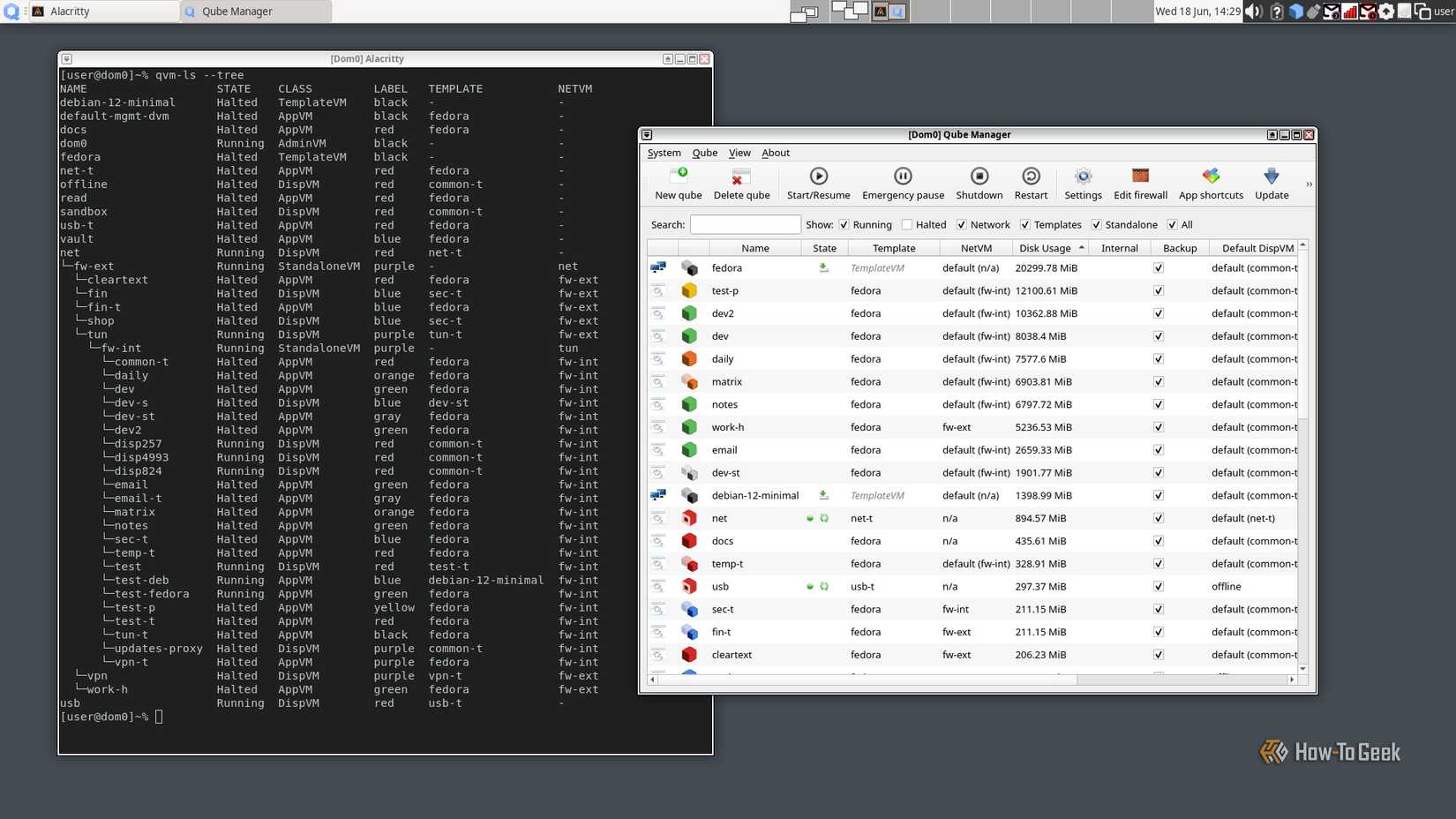
Yes, Qubes uses more memory than a typical Linux distro — but that doesn’t mean you need 64 GB. I ran happily on 16 GB for years, often with 9 VMs running at the same time. Occasionally I’d pause a VM to free up room, but 95% of the time it was a non-issue. I’ve even heard of people making it work with 8 GB (tight, but doable).
Here’s a rough breakdown of my typical memory usage:
| Domain | Role | Usage |
|---|---|---|
| Notes | Emacs and Chromium | 2.50 GB |
| Dev | Building | 2.00 GB |
| Work | Work apps | 2.00 GB |
| Daily | General browser (Chromium) | 1.50 GB |
| Dom0 | Admin domain | 1.00 GB |
| Network | Provides Wi-Fi | 0.40 GB |
| VPN | VPN access | 0.40 GB |
| USB | Isolates USB devices | 0.40 GB |
| Firewall | Network firewall | 0.03 GB |
| Total | 10.23 GB |
My dev domain can balloon to 10 GB when I’m working on large projects, but that happens on regular Linux too. With 16 GB, you’ve got plenty of headroom for daily use.
Myth #3: Qubes Works on All Hardware
Reality: It works on most modern hardware — but not everything
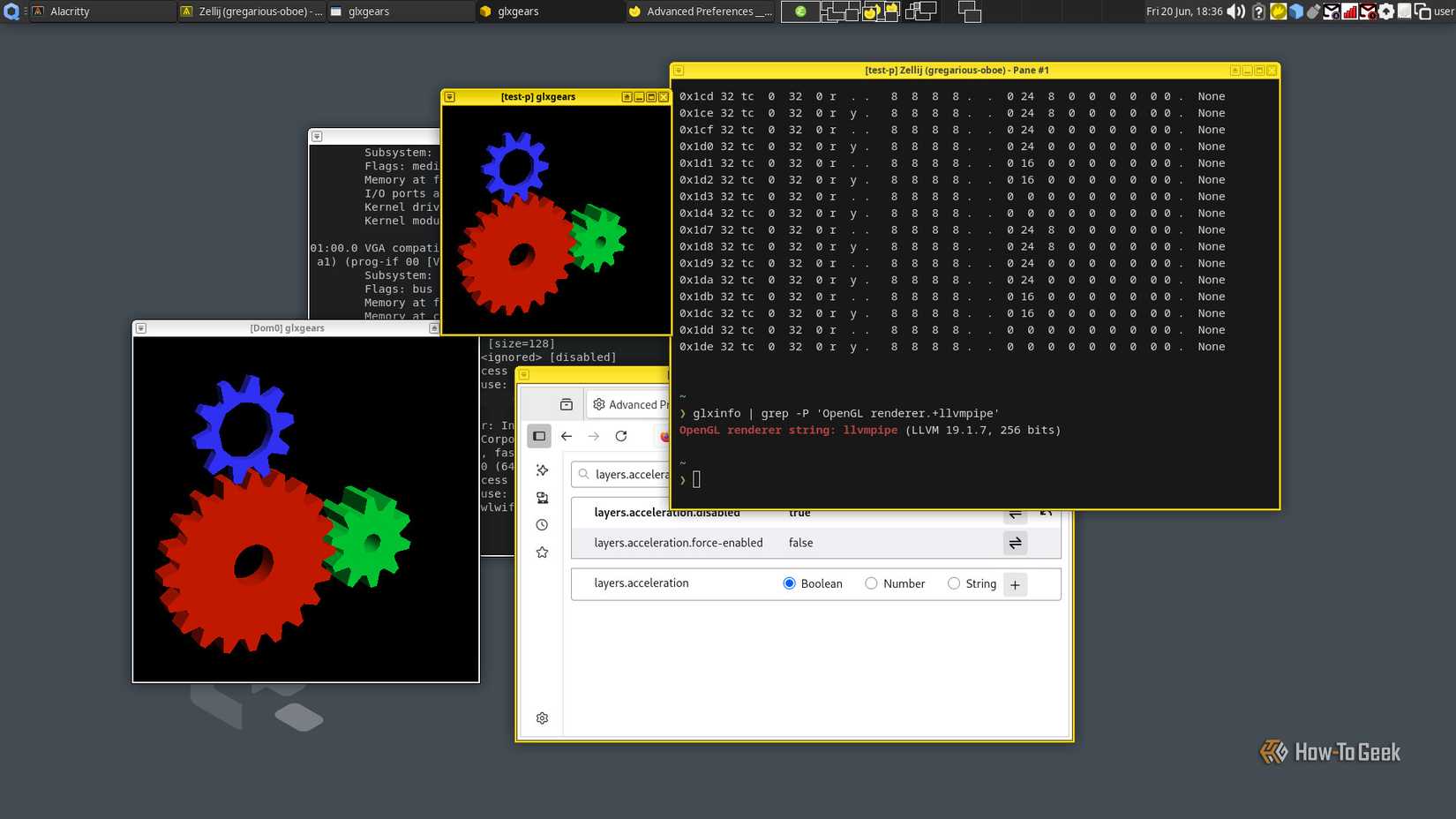
Qubes has specific hardware requirements, and while most modern hardware supports it, not all does. The good news? Advanced features like VT-d that isolate your USB and Wi-Fi devices were once a luxury — now they’re standard on most modern machines. Thinking of buying a used ThinkPad? Go for it! Just check the Hardware Compatibility List (HCL) and browse the Qubes forums first. Even brand-new hardware deserves a quick compatibility check.
Myth #4: Qubes Is Just Another Linux Distro
Reality: It’s a Xen hypervisor that boots Linux kernels as VMs
Qubes is technically not a Linux distribution at all. It feels a bit awkward when someone asks what distro I use and I say “Qubes” — because the real answer is more nuanced. At its core, Qubes is a Xen hypervisor, a bare-metal virtual machine supervisor. It boots a Fedora-based administration VM, which is the interface you actually interact with. So it looks and feels like Fedora, but under the hood, it’s entirely different. You can even run Arch, Fedora, and Debian VMs side by side.
Myth #5: Qubes Prevents Exploitation
Reality: It contains attacks — it doesn’t prevent them
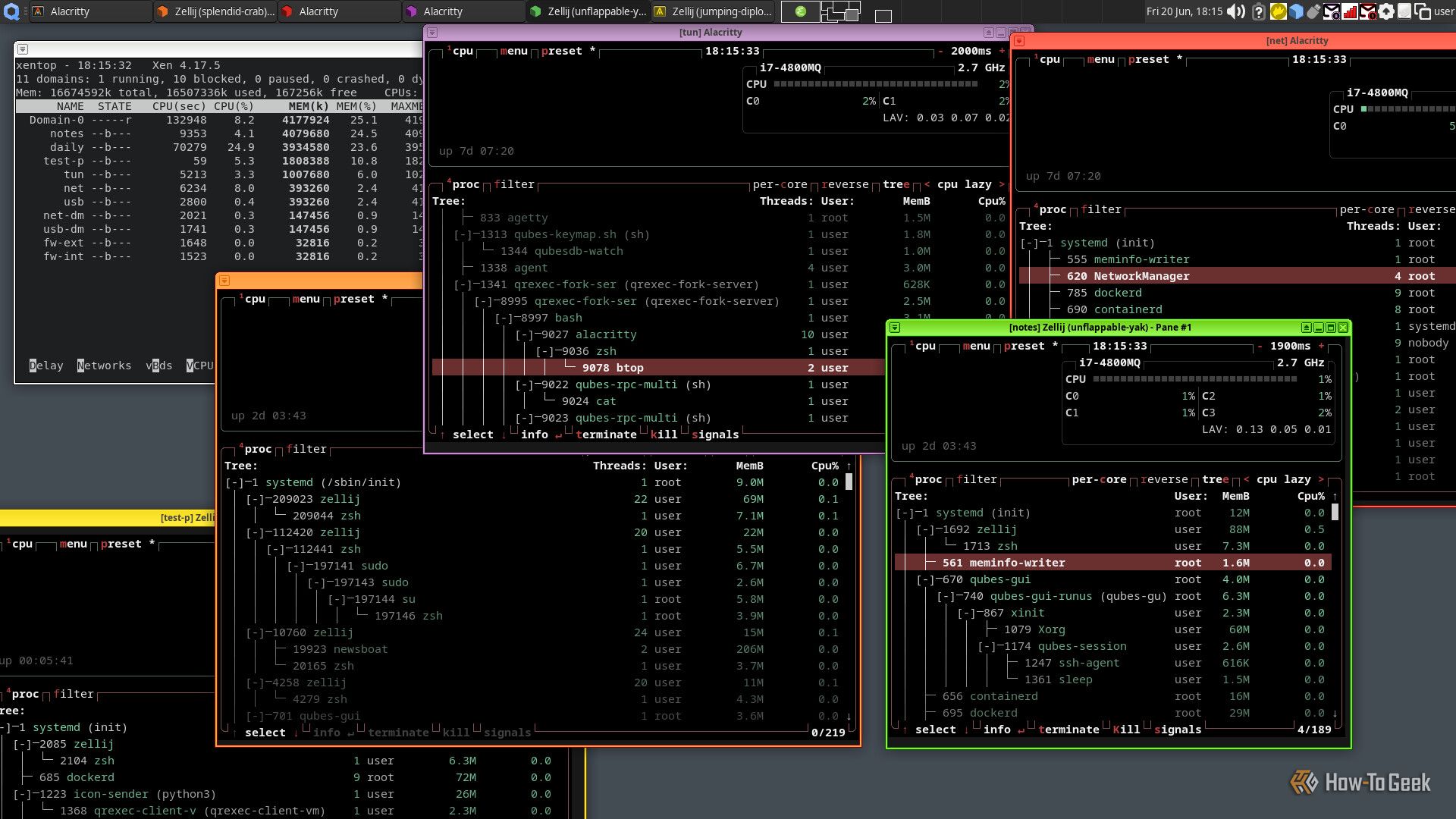
Here’s the uncomfortable truth: no security operating system stops attacks dead in their tracks. Antivirus software scans for signatures, intrusion detection systems watch for heuristics, SELinux limits what an attacker can do — and Qubes is different. It doesn’t try to stop the attack; it assumes the attack will happen and works to contain it. Through strict compartmentalization, your high-risk activities don’t mix with your sensitive data. You can still lose files — just hopefully not the ones you care about most. Good security practices still matter. But at least nobody uses sudo on Qubes!
Not Too Difficult — And Increasingly Necessary
Qubes isn’t as complicated as people think. The most annoying part is making sure you have the right hardware, but with modern tech and a bit of planning, installation is surprisingly smooth. 16 GB of RAM and a 500 GB SSD will do the job fine.
For a long time, few people saw the point of online privacy either — but that’s changing fast. I believe the same will happen with Qubes. As our digital lives grow more exposed and the scale of modern attacks keeps increasing, security-focused operating systems like Qubes will go from niche to necessary. The myths will fade. The reality is far more encouraging than the rumor mill suggests.
— Based on reporting by Graeme Peacock, a Linux expert with over 15 years of hands-on experience across Ubuntu, Gentoo, Arch Linux, Qubes, and Fedora.


