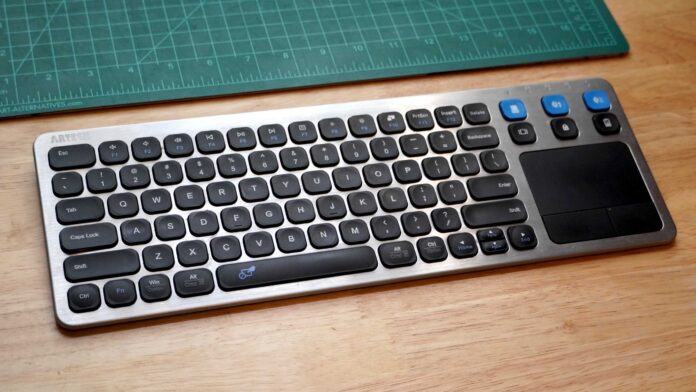

Smart TVs have come a long way, but their remote controls are still stuck in the past. Typing in search terms, passwords, and streaming service credentials using a directional pad is a painful experience that hasn’t changed much in a decade. That’s where a simple $40 keyboard comes in.
I tried using my smart TV’s on-screen keyboard for months, growing increasingly frustrated with every password I had to enter. Then I picked up a small wireless keyboard with a built-in trackpad, and it completely transformed my TV experience.
For about $40, this keyboard solved my biggest smart TV annoyance. Suddenly, searching for content took seconds instead of minutes. Entering Wi-Fi passwords became effortless. Browsing streaming catalogs felt natural instead of tedious.
Most wireless keyboards work seamlessly with modern smart TVs via Bluetooth or USB dongle. They’re compact enough to keep on your coffee table and typically include media controls for volume, playback, and app switching.
If you’ve been putting up with your smart TV’s built-in keyboard, do yourself a favor. Spend $40 on a wireless keyboard. It’s the cheapest upgrade you can make to your TV setup, and it will save you hours of frustration over the life of your television.


