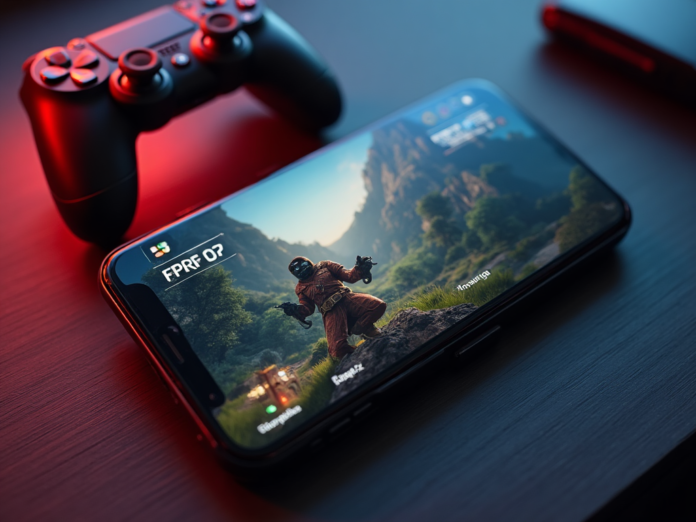

Your Android Phone Is Now a PC Gaming Machine
Imagine playing Skyrim on your phone. Not streaming it — actually running it locally. That’s the promise of GameHub, a free Android app from GameSir that uses a customized Proton compatibility layer to run PC games directly on ARM processors.
We tested it on the Galaxy Z6 Fold, and the results surprised us. Here’s everything you need to know.
What Is GameHub?
GameHub is a free Android app that lets you download and play full PC games locally on your phone. It connects to your Steam and Epic Games Store libraries, uses a Proton-based compatibility layer optimized for ARM, and runs the games directly on your device. No cloud streaming, no remote PC required.
How to Set It Up
- Download GameHub from the Google Play Store
- Sign in to your Steam and/or Epic Games accounts
- Check each game’s compatibility rating (3+ stars recommended)
- Download your chosen game and launch it
- Optimize GPU drivers through the app
- Connect a Bluetooth controller for the best experience
Performance: What We Found
Results were mixed but promising. Skyrim ran at a smooth 60 FPS. 20 Minutes Till Dawn hit 60 FPS easily. Hades 2 managed a playable 30-45 FPS. But not everything worked: Absolum and Bravely Trigger 2 refused to launch, and Slow as Disco (built on Unreal Engine 5) was missing components.
GameHub vs the Alternatives
GameHub offers free offline play with no subscription — a major advantage. But compatibility is limited compared to cloud streaming services. Steam Link and GeForce Now work on any device with a good internet connection, while GameHub needs a powerful phone with ample storage.
Tips for the Best Experience
- Use a Snapdragon 8-series phone or equivalent
- Aim for 8GB+ of RAM
- Make sure you have plenty of free storage
- Stick to verified games with high compatibility ratings
- Experiment with different GPU driver options
- Use a Bluetooth controller — touch controls are not great for PC games


