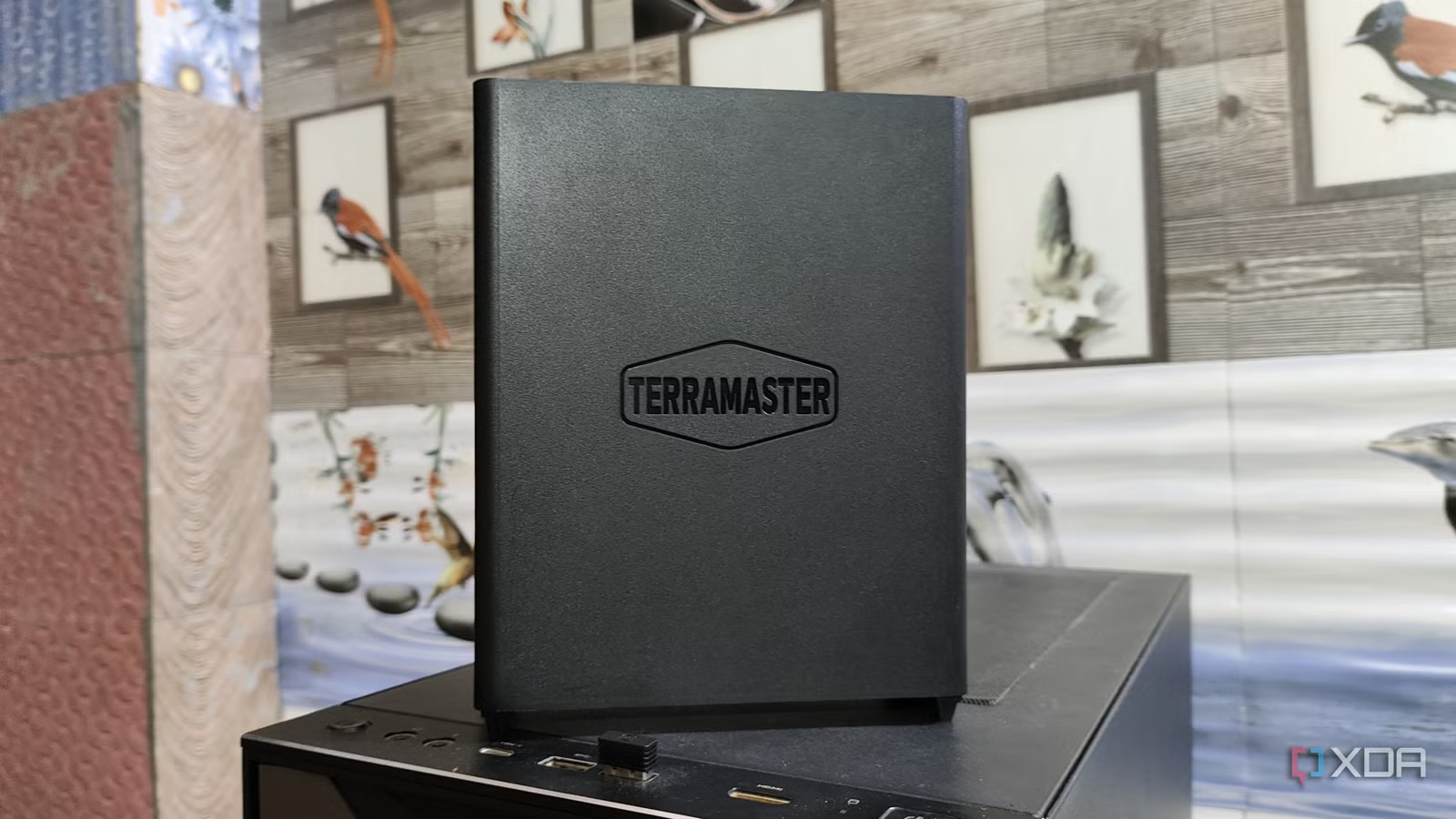

Ditch the Subscription Trap: How TerraMaster NAS Can Save You Money
Are you tired of seeing your hard-earned money disappear into a black hole of monthly subscription fees? With the rising cost of streaming services, cloud storage, and other digital necessities, many are seeking alternatives. A network-attached storage (NAS) device offers a powerful solution, providing centralized storage, data backup, and even the ability to self-host applications, and now is a perfect time to pick one up thanks to sales and deals. Let’s explore how a TerraMaster NAS can transform your digital life and potentially save you hundreds of dollars annually.
Unlocking the Potential of Network-Attached Storage (NAS)
A network-attached storage (NAS) device is essentially a mini-server that connects to your home or office network. This allows you to store and access files from any device on the network, including computers, smartphones, and smart TVs. But the real power of a NAS lies in its ability to run applications and services, effectively allowing you to create your own private cloud.
Why Choose a NAS?
- Centralized Storage: Consolidate all your files – documents, photos, videos, music – into one central location. No more scattered files across multiple devices and external hard drives.
- Data Backup & Redundancy: Protect your valuable data with automated backups and RAID (Redundant Array of Independent Disks) configurations. RAID ensures that even if one drive fails, your data remains safe.
- Remote Access: Access your files from anywhere in the world with an internet connection. Perfect for travelers or those who need to collaborate with others.
- Self-Hosting Capabilities: This is where a NAS truly shines. Run your own media server (like Plex or Jellyfin), file sharing service (like Nextcloud), photo management platform (like Immich), and much more.
- Cost Savings: While the initial investment may seem significant, a NAS can pay for itself over time by replacing expensive subscription services.
Prime Day NAS Deals: Your Gateway to Savings
Promotional events like Amazon Prime Day often offer substantial discounts on NAS devices, making it an ideal time to invest. Many see discounts of up to 30% on TerraMaster enclosures. Remember that in addition to the NAS enclosure itself, you’ll also need to factor in the cost of hard drives or SSDs, as they typically don’t come pre-installed.
TerraMaster NAS: A Deep Dive into Featured Models
TerraMaster offers a range of NAS devices to suit various needs and budgets. Here’s a closer look at some of their popular models, highlighting their key features and capabilities.
TerraMaster F2-424: Compact Power for Home Users
The TerraMaster F2-424 is a great entry-level option for home users looking to consolidate their data and explore self-hosting.
- Processor: Intel N95 processor (efficient and capable)
- Memory: 8 GB of RAM (sufficient for running multiple applications)
- Drive Bays: Two 3.5-inch drive bays (allows for ample storage capacity and RAID configuration)
- Networking: 2.5 GbE networking (provides fast data transfer speeds)
This model is well-suited for tasks such as:
- Centralized file storage and backup.
- Streaming media using Plex or Jellyfin.
- Running a small Nextcloud instance for file sharing.
- Photo and video management with Immich.
TerraMaster F8 SSD: Unleash the Speed of All-Flash Storage
For users who prioritize speed and performance, the TerraMaster F8 SSD is an all-flash NAS enclosure that delivers exceptional responsiveness.
- Drive Bays: Eight M.2 2280 slots (supports high-speed NVMe SSDs)
- Maximum Capacity: Up to 64 TB (allows for significant storage capacity)
- Processor: Intel N95 CPU (provides sufficient processing power for demanding workloads)
- Memory: 8 GB DDR5 RAM (faster and more efficient than previous generations)
- Networking: 10 GbE network port (enables lightning-fast data transfers)
The F8 SSD is ideal for:
- Video editing and other professional applications that require high-speed storage.
- Running demanding virtual machines or containers.
- Creating a high-performance media server.
- Anyone who wants the absolute fastest possible NAS experience.
Keep in mind that while the F8 SSD offers incredible performance, it also comes with a higher price tag due to the cost of the SSDs.
TerraMaster F8 SSD Plus: Max Out Your Home Server
The TerraMaster F8 SSD Plus takes the all-flash NAS concept to the next level, offering even more power and flexibility.
- Processor: Intel Core i3 N305 processor
- Memory: 16GB DDR5 SODIMM
- Drive Bays: 8 M.2 slots (PCIe 3.0)
- Ports: 2x USB 3.2 Type-A ports, 1x USB 3.2 Type-C port, 1x HDMI socket, 1x 10GbE RJ45 port
- OS: TOS 6
With the i3 N305, you’ll have the freedom to run heavier applications like virtualization or more complex database solutions.
TerraMaster F6-424: The Powerhouse for Home Labs
If you need a NAS with a lot of storage capacity and expansion options, the TerraMaster F6-424 is an excellent choice.
- Drive Bays: Six 3.5-inch drive bays (supports large-capacity hard drives)
- Processor: Intel Core i5 CPU (provides ample processing power for running multiple services)
- Applications: Home Assistant, Nextcloud, Docker support
- Ideal Uses: Smart Home hub, Self-hosted cloud office, app experimentation
This model is perfect for:
- Building a comprehensive home lab environment.
- Storing large media libraries and backups.
- Running a variety of self-hosted applications and services.
- Setting up a powerful Plex media server with transcoding capabilities.
TerraMaster F4-424 Pro: Compact and Powerful
The TerraMaster F4-424 Pro is one of the brand’s most powerful servers for the home and office in a compact package.
- Processor: Intel Core i3-N300
- Memory: 32 GB DDR5
- Drive Bays: 4
- Expansion: 2x M.2 PCIe NVMe
- Ports: 2x 2.5 GbE, 2x USB-A 3.2 Gen 2×1, 1x HDMI
Because you have the option of running an OS of your choosing, this NAS server can be tailored to the exact experience you require.
Choosing the Right NAS for Your Needs
Selecting the right NAS depends on your individual requirements and budget. Here are some factors to consider:
- Storage Capacity: How much storage space do you need? Consider your current storage usage and future growth.
- Performance: Do you need high-speed data transfers or the ability to run demanding applications?
- Drive Bays: How many drive bays do you need? More drive bays allow for greater storage capacity and more robust RAID configurations.
- Features: What features are important to you? Do you need 10 GbE networking, M.2 SSD slots, or specific software integrations?
- Budget: How much are you willing to spend on a NAS and drives?
Comparison Table:
| Feature | TerraMaster F2-424 | TerraMaster F8 SSD | TerraMaster F6-424 |
|---|---|---|---|
| Drive Bays | 2 | 8 (M.2 SSD) | 6 |
| Processor | Intel N95 | Intel N95 | Intel Core i5 |
| RAM | 8 GB | 8 GB DDR5 | Varies |
| Networking | 2.5 GbE | 10 GbE | Varies |
| Target User | Home User | Performance Enthusiast | Home Lab Enthusiast |
| Primary Use Case | File Storage & Media Streaming | High-Speed Applications | Home Lab & Media Server |
Take Control of Your Data and Your Wallet
Investing in a TerraMaster NAS is an investment in your digital freedom and financial well-being. By consolidating your data, protecting your files, and self-hosting your favorite applications, you can break free from the subscription trap and take control of your digital life.
With the potential for significant savings during events like Amazon Prime Day, now is the perfect time to explore the world of NAS and discover how a TerraMaster device can transform your home or office. What do you think about NAS solutions? Do you already have one? Let us know in the comments below!
Sources & Further Reading:
Original article at www.xda-developers.com


