
Unlock Your Health Potential: How Your iPhone Tracks Fitness Metrics Without a Fitness Tracker
Did you know that your iPhone is a silent health monitor, diligently tracking your activity levels and sleep patterns? Many people invest in fitness trackers or smartwatches for these features, but the truth is, your iPhone already has the built-in capabilities to monitor key health metrics. This article will explore how to use your iPhone for health tracking purposes, detailing the metrics it measures and how to access this valuable data. This information empowers you to take charge of your well-being without purchasing additional devices.
The Powerhouse in Your Pocket: Exploring iPhone Health Tracking Capabilities
Your iPhone is more than just a communication device; it’s a sophisticated health and fitness companion, capable of tracking a wide range of metrics with remarkable accuracy. Let’s delve into the various features built into your iPhone that can help you monitor your health and fitness journey.
Step Counting: The Foundation of Fitness Tracking
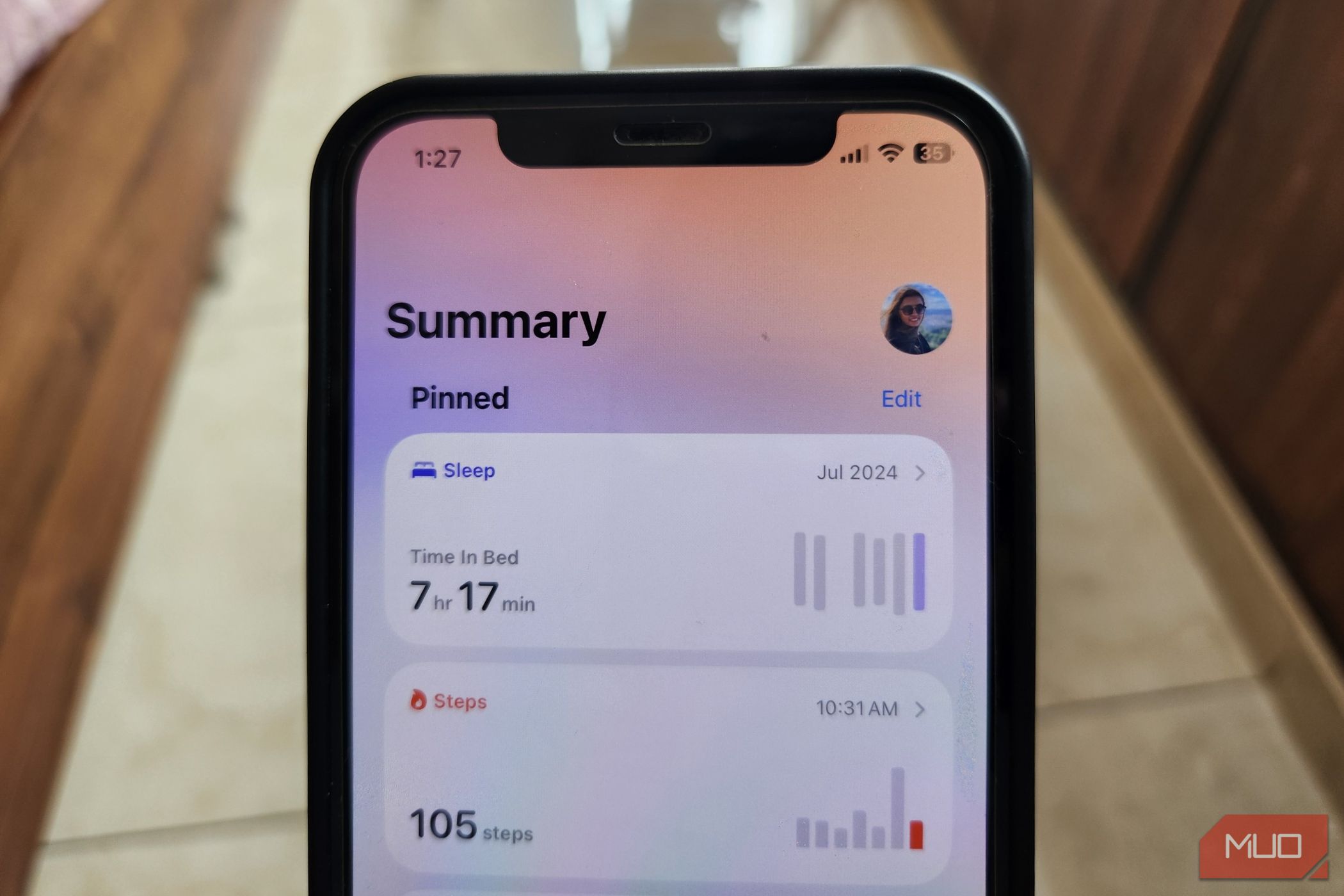
Step counting is a cornerstone of many fitness regimens, providing a simple yet effective way to gauge daily activity. What many don’t realize is that their iPhone automatically tracks steps. Utilizing built-in accelerometers and gyroscopes, the iPhone silently logs your movement throughout the day, whether you’re walking to work, running errands, or simply moving around your home. This data is neatly organized within the Health app, allowing you to view your step count by the hour, day, week, month, or year.
- How it works: The accelerometer measures the rate of change of velocity of the iPhone, while the gyroscope measures the orientation and angular velocity. These sensors work together to accurately determine when a step is taken.
- Accessing your data: Open the Health app > Summary tab > Steps.
- Widget convenience: Add a step counter widget to your Home Screen or Lock Screen for at-a-glance updates.
While accuracy can be affected if your phone isn’t on you at all times, keeping it in your pocket, bag, or hand provides surprisingly reliable step tracking data.
Measuring Walking and Running Distance: Beyond Simple Steps
Beyond step counting, your iPhone leverages its sensors to estimate the distance you cover while walking or running. This feature goes beyond simply counting steps; it analyzes your movement patterns, speed, and direction to provide a more accurate distance calculation.
- Location: Health app > Walking + Running Distance section.
- How it works: The iPhone uses the GPS in addition to the accelerometer and gyroscope to get a more accurate reading than just number of steps.
This feature is particularly useful for tracking progress during workouts or monitoring your daily commute.
Analyzing Step Length: Uncovering Insights into Your Gait
Your iPhone health tracking abilities extend to analyzing your step length, providing valuable insights into your walking style and overall fitness. Shorter steps often indicate a slower pace or casual movement, while longer strides typically suggest a faster walk or run.
- Access: Health app > Walking Step Length section. The data is broken down by walking and running.
- What it reveals: Changes in your average step length over time can hint at improvements in fitness or shifts in your walking style. For example, if you’re recovering from an injury, you can see when your step length increases and track your progress.
Walking Steadiness: Assessing Balance and Stability
Did you know your iPhone can help assess your walking steadiness? By utilizing motion sensors and custom algorithms, it tracks key metrics like walking speed, step length, double support time, and walking symmetry to evaluate your stability.
- Location: Health app > Browse/Search > Mobility > Walking Steadiness.
- Categories: Your steadiness is classified as OK, Low, or Very Low.
- Alerts: Set up notifications to receive alerts if your walking steadiness declines, which could be an early sign of instability or increased fall risk.
- Setup: Health app > Summary tab > Profile Photo > Health Checklist > Walking Steadiness Notifications.
Tracking Flights Climbed: Measuring Vertical Activity
For those who frequently use stairs, the iPhone tracks the number of flights you climb each day. Using its barometer and accelerometer, it detects changes in elevation to determine when you’ve ascended or descended a level.
- Where to find it: Health app > Flights Climbed category.
- Benefits: Encourages incidental exercise and provides a metric to increase daily activity.
Sleep Monitoring: Assessing Your Rest Patterns
Even without an Apple Watch, your iPhone can monitor your sleep patterns to provide insights into your nightly rest. The sleep tracking feature uses your phone’s sensors to detect stillness during scheduled sleep hours, and factors in app usage and screen activity to estimate when you fall asleep and wake up.
- Getting started: Health app > Browse/Search > Sleep.
- Features: Set a sleep schedule, wind-down time, and bedtime reminders.
- Data: Track patterns in your sleep duration and consistency.
- Sleep Focus: Use sleep data to set up Sleep Focus to block alerts during your sleep schedule.
While not as comprehensive as dedicated sleep trackers that monitor heart rate and sleep stages, the iPhone provides a valuable overview of your sleep habits.
Double Support Time: Understanding Your Walking Cycle
Double Support Time refers to the portion of your walking cycle when both feet are on the ground simultaneously. In healthy adults, this typically falls between 20 and 40 percent.
- Location: Health app > Browse/Search > Mobility > Double Support Time.
- Interpretation:
- Higher double support time: Slower, more cautious walk, often seen in people with balance issues or injuries.
- Lower double support time: Greater confidence, speed, and better balance.
Headphone Audio Levels: Protecting Your Hearing
If you frequently use headphones, your iPhone’s Headphone Audio Level tracking feature can help protect your hearing. Regardless of the headphones you use, your iPhone measures sound exposure in real-time.
- Location: Health app > Browse/Search > Hearing > Headphone Audio Levels.
- Functionality: Tracks volume and duration to estimate noise exposure.
- Notifications: Enable Headphone Notifications to receive alerts when it’s time to lower the volume.
- Why it’s important: Protecting your hearing is crucial for long-term health. According to the World Health Organization, over 1 billion young people are at risk of hearing loss due to unsafe listening practices.
iPhone vs. Dedicated Fitness Trackers: A Comparison
While the iPhone offers a wealth of health tracking features, it’s important to understand its limitations compared to dedicated fitness trackers.
| Feature | iPhone | Dedicated Fitness Tracker (e.g., Apple Watch, Fitbit) |
|---|---|---|
| Heart Rate Tracking | No (without Apple Watch) | Yes |
| Sleep Stages | Limited | More Detailed |
| GPS Accuracy | Dependent on iPhone GPS, can be less precise | Generally More Accurate |
| Convenience | Requires carrying the phone | Worn on the wrist, always tracking |
| Battery Life | Can be drained quickly with constant tracking | Longer battery life specifically for tracking |
Conclusion: The iPhone is a great choice for basic tracking, while dedicated trackers offer more specialized and accurate data, as well as continuous monitoring.
Conclusion: Empowering Your Health Journey with Your iPhone
Your iPhone is a powerful tool for monitoring your health and fitness, offering a wide range of features to track your activity levels, sleep patterns, and even protect your hearing. While it may not replace dedicated fitness trackers for advanced metrics or constant monitoring, it provides a convenient and accessible way to stay informed about your well-being. Take advantage of the built-in health tracking capabilities of your iPhone to make informed decisions about your lifestyle and empower your journey to a healthier you. What do you think about using your iPhone for health tracking? Comment below!
Sources & Further Reading:
Original article at www.makeuseof.com


