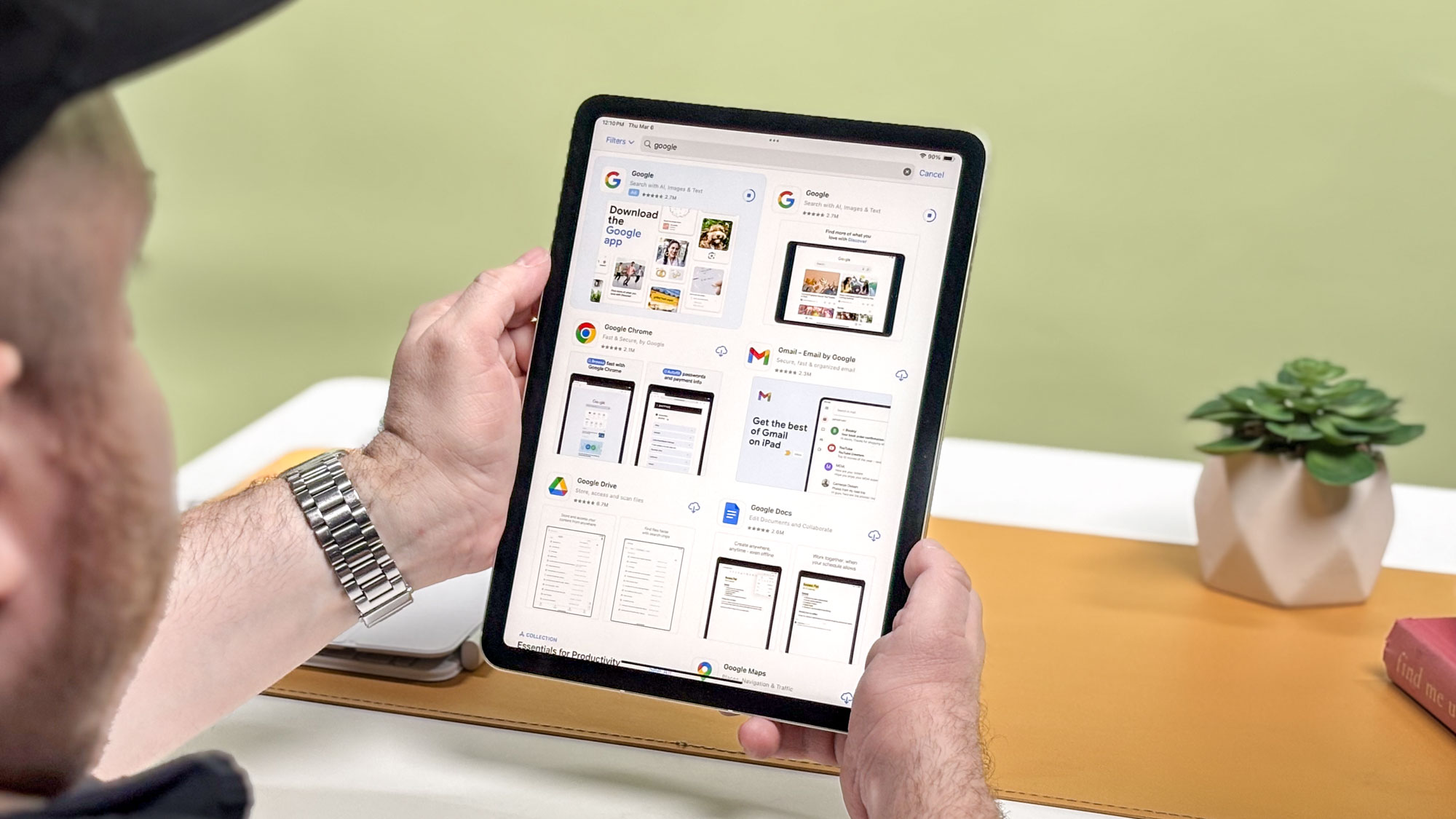

Can an iPad Really Replace Your Laptop for Work? 5 Essential Apps for Getting Things Done
Are you tired of lugging around a heavy laptop? For years, the dream of a truly mobile workspace has been just out of reach. But could your iPad actually replace your laptop for work? For many professionals, especially those who primarily work with text and online collaboration, the answer is a resounding yes. By carefully selecting the right iPad apps, you can transform your tablet into a powerful productivity machine. Let’s explore five essential apps that can help you ditch your laptop and embrace the freedom of working on the go.
Unleash Your iPad’s Potential: Top Apps for Productivity
The iPad has evolved from a consumption device to a versatile tool for creation and collaboration. The following apps, selected by a seasoned journalist, demonstrate how to maximize your iPad’s capabilities for various professional tasks.
1. Jump Desktop: Access Your PC From Anywhere
Sometimes, you just need access to your desktop. Jump Desktop is a remote desktop application that allows you to connect to your Windows or Mac PC from your iPad. While it might feel like “cheating” to some, it’s an invaluable tool for accessing files, running specific programs, or performing tasks that are better suited for a traditional computer.
- Key Features:
- Compatibility with both Windows and Mac PCs.
- Supports RDP (Remote Desktop Protocol) and VNC (Virtual Network Computing) protocols.
- Full support for the iPad’s Magic Keyboard.
- Virtual mouse support through gestures.
- Easy setup without complex router configurations.
Jump Desktop allows users to seamlessly connect to their PCs remotely. It bridges the gap between tablet portability and desktop power. While it might not be ideal for streaming graphically intensive games, it excels at file transfer, accessing desktop applications, and even streaming movies or music, provided you have a strong internet connection.
People Also Ask: What is the best remote desktop app for iPad? Jump Desktop is a strong contender, known for its ease of use and robust feature set, making it a top choice for accessing your PC remotely from your iPad. Other remote access apps include TeamViewer and AnyDesk.
2. Things 3: Stay Organized and On Track
Staying organized is crucial for productivity, especially when working remotely. Things 3 is a powerful to-do list and task management app that helps you keep track of your projects, deadlines, and daily tasks.
- Key Features:
- Intuitive and uncluttered interface.
- Ability to create to-do lists within different areas of your life (work, family, etc.).
- Email integration for adding tasks directly from your inbox.
- iPad Share function for creating to-dos from other apps.
- Home screen widgets for at-a-glance task management.
While it may seem like “just a fancy to-do list app,” Things 3 distinguishes itself through its thoughtful design and ease of use. The ability to forward emails directly to your Things inbox is a game-changer for capturing tasks quickly. Moreover, the seamless integration with the iPad’s Share function allows you to create to-dos from virtually any app. Its widget support adds another layer of convenience, keeping your key projects and tasks visible on your home screen.
LSI Keywords: Task management apps for iPad, iPad productivity apps, best to-do list apps for iPad, project management on iPad.
3. Microsoft Word: Your Go-To for Writing and Editing
For many professionals, Microsoft Word remains the industry standard for document creation and editing. Having Word on your iPad allows you to work on documents from anywhere, collaborate with colleagues, and review files on the go.
- Key Features:
- Full compatibility with Microsoft Word file formats.
- Apple Pencil support for annotating and marking up documents.
- Templates for quickly creating invoices, resumes, and other documents.
- Access to formatting and styling options.
- Cloud-based collaboration features (with a Microsoft 365 subscription).
The convenience of having Microsoft Word on your iPad cannot be overstated, especially if your work involves writing, editing, or reviewing documents. The ability to use the Apple Pencil to mark up documents is a particularly useful feature for editors and reviewers. While a Microsoft 365 subscription is required to unlock the full functionality of the app, the benefits of mobile document editing may outweigh the cost for many professionals.
Alternatives include Apple’s Pages and Google Docs.
People Also Ask: Is Microsoft Word free on iPad? The Microsoft Word app itself is free to download, but to access the full range of features, you’ll need a Microsoft 365 subscription. You can view documents without a subscription, but creating and editing requires one.
4. Slack: Stay Connected with Your Team
Effective communication is essential for any team, especially when working remotely. Slack is a popular messaging and collaboration platform that helps teams stay connected, share information, and coordinate tasks.
- Key Features:
- Real-time messaging and file sharing.
- Channels for organizing conversations by topic or project.
- Integration with other apps and services (e.g., Google Drive, Trello).
- Customizable notifications and alerts.
- Available on multiple devices (desktop, mobile, web).
Whether you use Slack, Discord, Microsoft Teams, or Google Chat, having a reliable communication tool on your iPad is crucial for staying in touch with your team. Slack’s robust features and integrations make it a powerful tool for remote collaboration, allowing you to share files, discuss projects, and receive important updates from anywhere.
H3: Alternative Team Communication Platforms
| Platform | Features | Pros | Cons |
|---|---|---|---|
| Slack | Channels, Direct Messaging, Integrations, File Sharing | Widely used, feature-rich, extensive integrations | Can be overwhelming, pricing can be a factor for larger teams |
| Microsoft Teams | Chat, Meetings, File Sharing, Collaboration within Microsoft 365 Suite | Integrated with Microsoft ecosystem, robust meeting features | Can be complex to set up, may require a Microsoft 365 subscription |
| Discord | Voice Channels, Text Channels, Screen Sharing, Community Focus | Excellent voice quality, strong community features, good for gaming | Less business-focused than Slack or Teams, less formal |
5. Whisper Notes – Speech to Text: Transcribe Interviews Effortlessly
For journalists, researchers, and anyone who conducts interviews, transcription can be a tedious and time-consuming task. Whisper Notes – Speech to Text is an iPad app that uses AI to transcribe audio files quickly and accurately.
- Key Features:
- Uses the Whisper AI model for transcription.
- Processes audio locally, without sending data to third-party servers.
- Allows recording audio directly on the iPad or importing audio/video files.
- Simple and easy-to-use interface.
- Relatively inexpensive compared to other transcription services.
While the iPad’s built-in Notes app offers basic audio transcription capabilities, Whisper Notes provides a more reliable and feature-rich solution. The fact that it processes audio locally ensures privacy and security, making it a great choice for sensitive interviews or recordings.
H3: Considerations for Choosing a Transcription App
When selecting a transcription app, consider these factors:
- Accuracy: How accurate is the transcription?
- Privacy: Does the app send your audio to a third-party server?
- Features: Does the app support importing audio files, editing transcripts, and exporting in different formats?
- Price: Is the app a one-time purchase or a subscription?
Conclusion: Embrace the iPad as Your Mobile Workstation
By equipping your iPad with these five essential apps, you can transform it into a powerful and versatile workstation. Whether you’re a journalist, writer, editor, or simply someone who wants to work more efficiently on the go, these apps can help you ditch your laptop and embrace the freedom of mobile productivity. These apps are just a starting point; explore other apps that cater to your specific needs and workflows. The iPad offers a flexible and customizable platform for getting work done, wherever you are. What do you think about using an iPad for work? Share your thoughts and favorite iPad apps in the comments below!
Sources & Further Reading:
Original article at www.tomsguide.com


