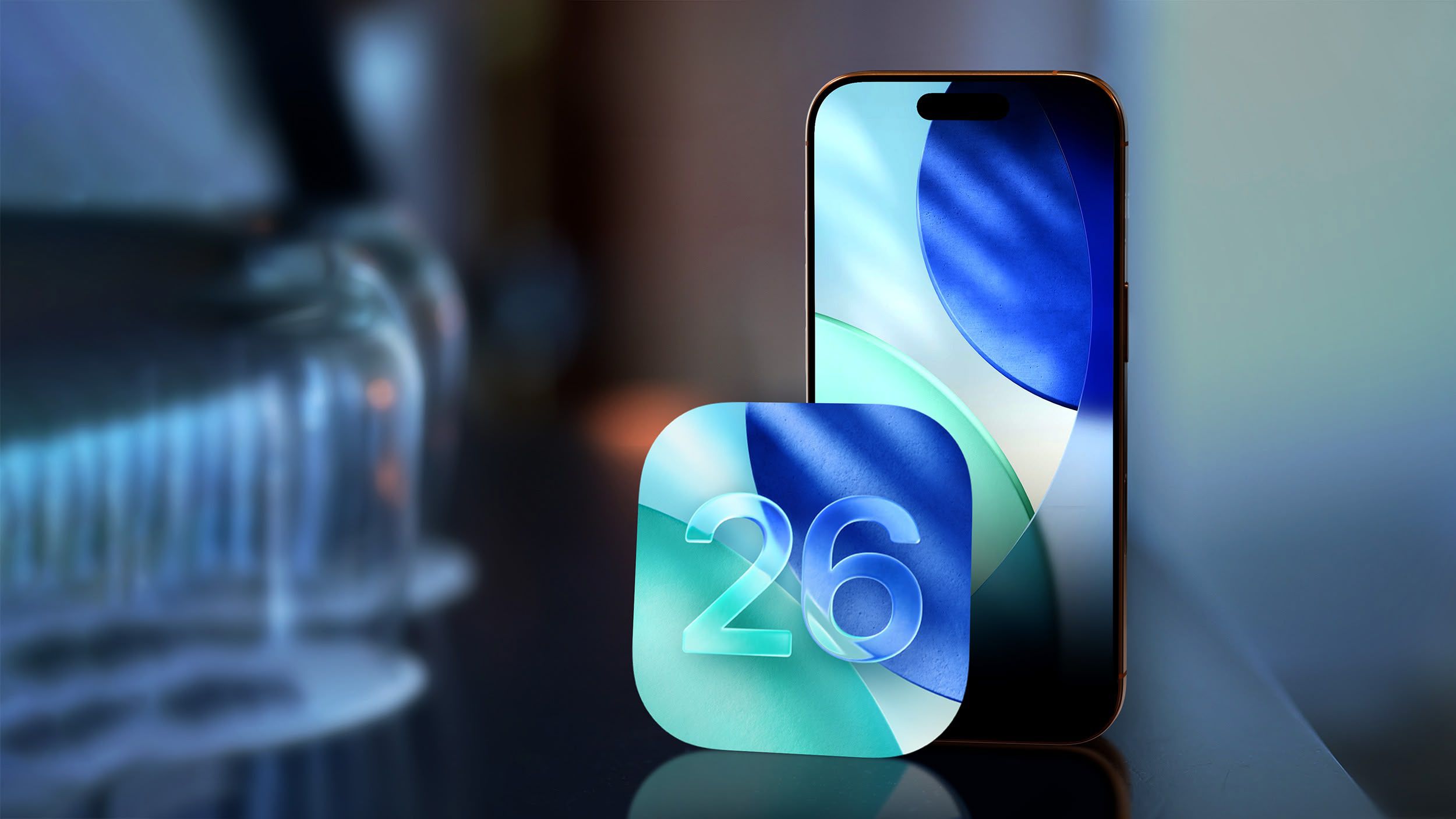

Is Apple’s New Liquid Glass Design in iOS 26 a Hit or Miss?
Are you ready for a radically different iPhone experience? In just three days, Apple is set to unleash iOS 26, and the buzz is all about its bold new design: Liquid Glass. This isn’t just a minor tweak; it’s a complete visual overhaul featuring translucent UI elements, rounded menu bars, simplified navigation, and eye-catching pop-out menus. But with such a drastic change comes debate. Some users are praising the sleek, modern aesthetic, while others worry about readability and excessive translucency. Let’s dive into what iOS 26 has to offer and explore the controversy surrounding its Liquid Glass design.
Unveiling iOS 26: A Deep Dive into the New Features
Beyond the visual spectacle of Liquid Glass, iOS 26 promises a host of new functionalities designed to enhance user experience. From long-awaited features to innovative additions, this update aims to make your iPhone more personalized and powerful.
The Liquid Glass Revolution: Design, Controversy, and Readability
The heart of iOS 26 lies in its Liquid Glass design. This aesthetic shift embraces translucency, aiming to create a more immersive and visually appealing interface. Imagine elements like notification panels, control center toggles, and even app backgrounds subtly blending with the content behind them. Rounded menu bars replace the sharp edges of previous iterations, offering a softer, more organic feel. Simplified navigation aims to streamline user flow, reducing clutter and making it easier to find what you need. Pop-out menus add a touch of dynamism, providing quick access to frequently used functions.
However, the beta testing phase has revealed a divided opinion on Liquid Glass. The core debate centers around the degree of translucency. Some testers feel that the effect is too subtle, failing to deliver the promised visual impact. Others believe that Apple has gone overboard, resulting in a cluttered and difficult-to-read interface. The contrast between text and background becomes crucial with translucent elements, and finding the right balance is proving to be a challenge. Consider the example of a light text overlayed on a bright image. If the translucency is too high, the text becomes almost invisible, requiring a conscious effort to decipher.
Source: UX Design principles for Transparency and Translucency.
Balancing Act:
- Pro-Translucency: Users seeking a modern, visually appealing interface that integrates seamlessly with their content.
- Anti-Translucency: Users prioritizing clarity, readability, and minimal visual distractions.
The ultimate success of Liquid Glass will depend on Apple’s ability to fine-tune the translucency levels and ensure optimal contrast for all users. Accessibility considerations are also paramount, as individuals with visual impairments may find the translucent elements particularly challenging.
Must-Have Features of iOS 26: What’s New and Exciting?
Beyond the design overhaul, iOS 26 boasts a collection of highly anticipated features, each designed to enhance the iPhone experience.
- Screening Phone Calls: Tired of spam calls and unwanted solicitations? iOS 26 introduces a built-in call screening feature that allows you to filter incoming calls based on caller ID or custom criteria. Imagine a world where you only answer calls from known contacts, effectively blocking out the noise of telemarketers and robocalls. This feature promises to give users greater control over their communication.
- Custom Snooze Duration: Finally, you can break free from the tyranny of the default snooze timer! iOS 26 allows you to set a custom snooze duration, tailoring it to your individual sleep patterns and preferences. Whether you need an extra five minutes or a full half-hour, the choice is now yours.
- Genmoji: Personalized Emojis for Expressive Communication: iOS 26 introduces Genmoji, a feature that lets you create personalized emojis based on your own photos and likeness. Imagine sending a Genmoji of yourself celebrating a victory, expressing sadness, or simply showing off your unique style. Genmoji promises to add a whole new level of personalization to your text messages and social media interactions.
- Live Translation: Breaking Down Language Barriers: iOS 26 introduces Live Translation, a feature that allows you to translate spoken or written language in real time. This is especially useful for conversations. While the Live Translation feature will not be available in the EU with EU Apple accounts when iOS 26 launches. This feature has the potential to make international travel, communication, and collaboration far more seamless and accessible.
These are just a few highlights of the many new features coming to iOS 26. Apple is clearly committed to pushing the boundaries of mobile technology and providing users with the tools they need to stay connected, productive, and entertained.
Beyond the iPhone: iPadOS 26 and macOS Tahoe
The innovations don’t stop with iOS 26. Apple is also releasing updates for its other operating systems, iPadOS 26 and macOS Tahoe. These updates are expected to bring similar design elements and feature parity across the Apple ecosystem. This means that the Liquid Glass design language and some of the new features, such as Live Translation and improved accessibility options, could be making their way to your iPad and Mac as well. Apple aims to provide a cohesive and seamless experience across all of its devices.
The Future of Apple: New Hardware and Software Integration
The arrival of iOS 26 coincides with a flurry of new hardware announcements from Apple. The company recently unveiled the iPhone 17 Pro and Pro Max, featuring a redesigned aluminum unibody, Ceramic Shield 2 for enhanced scratch resistance, and larger batteries for extended usage. Apple also introduced the iPhone Air, boasting an ultra-thin design and Ceramic Shield 2 on both sides. These new devices are designed to take full advantage of the features and design elements of iOS 26, creating a powerful and integrated user experience.
Rumors also suggest that Apple is preparing to launch two versions of the AirPods Pro 3, potentially with advanced features such as improved noise cancellation and enhanced spatial audio. These new AirPods, coupled with the Live Translation capabilities of iOS 26, promise to revolutionize the way we communicate and interact with the world around us.
The company continues to phase out the physical SIM card tray on iPhones, with the latest models relying solely on eSIM technology in more countries. This shift towards eSIM-only devices reflects Apple’s commitment to innovation and its vision for a more streamlined and connected future.
Conclusion: Embracing the Evolution of iOS
iOS 26 is poised to be a significant update, bringing a fresh visual identity and a host of new features to the iPhone. The Liquid Glass design is undoubtedly the most talked-about aspect, with its translucent UI elements and rounded menu bars. While the design has sparked debate, its potential to enhance the user experience is undeniable. Features like screen call screening, custom snooze durations, Genmoji, and Live Translation promise to make your iPhone even more powerful and personalized.
The arrival of iOS 26 alongside new hardware like the iPhone 17 and potential updates to AirPods Pro 3 signals Apple’s continued commitment to innovation and integration. As we eagerly await the official release, the question remains: Will Liquid Glass be a hit or miss?
What do you think about the new iOS 26 features, and particularly the Liquid Glass design? Share your thoughts in the comments below!
Sources & Further Reading:
Original article at www.macrumors.com


