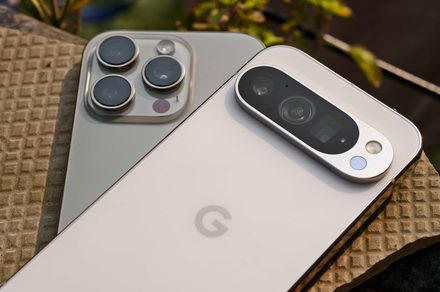

Switching from an iPhone to an Android device has never been the smoothest experience. Apple did introduce some improvements with iOS 26.3, which let users transfer things like photos, messages, notes, contacts, passwords, and apps wirelessly. Now, Google has completely revamped Android Switch, its migration tool, to make the process much more seamless for those making the leap from iOS to Android.
According to Paul Dunlop, Google’s product lead for Onboarding, Settings and Switching on Android, the company has worked closely with Apple to improve the migration experience on Android 17 devices. The update introduces a wireless-first transfer process, support for migrating more types of data, seamless Google Account and eSIM transfers, and new developer tools that can preserve app data when switching between platforms.
Here are all the new features coming to Android Switch.
No Cables, Extra Apps, or Complex Setup
One of the biggest changes is a new wireless-first migration experience. While Android Switch still supports wired transfers, Google says users no longer need special cables (like a USB-to-Lightning cable) or adapters to move their data from an iPhone. The wireless process now offers the same performance as a wired transfer.
Google has also integrated Android Switch directly into the setup process on both Android and iOS. Users no longer need to install separate migration apps or go through extra permission requests before transferring their data.
Another new addition is direct Google Account migration. Users can transfer their Google Account from an iPhone to a new Android device and be signed in automatically during setup. Android Switch can also transfer eSIM data for supported carriers. Wallpapers, home screen layouts, app placement, and accessibility settings can all be carried over as well.
Messages, Passwords, and App Data Now Carry Over Too
The list of supported data types has significantly expanded. Passwords, passkeys, Wi-Fi credentials, alarms, call history, files and folders, calendar attachments, encrypted RCS messages, and Apple Notes attachments and labels can all move through intact.
Google has also upgraded message transfers. SMS, MMS, RCS, and iMessage conversations can all be migrated, including large group chats, stickers, reactions, and conversation threads.
Google says it has also worked with Apple on new migration APIs that allow developers to preserve in-app data when users switch platforms. When supported, users can continue where they left off instead of starting from scratch after reinstalling apps on Android.
The tool is currently available on a small number of Android 17 devices, with a wider rollout planned over the coming weeks and months.


