
Reclaim the Tabletop Feel: How Beyond20 Bridges the Gap Between D&D Beyond and Virtual Tabletops
Do you miss the tactile joy of rolling physical dice during your Dungeons & Dragons sessions? While virtual tabletop roleplaying games (TTRPGs) offer unparalleled convenience for online play, they often lack the immersive feel of in-person games. However, the Beyond20 browser extension offers a compelling solution, seamlessly integrating the convenience of D&D Beyond with the functionality of virtual tabletops (VTTs) like Roll20 and Foundry. This article explores how Beyond20 enhances your online D&D experience by bridging the gap between these platforms, bringing quality-of-life improvements and a smoother workflow to your virtual adventures.
The Dichotomy of Virtual D&D: Convenience vs. Connection
Virtual D&D has become increasingly popular, offering players the chance to connect and explore fantastical worlds regardless of geographical limitations. While tools like D&D Beyond and VTTs like Roll20 and Foundry VTT offer fantastic features, they often feel disconnected, creating friction in the gameplay experience.
D&D Beyond: A Digital Character Sheet Powerhouse
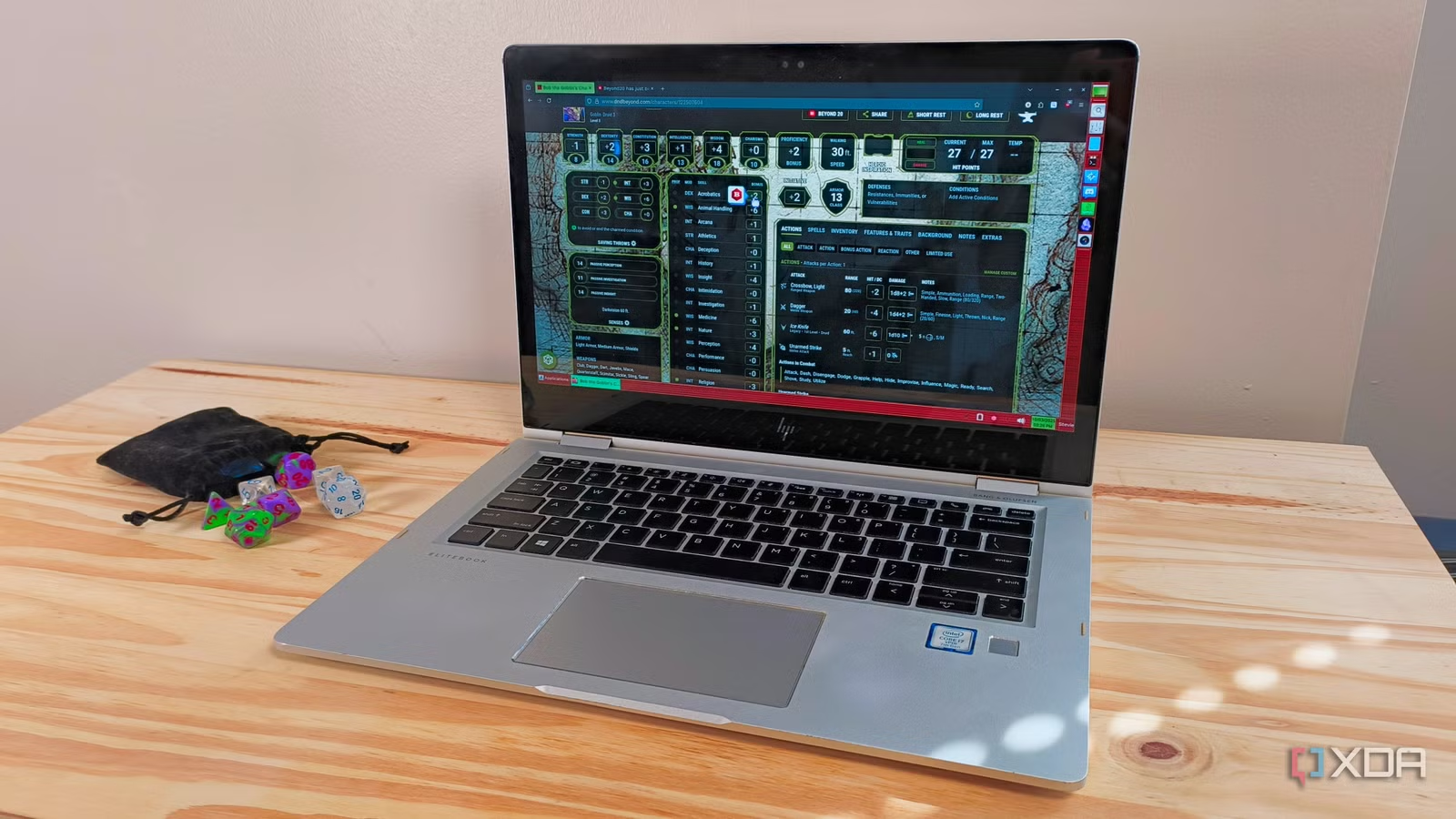
D&D Beyond is a comprehensive digital toolset for Dungeons & Dragons, offering character creation, spell management, and rulebook access. Its intuitive interface and automated calculations are particularly helpful for new players, streamlining character management. D&D Beyond offers several quality-of-life features, including:
- Digital Dice Rolling: D&D Beyond features 3D digital dice that provide a visual representation of your rolls, adding a touch of excitement to virtual games.
- Automated Calculations: The platform automatically calculates modifiers and bonuses, simplifying the rolling process and reducing errors.
- Leveling Up Made Easy: D&D Beyond automatically updates character sheets when leveling up, saving time and effort.
However, the platform’s isolation from VTTs presents a challenge. While D&D Beyond does have a virtual tabletop, it is in beta and therefore, many players still use third-party VTT platforms.
Virtual Tabletops: The Digital Game Board
Virtual Tabletop platforms like Roll20 and Foundry VTT simulate the experience of playing tabletop games in person. They provide features such as:
- Virtual Maps: Upload or create interactive maps for your adventures.
- Token Movement: Control character tokens on the map, mimicking miniature figures.
- Dice Rolling: Built-in dice rolling functionality, though often reported as buggy.
- Character Sheets: Manage character sheets directly within the platform.
One of the biggest challenges is transferring character information from D&D Beyond to these VTTs. Manually copying stats and abilities is time-consuming and prone to errors. While many VTTs offer character sheet options, they don’t always have the same convenience and automation as D&D Beyond. This creates a fragmented experience, forcing players to choose between the convenience of D&D Beyond and the visual richness of a VTT.
Beyond20: The Bridge Between Worlds
Beyond20 acts as a bridge, seamlessly connecting D&D Beyond to popular VTTs. This free browser extension allows players to roll dice directly from their D&D Beyond character sheets and display the results in their chosen VTT, eliminating the need for manual data entry and streamlining the gameplay experience.
Key Features of Beyond20:
- Direct Roll Integration: Roll dice from your D&D Beyond character sheet and see the results displayed in Roll20 or Foundry VTT. This includes all modifiers and bonuses automatically calculated by D&D Beyond.
- Spell and Item Sharing: Easily share spell descriptions and item information from D&D Beyond to your VTT. This feature is incredibly helpful during combat, allowing players to quickly reference spell effects and item properties.
- Flexible Dice Rolling: Players can choose to roll dice on either D&D Beyond or the VTT, and the results will be visible to everyone in the VTT. This allows players to use the platform they prefer while still maintaining a unified experience.
- GM-Focused Features: Beyond20 includes features specifically designed to assist Game Masters, such as the ability to “whisper” rolls (making them visible only to the GM) and automatically add initiative rolls to the turn tracker in Roll20 or Foundry VTT.
- 3D Digital Dice (Optional): If your VTT struggles with running 3D Digital Dice, Beyond20 allows you to use D\&D Beyond’s dice and displays them in the VTT.
The Benefits of Using Beyond20:
- Reduced Manual Effort: Eliminate the need to manually copy character sheets and update them when leveling up.
- Improved Communication: Streamline communication between players and the Game Master by providing a central location for all dice rolls and information sharing.
- Enhanced Player Flexibility: Allow players to use the platform they prefer while still maintaining a unified gaming experience.
- Streamlined Combat: Easily share spell and item information, making combat sessions more efficient and engaging.
- Increased Immersion: While not a replacement for physical dice, the integration of D&D Beyond’s digital dice can add a touch of visual flair to your online games.
Setting Up Beyond20: A Simple Process
Installing and setting up Beyond20 is a straightforward process:
- Install the Extension: Download the Beyond20 extension from the Chrome Web Store, Firefox Browser Add-Ons, or the Microsoft Edge Add-ons store.
- Open D&D Beyond and Your VTT: Open tabs in your browser for both D&D Beyond and your chosen VTT (Roll20 or Foundry VTT).
- Connect Beyond20: Open the Beyond20 extension on either tab. You should see an option to connect or sync with Beyond20. Follow the on-screen instructions to complete the connection.
Important Note: Beyond20 requires D&D Beyond and your VTT to be open in the same browser simultaneously to function correctly.
Addressing Common Concerns
Some users may have concerns about using browser extensions, particularly regarding security and performance. Beyond20 is a well-established extension with a large user base. However, as with any browser extension, it’s essential to download it from a trusted source and keep it updated.
Alternative Solutions:
While Beyond20 is a popular option, other alternatives exist. Some VTTs offer built-in integrations with D&D Beyond, though these may require a subscription or specific configurations. Additionally, some third-party tools and applications can facilitate data transfer between D&D Beyond and VTTs.
| Feature | Beyond20 | Native VTT Integration | Manual Data Entry |
|---|---|---|---|
| Data Transfer | Automatic | Automatic | Manual |
| Ease of Use | High | Medium to High | Low |
| Cost | Free | May require a subscription | Free |
| Potential for Error | Low | Low | High |
Conclusion: Enhance Your Virtual D&D Experience with Beyond20
Beyond20 provides a valuable service by seamlessly connecting D&D Beyond with popular virtual tabletops. By streamlining the dice rolling process, simplifying information sharing, and enhancing player flexibility, Beyond20 contributes to a more immersive and enjoyable online D&D experience. If you’re looking to bridge the gap between the convenience of D&D Beyond and the visual richness of VTTs, Beyond20 is a must-try.
What do you think? Have you tried Beyond20 or a similar extension? Share your experiences and thoughts in the comments below!
Sources & Further Reading:
Original article at www.xda-developers.com


