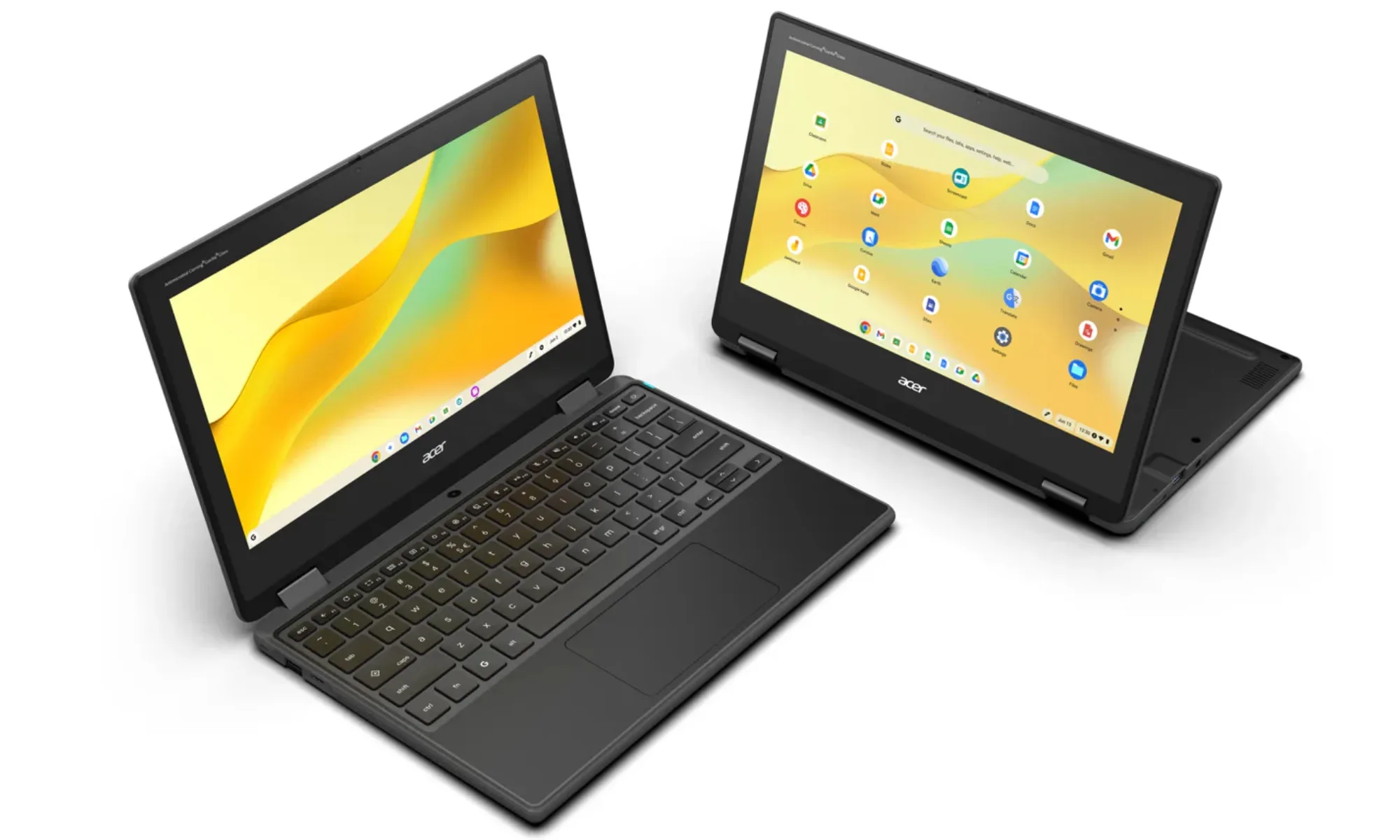

Navigating Education’s Digital Frontier: Why Aren’t More Devices Built Like Battle Tanks?
As Chromebooks continue to dominate K-12 classrooms, securing over half the market share according to analysts (research firms like Canalys frequently report this dominance), the conversation shifts from simply having devices to how they withstand the rigors of daily student life. Broken screens, spilled juice boxes, frequent drops – these are not accidents but inevitabilities in bustling school environments. Enter Acer’s latest salvo: the Chromebook 311 (C725) and the convertible Chromebook Spin 311 (R725T). Designed explicitly for institutional settings prioritizing durability, low maintenance, and dependable performance over bleeding-edge specs, these new models represent a calculated response to the real-world batter兩位 learning devices endure daily across thousands of schools nationwide.
Beyond Spec Sheets: The Chromebook Imperative in Modern Education favorably view Chrome OS-based devices?
Schools aren’t just buying laptops; they’re investing in ecosystems. Chrome OS’s affordability, effortless centralized management via Google Admin Console, rapid startup, inherent security features, and seamless updates have cemented its place in education. This OS revolution minimized IT headaches compared to traditional Windows environments needing constant patching and heavier management infrastructure. Chromebooks boot almost instantly, ensuring students and teachers lose minimal instructional time. Crucially, their reliance on cloud storage minimizes local hardware failure risks, while automated updates guarantee devices are always secure and running the latest software – a logistical nightmare otherwise in large school districts. This context makes new entrants like the Acer Chromebook 311 series significant; they build upon this established foundation while tackling the physical vulnerabilities of student devices.
Powering Up Young Minds: The MediaTek Kompanio 540 Advantage
Gone are the days of Chromebooks being underpowered entrants. At the computational heart of both new Acer models lies the MediaTek Kompanio 540 octa-core processor. This architecture represents a substantial leap for educational devices, specifically designed to handle:
- Everyday Workloads: Seamless multitasking across dozens of Chrome tabs, Google Docs/Slides/Sites, Classroom app interactions, and video conference platforms.
- Demanding Applications: Including STEM tools (coding environments like Scratch or Code.org, robotics software, CAD basics) and resource-intensive curricula such as Minecraft Education Edition.
- Enhanced Web Experience: Smoother interaction with complex web applications and educational platforms.
The Kompanio 540’s efficiency is crucial. Paired with proven configurations like up to 8GB LPDDR5X RAM (faster and more power-efficient than LPDDR4X) and flexible eMMC storage options (32GB, 64GB, or 128GB), it delivers snappy responsiveness without draining the substantial 45 Wh battery prematurely. This combination addresses past criticisms of Chromebooks struggling beyond basic web browsing. (Source on Kompanio Architecture: MediaTek Official Site).
Essential Specs at a Glance:
| Feature | Specification | Educational Benefit |
|---|---|---|
| Processor | MediaTek Kompanio 540 (Octaการณ์ Core) | Handles STEM apps & advanced tasks smoothly |
| RAM Option能力 | Up to 8GB LPDDR5X | Efficient multitasking, faster app switching |
| Storage Options | 32GB/64GB/128GB eMMC | Supports offline work; accommodates larger apps/resources |
| Display | 11.6″ HD IPS (1366×768), Low Blue Light Certified | Clear visuals, reduces eye strain during long use |
| Cameras | FHD Front Camera + Option for 5MP World Camera | Engaging remote learning; document/project capture |
| Connectivity | Wi-Fi 7 / Wi-Fi 6E & Bluetooth 5.3+ | Cutting-edge wireless for crowded classrooms |
| Battery | 45 Wh | Up to 15 Hours Rated Use |
Tailored Connectivity: Capturing Learning Moments Every which way
Acer understands communication and interaction are central to modern pedagogy. Thus, these Chromebooks feature:
- A crystal-clear 1080p front-facing webcam with dual microphones, critical for hybrid learning scenarios, video projects, and online collaboration – eliminating the blurry, pixelated frustration of older models.
- An


