
The Ever-Growing Hunger of Your TV: Conquering the HDMI Crisis
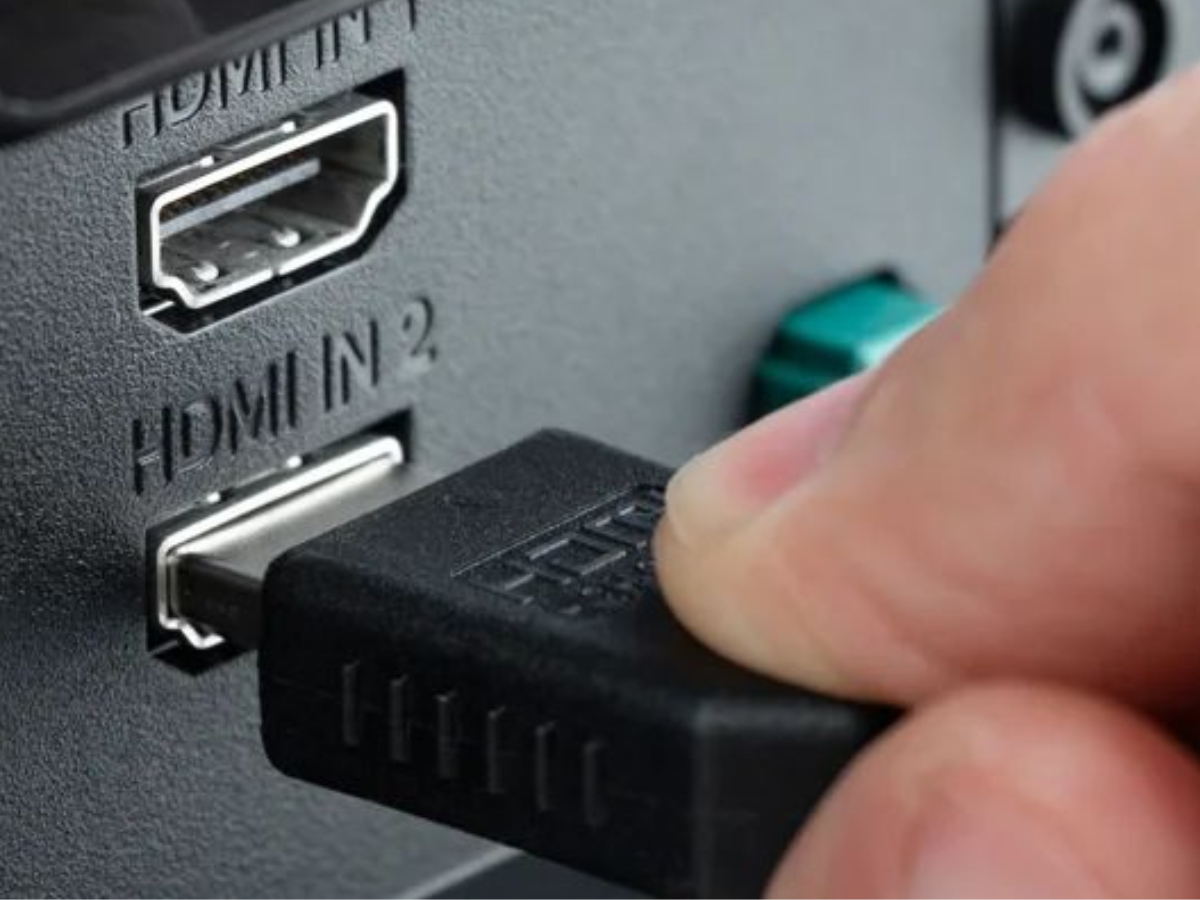
Ever stared at your television, surrounded by over a dozen sleek entertainment devices, only to realize your TV’s two lonely HDMI ports scream “Can’t feed them all!”? Welcome to one of the most universal frustrations plaguing modern home entertainment setups. Between gaming consoles (current and last-gen), streaming boxes, Blu-ray players, sound systems, and perhaps a trusty PC connection, those precious HDMI inputs vanish faster than popcorn during movie night. Constantly swapping cables isn’t just inconvenient; it risks damaging ports and saps the joy out of your setup. Thankfully, replacing your entire TV isn’t the answer. You have practical, often surprisingly affordable, paths to significantly expand your HDMI connectivity. Understanding the strengths and compromises of each solution is key to making the right choice.
The HDMI Lifesaver: Why Switches Win for Simplicity and Value
When sheer port capacity is the priority, the HDMI switch reigns supreme. Conceptually simple and executing its function flawlessly, an HDMI switch lets you plug multiple source devices into it. The switch itself plugs into just one HDMI input on your TV. Use a remote control, a button on the switch itself, or sometimes an elegant auto-switching feature to select which source feeds through to your display.
The appeal is undeniable:
- Cost-Effectiveness: Entry-level unmanaged 3-port switches can be found for under $20 USD. Feature-rich models with remotes and advanced support typically sit in the $30-$60 range. This is pocket change compared to upgrading your TV just for ports.
- Simplicity: Plug-and-play installation. No complex settings, firmware updates (usually), or complex configurations. Set it up once and forget it inside your media cabinet.
- Scalability: Options range widely. Basic models offer 2 to 3 ports, while common consumer devices easily provide 5 ports. Niche models exist offering up to 8 ports for truly expansive setups.
- Modern Compatibility: Most modern switches readily handle resolutions up to 4K @ 60Hz, sufficient for streaming devices (like Apple TV, Roku, Fire Stick), cable boxes, and older gaming consoles (PS4 Pro/Xbox One X).
However, navigating the nuances is critical to avoid disappointment:
- Feature Check is Crucial: Not all HDMI switches are created equal.
- HDR (High Dynamic Range – Dolby Vision, HDR10, HLG): Essential for lifelike contrast and color on supported TVs and content? Verify HDR passthrough compatibility explicitly.
- High Refresh Rates (HRR): If you own a PS5, Xbox Series X/S, or high-end gaming PC targeting 4K @ 120Hz gameplay for silky-smooth visuals, only switches advertising specific support for HDMI 2.1 bandwidth (or sometimes cleverly handling specific HRR standards via HDMI 2.0) will suffice. Many budget switches topping out at 4K@60Hz won’t pass a 120Hz signal.
- Audio Formats: While basic Dolby Digital/DTS surround passes through almost universally, support for advanced lossless formats like Dolby TrueHD or DTS-HD Master Audio for Blu-rays, and object-based formats like Dolby Atmos/DTS:X, isn’t guaranteed on budget switches. Ensure the specs match your needs.
- Variable Refresh Rate (VRR) & Auto Low Latency Mode (ALLM): Essential technologies for tearing-free, low-lag console gaming? Confirm the switch supports VRR (AMD FreeSync Premium/Adaptive Sync or NVIDIA G-Sync compatible) and ALLM if you’re a serious gamer.
- Buffer Ports: Electronics have a way of multiplying. Buying a switch with more ports than you immediately need is a wise hedge against future device acquisitions or unexpected needs.
AV Receivers: The Audio Powerhouse That Happens to Boost HDMI
AV Receivers (AVRs) serve as the central nervous system for dedicated home theater audio setups. Processing multiple surround sound channels and driving speakers, they inherently require routing audio and video signals. Consequently, virtually all modern AVRs feature multiple HDMI inputs (often 4-8) and a single HDMI output to your TV, effectively acting as a sophisticated HDMI hub.
While technically solving the HDMI port shortage, using an AVR primarily for ports is usually a misallocation of resources:
- Significant Cost: An entry-level credible AVR starts around $350-$500 USD. Mid-range models quickly climb to $800-$1500. This is orders of magnitude more expensive than even premium HDMI switches. You’re paying predominantly for audio amplification and processing power you might not utilize. (Reference: Typical AVR pricing – Crutchfield.com)
- Increased Complexity & Footprint: Setup involves connecting speakers, running a calibration process (like Audyssey or YPAO), managing input assignments, and integrating into your ecosystem. Units themselves are physically large and require adequate ventilation space.
- Potential Feature Lag: Especially with cutting-edge gaming features like 4K/120Hz or specific VRR implementations passing through HDMI 2.1 chipsets. While HDMI 2.1 adoption on receivers has accelerated, compatibility caveats existed early in the standard’s lifecycle. Always verify your desired resolution, refresh rate, HDR, and gaming feature support passes cleanly through the specific AVR model (HDMI.org Certification Database can help).
- Potential Compatibility Nuances: Issues like HDMI-CEC conflicts controlling multiple devices might sometimes arise.
The true value of an AVR manifests when audio is the primary upgrade goal:
- If you’re investing in a multi-speaker surround system (5.1, 7.1, Atmos) or significantly boosting two-channel audio quality.
- To centralize audio processing for all sources – ensuring lossless cinema soundtracks decode properly and routing everything cleanly to speakers/subwoofer(s).
- Effectively merging high-quality audio with HDMI expansion needs, justifying the expense.
Soundbars as HDMI Hubs: A Compromise-Driven Niche
The appeal is logical: soundbars enhance TV audio significantly over built-in speakers. Some high-end soundbars include multiple HDMI inputs alongside HDMI eARC (Enhanced Audio Return Channel) output to the TV. This suggests audio handling plus HDMI port expansion. While this can work, it often falls short of being a universally recommended solution.
The limitations are substantial:
- Limited Input Count: Entry-level and mid-range soundbars typically offer just one HDMI input. Finding models with 2 or 3 inputs is challenging and significantly increases cost, often placing them close to the territory of basic AVR setups without offering similar audio prowess. Models like the Samsung HW-Q800C or Sonos Arc fall into this premium niche.
- Inconsistent Passthrough Capability: Unlike dedicated switches or reputable AVRs, soundbars are notorious for compromised HDMI passthrough, especially concerning advanced video features:
- 4K@120Hz passthrough is rare.
- VRR (FreeSync, G-Sync) support is seldom guaranteed.
- Passing Dolby Vision HDR reliably can be hit-or-miss.
- Even basic auto-switching between inputs isn’t universal.
- eARC Dependency: To send lossless audio from the TV’s internal apps back to the soundbar (or to utilize ARC/eARC for downstream audio), you typically need to connect the soundbar to the TV’s dedicated ARC/eARC HDMI port, consuming one precious TV input outright before utilizing the soundbar’s own inputs.
- Niche Value Proposition: This approach only makes practical sense if:
- You were already planning to buy that specific premium soundbar with multiple inputs (using ports as a secondary benefit).
- You do not require advanced gaming features (4K@120Hz, VRR) pushed through the soundbar’s inputs.
- Your primary HDMI sources (besides the TV itself) are streaming sticks or cable boxes needing basic 4K@60Hz HDR passthrough.
Choosing Your Path Through the HDMI Maze
Navigating the HDMI expansion landscape boils down to prioritizing your needs and honestly assessing your budget and technical requirements:
| Solution | Best For | Major Pros | Key Cons & Considerations |
|---|---|---|---|
| HDMI Switch | • Most users • Adding ports cheaply & easily • Basic setups/home theater | • Low cost ($20-$60+) • Easy setup • Wide port scalability • Plug-and-play simplicity | • Limited true HDMI 2.1/gaming features on budget models • Verify HDR/VRA/audio support • Passive device, no audio processing |
| AV Receiver | • Dedicated surround sound setups • Audiophiles needing powerful amplification • Solving audio + port expansion | • |


