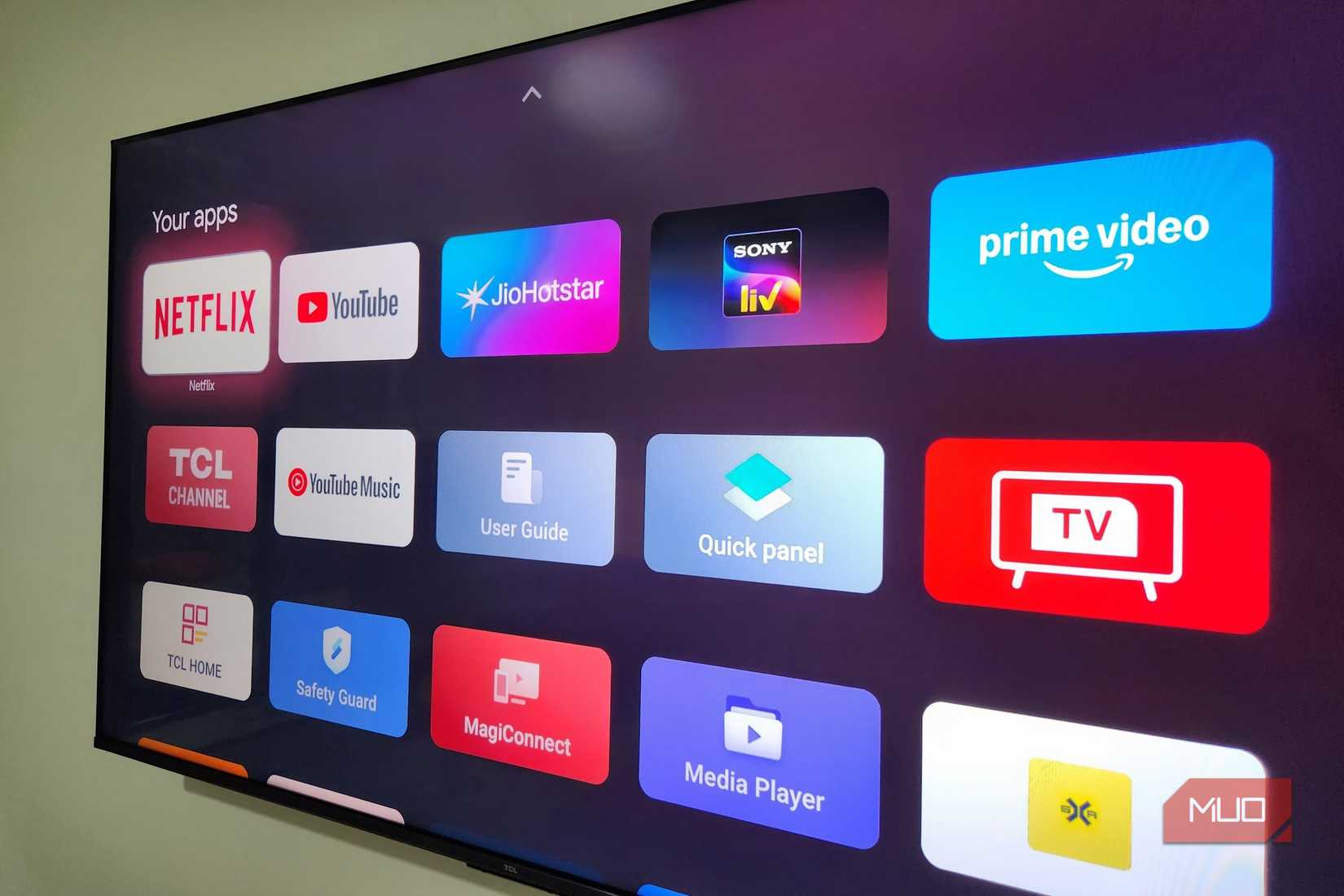

The Cluttered Reality of Modern Streaming
Does your smart TV feel more like a relentless digital billboard than a gateway to entertainment? You’re not alone. Major streaming platforms, particularly the increasingly popular Google TV interface, prioritize revenue-generating promotions and algorithmic recommendations over user control and simplicity. At first glance, Google TV boasts a visually appealing design with vibrant banners and curated rows of trending content. But many users soon discover a core frustration: relentless ads for unsubscribed services and impersonal suggestions drowning out their favorite apps. This overwhelming experience transforms a personal device into a marketing platform. If this resonates, the search for a better solution leads to alternatives like Projectivity Launcher—a third-party app that fundamentally reshapes the environment.
Dissecting the Google TV Dilemma: Ads, Clutter, and Compromise
Google TV’s core strength—content discovery—is also its Achilles’ heel. The default experience dedicates prime screen real estate to sponsored banners, shows from services you don’t own, and generic “Top Picks.” Integrity Partners reports that 72% of streaming users cite irrelevant recommendations as a major frustration. While designed to engage, this setup often produces fatigue. Imagine settling in for movie night and facing rows stacked with unfamiliar shows instead of instant access to Netflix or Disney+.
Why Apps Only Mode Isn’t the Savior You Hoped For
Google offers a partial fix: “Apps Only Mode.” Toggle this setting, and advertisements vanish. But it’s a pyrrhic victory. The option disables integral smart TV functions:
- Voice commands (Google Assistant integration vanishes)
- New app installations (You can’t download apps from the Play Store)
- Live TV integration (Cable or antenna feeds won’t display on the home screen)
This creates an absurd choice: endure aggressive ads or relinquish critical functionality. It’s not personalization—it’s punishment.
Projectivity Launcher: Reclaiming Your Home Screen
Unlike locked-down ecosystems (like Fire TV), Google TV allows third-party launchers. This openness enables apps like Projectivity Launcher to replace the stock interface entirely. Installation takes minutes via the Play Store—no sideloading needed. The transformation is immediate:
- Zero Ads, Zero Sponsored Content: Every inch of screen space belongs to your content.
- Streamlined Navigation: Apps appear front and center, followed by essential sections like Inputs and Continue Watching.
- Performance Boost: Without ad networks or recommendation algorithms constantly loading, navigation feels noticeably snappier—a benefit especially valuable on budget Google TV devices known for lag.
The Power of Personalized Layouts
While Google TV offers rigidity, Projectivity Launcher embraces adaptation. Its deep customization options adapt to how you consume media:
- Flexible Arrangement Options:
- Choose between a single horizontal row or grid layouts with 2-6 icons per row.
- Organize apps into custom categories (e.g., “Fitness Apps,” “Kids,” “Gaming”).
- Visual Control: Resize the clock, hide rarely used apps, change wallpapers, or tint the status bar.
- Priority-Based Design: Pin favorites or hide clutter (like pre-installed bloatware). It’s akin to customizing a smartphone home screen but scaled for the living room.
Unleashing Unsung Features
Projectivity goes beyond aesthetics with utilities the stock launcher ignores:
- Auto-Start Apps: Automatically launch Netflix, Hulu, or ESPN+ when the TV powers on—ideal for dedicated streaming fans.
- Simplified Sideloading: Directly install apps by entering an APK URL, bypassing awkward file transfers.
- Parental Controls: Lock the launcher settings to prevent accidental changes (or tiny hands rearranging your setup).
| Feature | Google TV Default | Apps Only Mode | Projectivity Launcher |
|---|---|---|---|
| Ad-Free Experience | ❌ No | ✅ Yes | ✅ Yes |
| Voice Control | ✅ Yes | ❌ Disabled | ✅ Yes |
| App Installations | ✅ Yes | ❌ Blocked | ✅ Yes |
| Live TV Integration | ✅ Yes | ❌ Removed | ✅ Yes |
| Home Screen Customization | Limited | None | Extensive |
| Unique Tools | None | None | Auto-launch, Sideloading, Parental Lock |
The table underscores Projectivity’s unique position: it delivers a clean interface without sacrificing functionality.
The Verdict: More Than an Alternative—An Upgrade
For those exhausted by ad bombardment and inflexibility, Projectivity Launcher isn’t just a tweak—it’s a revolution. It addresses fundamental pain points Google intentionally overlooks: control, simplicity, and performance. Most features are free, while premium unlocks (≈$8 one-time) include custom app icons and multi-profile support, a bargain compared to monthly subscription fees dominating the streaming world. Rooted in Android’s open-source philosophy like alternative launchers on mobile (as documented by Android Authority), launchers like Projectivity highlight how user agency can redefine a platform.
Your Living Room, Your Rules
Our TVs are central to daily life—yet we’ve tolerated interfaces prioritizing corporate interests over user experience for too long. Solutions like Projectivity Launcher prove a better way exists: focused, ad-free, and molded to individual habits. By stripping away the noise, you rediscover the joy of pure entertainment. Isn’t it time your TV truly worked for you? Share your experiences or favorite Google TV tweaks below!


