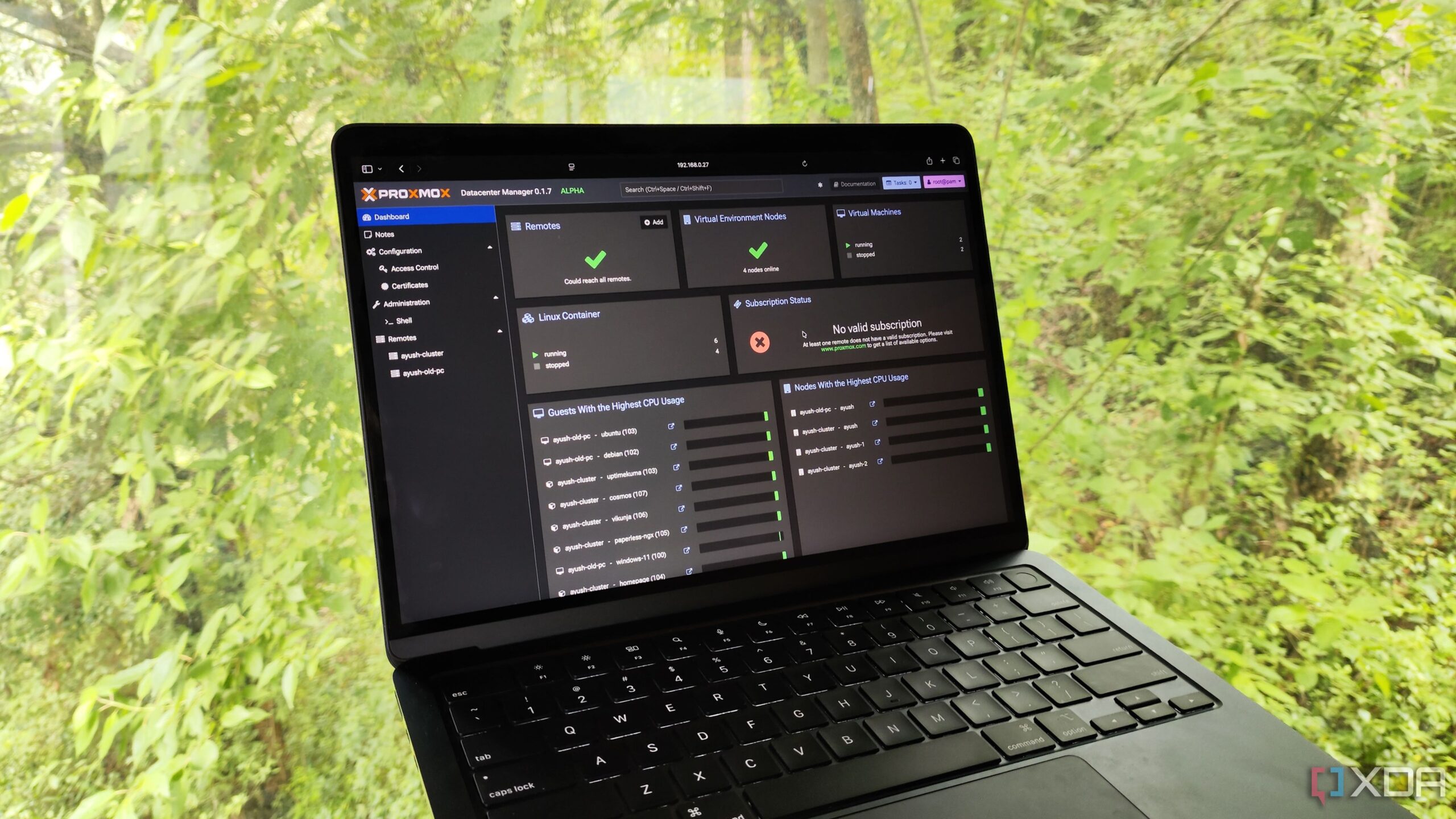

Is Your Proxmox Setup Flying Blind? Meet Pulse, Your New Monitoring Companion
Are you running a Proxmox environment and struggling to keep a close eye on all your LXCs and VMs? You’re not alone! Managing a virtualized infrastructure can quickly become complex, and knowing the real-time status and resource utilization of your virtual guests is crucial for maintaining performance and stability. Enter Pulse, a self-hosted monitoring tool designed specifically for Proxmox environments, offering a comprehensive view of your PVE nodes, containers, and virtual machines. This article will explore the benefits of using Pulse with Proxmox, how it compares to other monitoring solutions, and a step-by-step guide to getting it up and running.
Pulse: The Proxmox Monitoring Solution You’ve Been Waiting For
For those deeply entrenched in the Proxmox ecosystem, understanding the intricacies of their virtual machines and containers is paramount. Efficient monitoring solutions are key to maintaining a healthy and responsive environment. In this context, Pulse emerges as a dedicated and powerful ally, going beyond basic monitoring to provide a comprehensive view of your Proxmox infrastructure.
Beyond Uptime: Deep Dive into Resource Utilization
While tools like Uptime Kuma are valuable for tracking the availability of services, they often fall short when it comes to granular resource monitoring. Pulse distinguishes itself by providing detailed insights into the CPU, memory, disk, and network utilization of each individual LXC and VM running on your Proxmox nodes. This level of detail is critical for identifying bottlenecks, optimizing resource allocation, and proactively addressing potential performance issues.
- Uptime Kuma: Primarily focuses on uptime monitoring of services.
- Beszel: Monitors server resource consumption but lacks granularity for individual virtual guests.
- Pulse: Provides comprehensive resource monitoring for Proxmox nodes, LXCs, and VMs.
This detailed monitoring capability allows administrators to see how resources are being consumed at every level of the Proxmox infrastructure, from the host node to the individual containers and virtual machines. This level of visibility helps to improve performance tuning and capacity planning.
Seamless Integration with Proxmox Backup Server
One of the standout features of Pulse is its native integration with Proxmox Backup Server (PBS). For those who rely on PBS for backing up their virtual guests, Pulse provides a convenient dashboard for tracking backup frequency and viewing recent snapshots. This integration streamlines the backup management process and ensures that backups are occurring as scheduled. Having a centralized location for backups and monitoring simplifies administration tasks and ensures data protection.
Pulse as a Proxmox Dashboard: Centralized Management
Pulse not only excels in monitoring but also serves as a handy dashboard for accessing your Proxmox-based applications and services. By utilizing the “Guest Management URL” section, you can add hyperlinks to the web UIs of your LXCs and VMs, creating a centralized hub for managing your entire virtualized environment. This feature eliminates the need to remember individual URLs and simplifies access to your applications.
Proactive Alerting: Stay Informed About Critical Issues
A critical aspect of any monitoring solution is its ability to notify you of potential problems. Pulse provides a robust alerting system with customizable thresholds for resource utilization, storage capacity, and other key metrics. You can configure Pulse to send notifications via email, Discord, Slack, Telegram, Microsoft Teams, or even a self-hosted Gotify instance. This flexibility allows you to integrate Pulse seamlessly into your existing notification workflows. Being able to set thresholds for system resource consumption for each individual guest VM and container further reduces the changes of a host going down because you failed to act when resource usage went up.
Installing and Configuring Pulse for Proxmox
Getting Pulse up and running is a relatively straightforward process. Here’s a step-by-step guide to deploying Pulse as a container and integrating it with your Proxmox environment:
-
Deploy Pulse as a Container: The recommended method is to use the provided installation script, which simplifies the container deployment process. Ideally, you should deploy Pulse on a separate system to ensure that the monitoring server remains accessible even if your Proxmox nodes experience issues. Use the following command in your LXC console:
bash
curl -fsSL https://raw.githubusercontent.com/rcourtman/Pulse/main/install.sh | bash -
Configure Pulse: After the script completes, access the Pulse web UI and set up the administrator user and password. This will generate an API token that you’ll need for connecting your Proxmox nodes.
-
Add Proxmox Nodes: In the Pulse UI, navigate to the “Configuration” tab and select the “PVE Nodes” section. Pulse can automatically detect Proxmox machines on your local network. Use the API token method to connect to your nodes, which involves copying the generated code from Pulse and executing it in the console of each Proxmox node you want to monitor.
-
Integrate with Proxmox Backup Server: To connect Pulse to your PBS instance, use the “PBS Nodes” tab in the “Configuration” section. The process is similar to adding Proxmox nodes, requiring you to provide the necessary credentials for accessing your PBS server.
Comparing Pulse to Alternatives: Why Choose Pulse?
While several monitoring solutions are available, Pulse offers distinct advantages for Proxmox users:
| Feature | Pulse | Uptime Kuma | Beszel |
|---|---|---|---|
| Proxmox Integration | Native, deep integration | Limited to uptime monitoring | Monitors host resources only |
| Resource Monitoring | Granular, per-LXC/VM | Basic uptime only | Host-level resource consumption |
| Proxmox Backup Server Integration | Yes | No | No |
| Dashboard Capabilities | Yes, with guest management URLs | No | No |
| Alerting | Highly customizable with multiple channels | Limited | Basic |
Pulse stands out with its comprehensive Proxmox integration, granular resource monitoring, and seamless integration with Proxmox Backup Server, making it the ideal choice for Proxmox users who require a detailed and centralized monitoring solution.
Limitations and Considerations
While Pulse is a powerful tool, it’s essential to be aware of its limitations. Currently, Pulse is exclusively designed for Proxmox environments and does not support other container runtimes or virtualization platforms like Podman or Harvester. This limitation might be a drawback for users with heterogeneous environments that need a broader monitoring solution.
Conclusion: Elevate Your Proxmox Experience with Pulse
Pulse is a game-changing monitoring tool for anyone serious about managing their Proxmox environment. Its granular resource monitoring, seamless integration with Proxmox Backup Server, and user-friendly dashboard make it an indispensable asset for maintaining the health and performance of your virtual infrastructure. While its exclusive focus on Proxmox might be a limitation for some, its depth of integration and specialized features make it the best-in-class monitoring solution for Proxmox users.
Ready to take control of your Proxmox environment? Give Pulse a try and experience the difference! What are your favorite Proxmox monitoring tools? Share your thoughts in the comments below!
Sources & Further Reading:
Original article at www.xda-developers.com


