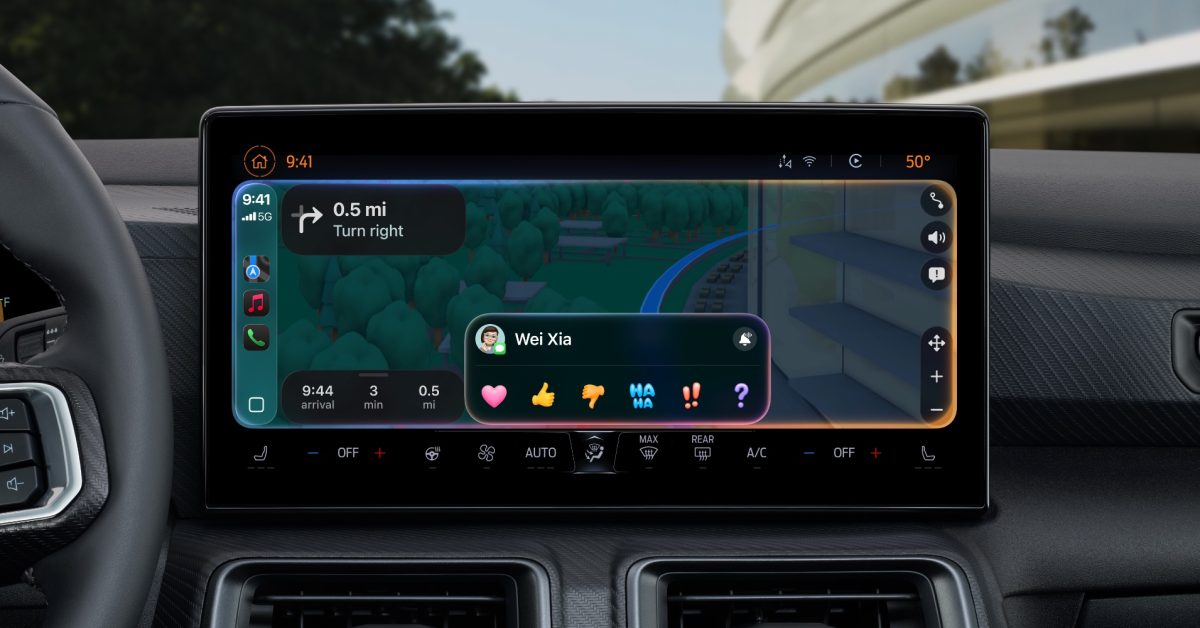

The Invisible Culprit: How Radio Interference Creates Frustrating CarPlay “Dead Zones”
Introduction
Have you ever been seamlessly navigating through city streets with Apple CarPlay, only to have your map freeze, your music cut out, and your dashboard screen suddenly go blank, consistently in the exact same spot every single trip? Before you blame a faulty cable, your iPhone, or rush to the dealership for expensive diagnostics, consider this surprising culprit: invisible radio waves. Increasingly documented reports reveal that seemingly random CarPlay connection dropouts are actually caused by localized radio frequency (RF) interference, creating frustrating ‘dead zones’ where wireless signals between your phone and car cannot survive. This phenomenon, recently detailed in cities like Boston but likely widespread, highlights a hidden vulnerability in our increasingly connected vehicles. Understanding radio interference causing CarPlay issues is crucial; it not only explains these baffling disconnections but also saves countless hours and dollars on unnecessary troubleshooting.
Unraveling the Mystery of Persistent CarPlay Disconnections
(H2) How Wireless CarPlay Truly Works: It’s More Fragile Than You Think
To grasp why interference wreaks havoc, we need a basic map of CarPlay’s inner workings. Unlike standalone GPS units, CarPlay isn’t a self-contained navigation system. Think of your car’s infotainment screen as essentially a sophisticated display monitor and your iPhone as the brains:
- The Wireless Lifeline: Your iPhone connects to the car’s CarPlay unit primarily via Wi-Fi (most common) or Bluetooth. This creates a direct, high-bandwidth link.
- Data Flow: Through this link, iPhone processes navigation (using its GPS receiver and internet data via cellular), streams music/podcasts, and handles phone calls. It sends screen graphics, audio, and receives touch inputs back from the car’s display.
- The Critical Dependency: Wireless operation requires a stable, uninterrupted RF connection between the phone (often placed in a holder or console) and the car’s receiver, typically operating in the crowded 2.4 GHz or sometimes 5 GHz Wi-Fi bands.
The moment that vital wireless connection flickers due to interference, CarPlay stutters or fails. The GPS signal itself might remain strong on your phone, but getting that data communicated to your dashboard becomes impossible.
(H2) Documented Cases: The “Boston Phenomenon” and Beyond
A 2024 report by Axios spotlighted a compelling case study in Boston. Drivers repeatedly reported losing CarPlay (and Android Auto) connections at specific, pinpoint locations, regardless of vehicle make, model, iPhone type, or cable status. This repeatability and consistency eliminated user-specific factors. Similar anecdotal reports swirl online about specific highway underpasses, bridges, or areas near industrial complexes in cities globally:
- Key Evidence: The exact same geographical coordinates triggering the disconnection across numerous users strongly points to an environmental cause, not faulty hardware.
- The “Dead Zone” Effect: These areas function like invisible bubbles of signal disruption. Enter the zone, and the wireless link falters. Exit it, and reconnection often happens automatically. These zones are likely in other cities but often go unreported, leaving drivers perplexed. (Source: Axios Report)
(H2) Identifying the Invisible Saboteurs: Sources of Radio Interference
So, what could generate such potent RF interference capable of overwhelming CarPlay signals? Experts point to several sources operating in the same crowded spectrum, primarily targeting the highly utilized 2.4 GHz band:
| Common Interference Sources Suffocating CarPlay | How/Where | Potential Fixability |
|---|---|---|
| Point-to-Point Microwave Links | Backbone for telecom/data networks, often on buildings or towers. Concentrated beams can leak. | Low (Requires operator adjustment) |
| Legacy Broadcast/Radio Antennas | Powerful AM/FM/TV transmitters nearby. Harmonic frequencies can spill over into 2.4 GHz. | Low (Complex filtering needed) |
| Industrial Microwave Equipment | Large ovens, welders, scientific RF devices. Can emit significant harmonic noise. | Moderate (Shielding, operator awareness) |
| Illegal or Poorly Shielded Transmitters | Unlicensed wireless systems, malfunctioning devices emitting spurious signals (e.g., faulty video transmitters). | High (If identified, FCC can act on illegal sources) |
| Dense Wi-Fi Environments | Extreme concentration of access points (airports, malls) saturating the band. | Moderate (Your phone might hop channels) |
- The 2.4 GHz Bottleneck: This frequency band, while convenient, is notoriously congested. It’s not just CarPlay! It’s home to conventional Wi-Fi networks, Bluetooth peripherals, baby monitors, cordless phones, microwave ovens (hence anecdotal reports near industrial kitchens), and many other devices. This makes it highly susceptible to noise and saturation.
- Signal Strength Matters: Industrial or broadcast sources emit power far exceeding what a small Wi-Fi link in a car can resist. (“Jamming” – intentional blocking – is typically illegal, but interference from legitimate high-power users is often an unintended side-effect.) (Source: FCC Spectrum Information)
(H2) Why You Can’t Just “Fix” It: The User’s Dilemma
Here’s the frustrating reality for most drivers dealing with an interference-induced dead zone:
- Beyond Your Control: You cannot filter out the powerful external RF noise originating from infrastructure like microwave links or broadcast towers.
- Not Hardware Failure: Replacing your iPhone cable won’t help (as the problem is wireless). Trading in your car for the same model is pointless.
- Diagnostics Might Fail: Dealerships testing the car on-site likely won’t reproduce the failure environment. “Cannot replicate problem” is a common, frustrating result.
- Blame Game: Service center staff might default to blaming the phone or cable due to lack of awareness about RF interference causes.
(H2) Mitigation Strategies (Beyond Futile Cable Swaps)
While you can’t usually eliminate the interference source, you can adapt and minimize frustration:
- The Wired Solution: Use USB Connection. The physically reliable alternative. Opting for a wired cable connection bypasses the vulnerable wireless link entirely. Ensure it’s a high-quality, MFi-certified cable that you periodically inspect for wear.
- Location Awareness: Simple but effective. If you know a specific intersection or stretch of road consistently breaks CarPlay, mentally prepare. Glance at your phone’s screen briefly or listen for the next critical direction just before entering the zone. Audio navigation failures are arguably more dangerous than video.
- Troubleshooting Basics (Rule Out Simple Causes):
- Reboot: Sometimes a simple reboot of both phone and car infotainment system resolves temporary glitches (though unlikely for persistent location-specific issues).
- Check Phone Placement: Ensure your phone isn’t buried deep in a metal-lined console or obstructed by large objects. Move it to an open area like a center dash mount.
- Software/Firmware Updates: Keep iOS and your car’s infotainment software up to date. Patches sometimes address connectivity stability.
- Forget and Re-Pair: If disconnections become widespread, not just in one spot, try forgetting the CarPlay connection in your phone and car settings and set it up anew.
- Report It (Advocate for Solutions):
- To Authorities (for Illegal Sources): If you strongly suspect an illegal transmitter or severely non-compliant device, report it to the FCC’s Enforcement Bureau. (FCC Complaint Link)
- To Apple/Car Manufacturer: While harder to effect change, feedback reports alert them to widespread issues, possibly influencing future hardware/software design focusing on RF resilience.
Conclusion
The mystery of “why does CarPlay keep disconnecting only here?” often boils down to an invisible storm of radio waves. External interference, particularly in the overburdened 2.4 GHz band – originating from legitimate infrastructure like microwave links, broadcast towers, industrial equipment, or even illegal transmitters – overwhelms the delicate wireless connection between your iPhone and car. Recognizing these predictable “RF dead zones” is the crucial first step. While frustratingly persistent and often beyond your direct control, awareness replaces perplexing frustration with understanding. It prevents wasted time replacing cables, phones, or seeking unnecessary car repairs. Opting for a wired connection is your most robust workaround. As our vehicles become more reliant on wireless connectivity, the need for better spectrum management and interference mitigation becomes increasingly vital. Have you encountered a stubborn CarPlay dead zone on your commute? Share your location and experience in the comments below – you might discover you’re not alone!
Sources & Further Reading:
Original article at 9to5mac.com


