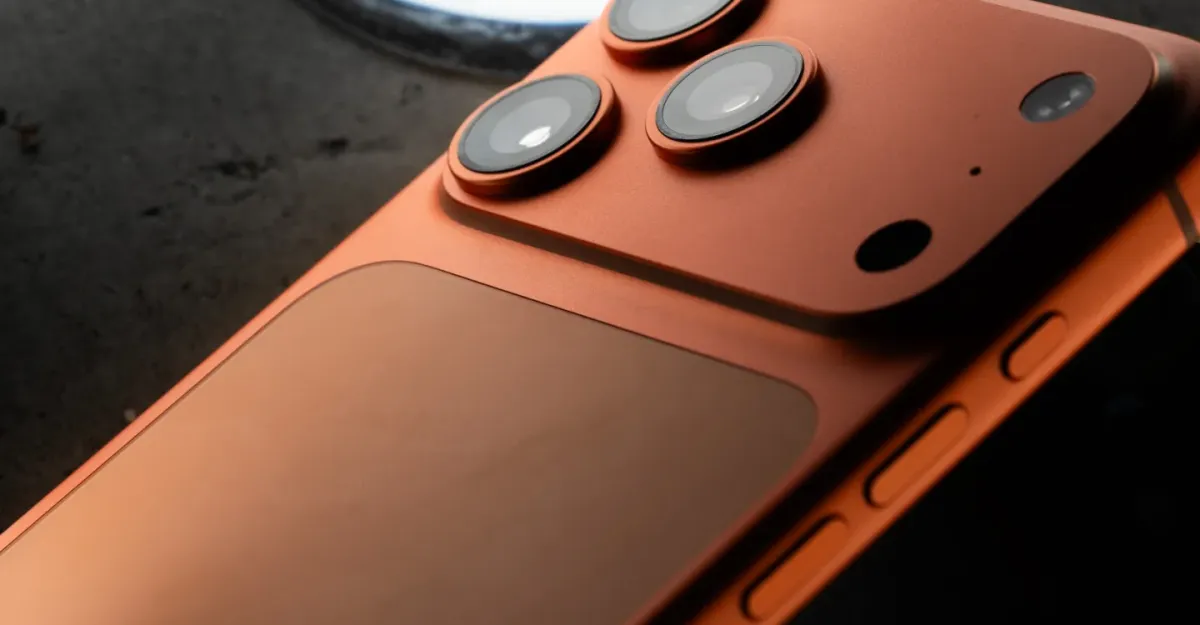

The Selfie Struggle: Why Adobe’s Project Indigo Ditched the Front Camera on iPhone 17
Is your favorite camera app suddenly acting up after upgrading your phone? You’re not alone. The world of mobile photography is constantly evolving, and sometimes, software struggles to keep pace with hardware advancements. In a recent example, Adobe’s Project Indigo, a computational photography app known for its gentle image processing, ran into unexpected compatibility issues with the new iPhone 17 series. Specifically, the app had difficulties adapting to the iPhone 17’s innovative square-format selfie sensor. This article dives into the challenges Adobe faced, the temporary solution they implemented, and what this means for the future of mobile photography apps.
Decoding the Project Indigo iPhone 17 Hiccup
The initial problem was stark: Project Indigo, after its promising debut in June, simply didn’t support Apple’s latest iPhones for a period of time. This left many users who had come to rely on its unique processing capabilities feeling stranded. Adobe acknowledged the issue and worked diligently to resolve the incompatibility, providing updates through their community forums. The root of the problem appears to lie in the new sensor technology Apple introduced in the iPhone 17’s front-facing camera. Let’s delve deeper into the potential causes.
Understanding the Challenges of New Camera Sensors
The iPhone 17’s new square-format selfie sensor represents a significant leap in mobile camera technology. While the exact technical specifications remain undisclosed, the transition from a traditional rectangular sensor likely presented a number of challenges for Project Indigo’s developers:
- Data Interpretation: Computational photography apps rely heavily on interpreting the raw data captured by the camera sensor. A new sensor format requires a complete overhaul of the algorithms used to process that data.
- Image Processing Algorithms: The square format likely necessitates different image processing techniques to optimize for sharpness, color accuracy, and overall image quality. Algorithms designed for rectangular sensors might produce undesirable artifacts or distorted results when applied to a square image.
- Hardware Acceleration: Many computational photography apps leverage the iPhone’s hardware for accelerated image processing. New sensor technology may require updates to these acceleration routines.
It’s also important to consider that the shift to a square format might have impacted other aspects of the image pipeline, such as autofocus and image stabilization, further complicating the development process.
The Temporary Fix: Disabling the Front Camera
Faced with the complexities of adapting to the new sensor, Adobe made a strategic decision: to temporarily disable access to the front-facing camera in Project Indigo. This allowed them to release a version of the app with iPhone 17 support, albeit with limited functionality. This decision prioritized getting a working version of the app into users’ hands, even if it meant sacrificing the selfie capabilities for the time being. While some users may have been disappointed, this move likely prevented the app from being completely unusable on the new iPhones. This approach allowed Adobe to:
- Focus on Core Functionality: By temporarily removing the front camera from consideration, developers could concentrate on ensuring the rear camera functionality was stable and performant.
- Expedite Release: A complete fix for the front camera issue could have delayed the iPhone 17-compatible release significantly.
- Maintain User Engagement: Releasing a partially functional app helped retain users who were eager to experience Project Indigo on their new iPhones.
This is not uncommon in software development; prioritizing core features and releasing updates iteratively is often a more efficient approach than waiting for a perfect, all-encompassing solution.
The Promise of iOS 26.1: A Light at the End of the Tunnel
Adobe has indicated that a future update, specifically iOS 26.1, will provide the necessary hooks for them to re-enable selfie camera support in Project Indigo. This suggests that Apple is addressing some underlying issues within the operating system that were hindering the app’s compatibility. This highlights the symbiotic relationship between hardware manufacturers and software developers. Apps often rely on specific features and functionalities provided by the operating system to access and utilize hardware capabilities effectively.
- OS-Level Enhancements: iOS 26.1 likely includes updates to the camera API (Application Programming Interface), providing developers with more control over the new sensor and enabling them to access its full potential.
- Hardware Abstraction: The update may also introduce a layer of abstraction that simplifies the process of working with different camera sensors, making it easier for developers to adapt their apps to future iPhone models.
The pending release of iOS 26.1 signals a positive development for Project Indigo users, promising a return to full functionality in the near future.
Project Indigo: Why the Hype?
The fact that Project Indigo users were so vocal about the iPhone 17 compatibility issues speaks volumes about the app’s popularity. But what makes Project Indigo so special? The app differentiates itself from the standard iPhone camera app with its emphasis on “softer touch” image processing. This translates to:
- More Natural Skin Tones: Project Indigo often produces more flattering and realistic skin tones compared to the iPhone’s default camera, which can sometimes over-sharpen or oversaturate faces.
- Subtle Enhancements: Instead of applying heavy-handed filters, Project Indigo aims to subtly enhance images, preserving detail and avoiding an overly processed look.
- User-Friendly Interface: While offering powerful processing capabilities, the app maintains a clean and intuitive interface, making it accessible to both casual users and photography enthusiasts.
This emphasis on natural-looking results has resonated with many users who prefer a more authentic and less artificial aesthetic.
The Future of Mobile Photography and Computational Apps
The Project Indigo iPhone 17 saga underscores the challenges and opportunities in the ever-evolving landscape of mobile photography. As smartphone manufacturers continue to push the boundaries of camera technology, software developers must adapt quickly to keep pace. Computational photography, with its reliance on sophisticated algorithms and hardware acceleration, is particularly susceptible to compatibility issues when new hardware emerges.
Here are some key takeaways:
- Collaboration is Key: Close collaboration between hardware manufacturers and software developers is essential to ensure seamless integration of new technologies.
- Iterative Development: Releasing updates in an iterative manner, with a focus on core functionality, allows developers to respond quickly to changes in the hardware landscape.
- Adaptability is Crucial: Computational photography apps must be designed with flexibility and adaptability in mind to accommodate future advancements in camera technology.
Ultimately, the future of mobile photography hinges on the ability of software to harness the full potential of increasingly sophisticated hardware.
Conclusion: Patience and Progress in Mobile Photography
The temporary disabling of the front camera in Adobe’s Project Indigo for iPhone 17 users is a reminder of the intricate dance between hardware innovation and software adaptation. While frustrating for some, this situation demonstrates Adobe’s commitment to delivering a functional app experience, even amidst technical hurdles. The promise of iOS 26.1 bringing a full restoration of capabilities showcases the ongoing advancements in mobile photography technology. As the field continues to evolve, collaboration and iterative development will be crucial for ensuring that our favorite apps can keep pace with the latest innovations.
What do you think about Adobe’s solution? Are you a Project Indigo user affected by this change? Comment below and share your thoughts!
Sources & Further Reading:
Original article at www.theverge.com


