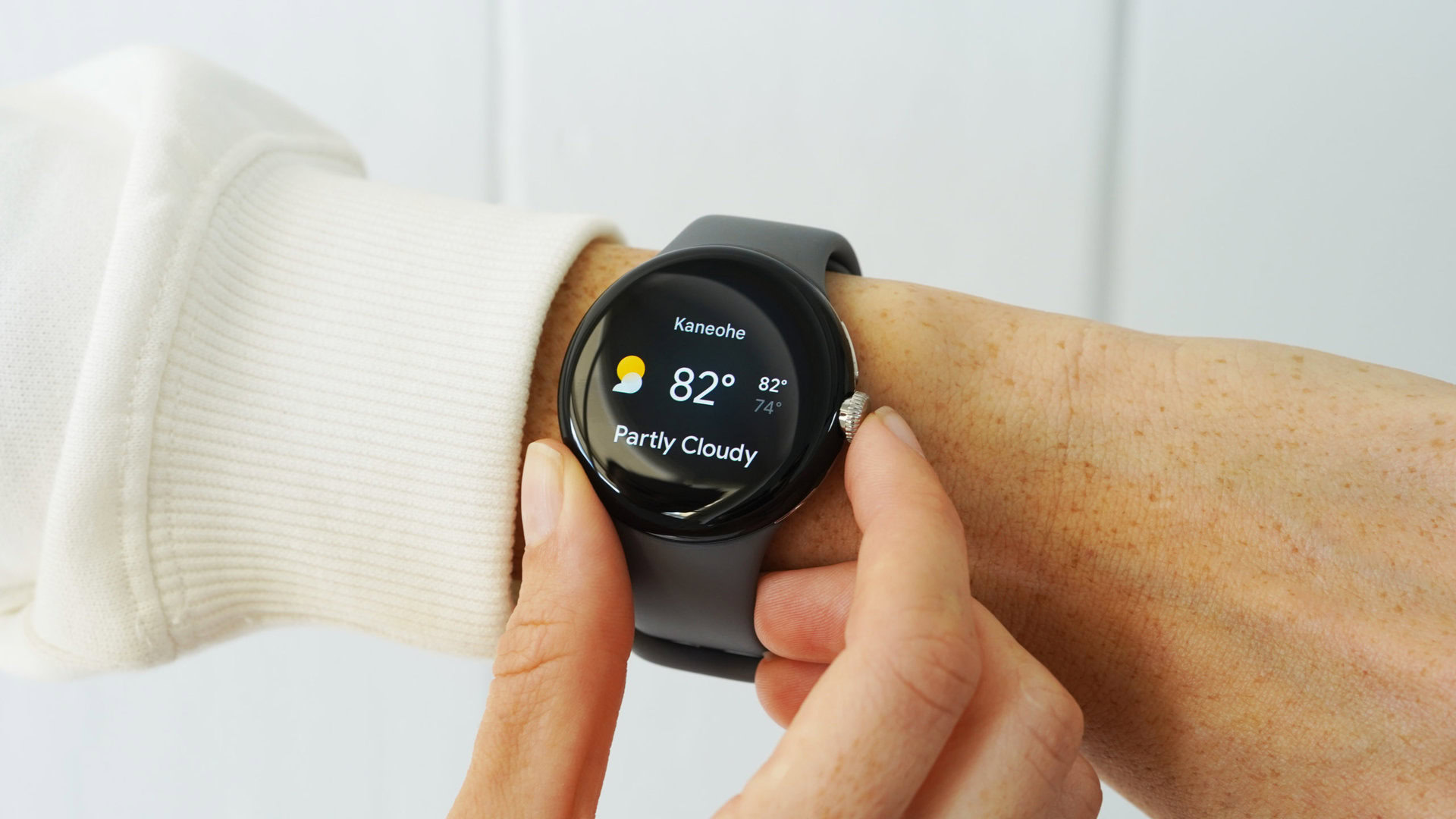

Is Your Wrist Ready for a Weather Upgrade? Pixel Weather App Heads to Wear OS
Are you tired of squinting at the basic weather information on your Wear OS smartwatch? Google is poised to shake things up with the arrival of the Pixel Weather app on Wear OS. This expansion promises a more visually appealing and feature-rich weather experience right on your wrist. This is a significant upgrade for users who rely on their smartwatches for quick and convenient access to weather information, especially with the enhanced design and functionality it brings to the table.
Pixel Weather App: Bringing Material 3 to Your Wrist
The current default weather app on Wear OS, simply titled “Weather,” has been a functional but aesthetically underwhelming option since its introduction in 2022. Now, users are about to get a taste of the premium Pixel experience with the rollout of the Pixel Weather app to Wear OS devices. Here’s what we know so far:
Enhanced Design and User Interface
The key differentiator of the Pixel Weather app will be its integration of Material 3 Expressive design. Material 3 is Google’s latest design language, focusing on personalization, dynamic color schemes, and improved usability. This means a cleaner, more modern look and feel compared to the existing “Weather” app. The icon is similar to its phone and tablet counterparts, featuring the familiar yellow sun on a blue background.
- Visual Refresh: Expect rounded corners, smoother animations, and a more consistent design language across the entire Wear OS experience.
- Dynamic Colors: The app will likely adapt its color scheme based on your chosen watch face and system settings, creating a personalized experience.
Core Features and Functionality
While the aesthetics are a welcome change, the Pixel Weather app also brings some functional improvements to the table. According to reports, the app will retain the key features users expect from a weather app, but with added depth and convenience.
- At-a-Glance Information: The city view will feature a pill-shaped card displaying the current weather condition, a corresponding icon, the temperature, high and low temperatures, and a “Feels like” reading.
- Hourly Forecast: A major upgrade is the addition of a detailed hourly forecast, allowing users to plan their day with greater precision.
Watch Face Complications and Material 3 Tiles
The Pixel Weather app will also take full advantage of Wear OS’s capabilities through watch face complications and updated tiles.
-
Watch Face Integration: The app will support watch face complications, enabling users to display key weather information (temperature, precipitation chance, etc.) directly on their watch face. This gives users immediate access without opening the app.
-
Material 3 Expressive Tiles: Several updated tiles are planned, all adhering to the Material 3 design language.
- Temperature, Precipitation, and Highs/Lows: One tile will split this information into three distinct bubbles for easy readability.
- Sunrise/Sunset and UV Index: Dedicated tiles for these metrics will provide quick access to essential information.
Table: Pixel Weather App vs. Current “Weather” App
| Feature | Current “Weather” App | Pixel Weather App |
|---|---|---|
| Design Language | Older | Material 3 Expressive |
| Hourly Forecast | Limited | Detailed |
| Watch Face Complications | Supported | Supported, potentially more customizable |
| Tiles | Existing | Updated Material 3 Expressive tiles |
| Personalization | Basic | Enhanced through dynamic colors and themes |
Anticipated Release and Device Compatibility
The Pixel Weather app is expected to debut on the Pixel Watch 4, anticipated to be released next month. However, screenshots of the app have already started appearing on the Play Store, hinting at a broader rollout to other Wear OS devices in the near future. It is not yet clear if older Wear OS devices will receive the full Material 3 design refresh, however.
Questions Regarding Compatibility
- What wear OS versions will be compatiable?
- Will older pixel watches receive the update?
- How wide will the device support reach at launch?
What Happens to the Existing “Weather” App?
The big question remains: what will become of the existing “Weather” app once the Pixel Weather app arrives? Google has not yet made an official announcement, leaving room for speculation. Here are a few possibilities:
- Sunset the Existing App: Google could simply retire the “Weather” app, encouraging users to switch to the Pixel Weather app.
- Rebrand and Repurpose: The “Weather” app could be rebranded and repurposed for a different function, perhaps providing more basic weather information or serving as a fallback option for older devices.
- Merge Functionality: Google might integrate some of the Pixel Weather app’s features into the existing “Weather” app, creating a hybrid experience.
How to Prepare for the Pixel Weather App
While the official release is still on the horizon, here are a few things you can do to prepare for the arrival of the Pixel Weather app:
- Keep Your Wear OS Device Updated: Ensure that your smartwatch is running the latest version of Wear OS to maximize compatibility.
- Monitor the Google Play Store: Keep an eye on the Play Store for updates to the “Weather” app or a new “Pixel Weather” app listing.
- Explore Watch Face Customization: Familiarize yourself with your watch’s customization options to prepare for utilizing the new watch face complications.
- Review Google’s Design Language: It would also be beneficial to review the fundamentals of Google’s material 3 design, so that when your application does launch you can seamlessly navigate the software.
The Future of Weather on Your Wrist
The arrival of the Pixel Weather app on Wear OS signals Google’s commitment to providing a more polished and feature-rich smartwatch experience. By leveraging Material 3 design and incorporating user-friendly features like hourly forecasts and updated tiles, the Pixel Weather app has the potential to become the go-to weather companion for Wear OS users. Whether you are planning a weekend hike or a quick trip to the store, the Pixel Weather app will provide the insight required.
The move also prompts questions about Google’s broader strategy for Wear OS. Will we see more Pixel-exclusive features and apps making their way to the platform? Only time will tell, but one thing is certain: the weather on your wrist is about to get a whole lot better.
What do you think about the upcoming Pixel Weather app on Wear OS? Will this sway you to upgrade to the Pixel Watch 4 or stick to the current offerings? Comment below and let us know!
Sources & Further Reading:
Original article at www.androidauthority.com


