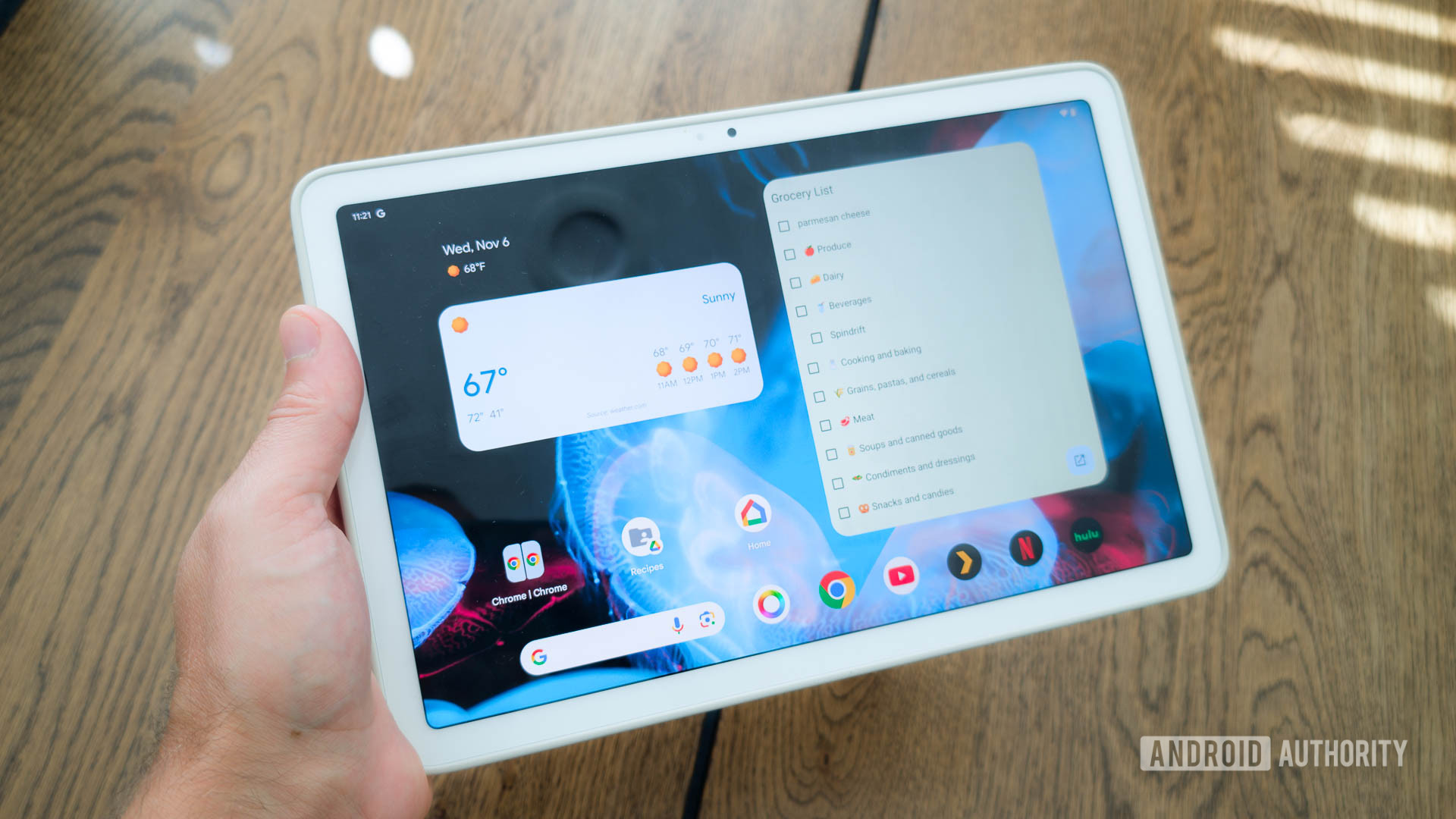

The Great Android Tablet Paradox: Why Google’s Retreat Clashes with Its Most Powerful Upgrade Yet
What if I told you that just as Android tablets are becoming truly powerful productivity machines, Google is backing away from the fight? Despite introducing groundbreaking AI features like Voice Translate on the Pixel 10, Google confirmed a depressing reality to Bloomberg: development on a new Pixel Tablet is “paused” while the company seeks a “meaningful future for the category.” This retreat feels like déjà vu for Android fans. Remember the Nexus tablets? Exactly. Yet, remarkably, the upcoming Android 16 QPR2 release—set to land this December—packed with transformative Android productivity features, underscores how this decision clashes with the platform’s own progress. We’re talking about new keyboard shortcuts, macOS-inspired corner actions, and advanced mouse controls that fundamentally shift Android’s capabilities on larger screens. This contradiction highlights a pivotal moment: Android is evolving into a genuine productivity powerhouse, even as its creator signals uncertainty about the very devices that could showcase it best.
The Pixel Tablet Paradox: A Missed Opportunity
Google’s history with tablets is a rollercoaster. The original Pixel Tablet (2023) delivered a clever charging speaker dock and decent hardware but struggled with limited storage and optimization. Leaks indicate a Pixel Tablet 2 was planned—possibly with keyboard accessories—but axed due to poor sales and reported quality issues. Canceling its development was a strategic blow. Why?
- The Hardware Void: An upgraded model could have leveraged Google’s recent innovations like lock screen widgets, desktop windowing for multitasking, and a smart home-centric screensaver. Paired with a Tensor G5 chip and more RAM, it might have smoothly run full Linux apps via external displays—a feature with huge potential for creatives and developers.
- Competitive Landscape: With Samsung’s DeX mode redefining productivity and OnePlus gaining traction, Google cedes mindshare. If “meaningful” entails standout productivity experiences—which Android 16 directly enables—this retreat is puzzling.
Third-party brands like Samsung benefit from the software advancements, but the lack of a Google-blessed reference device slows unified innovation. The timing is critical: as touch and keyboard interfaces blur, a high-end Pixel Tablet could have bridged Android and Chrome OS (now morphing into one unified platform) seamlessly.
Android 16 QPR2: A Productivity Powerhouse Unveiled
The December update radically enhances how Android interacts with keyboards, mice, and touchpads. Crucially, these aren’t niche tweaks—they’re foundational upgrades targeted at tablets and the growing segment of Android-powered laptops.
H3: Custom Keyboard Shortcuts: Beyond the Basics
For years, Android keyboard shortcuts were rigid—limited to just 7 default apps (e.g., Chrome, Gmail, Maps). Android 16 QPR2 shatters this limitation:
- Create Automated Launchers: A new “+Add shortcut” button lets users map any app to custom key combos (e.g.,
Meta+Ctrl+Tto launch a Linux terminal). - Device Constraints: Currently restricted to larger screens (600dp+), limiting phones without developer tweaks (adjusting “minimum width” in settings). Power users can bypass this temporarily, but the tablet-first design is telling.
- Productivity Impact: Assigning shortcuts to tools like Figma Lite, Trello, or VS Code transforms Android tablets into workflow accelerators, mirroring macOS and Windows efficiency.
| Android Keyboard Shortcuts: Then vs. Now |
|---|
| Feature |
| ——————— |
| Custom Shortcuts |
| App Support |
| Platform Target |
(Source findings corroborated by Android Authority testing)
H3: Action Corners: Borrowing from the Best
Inspired by macOS’s “Hot Corners,” Google’s “Action Corners” are live in Android 16 QPR2. Configurable under Touchpad or Mouse settings, they assign actions to each screen corner:
- Speedy Navigation: Map corners to launch Recent Apps, open Quick Settings, pull down notifications, or return Home instantly.
- Touch Efficiency: Ideal for quick info checks during multitasking—imagine flicking your cursor to a top-left corner to check Slack without interrupting a movie in split-screen.
- Platform Relevance: This feature explicitly targets the tablet/desktop user experience, further legitimizing Android as a multi-window OS.
H3: Granular Mouse Control: Precision Meets Personalization
Android 16 QPR2’s overhauled mouse settings elevate precision and accessibility:
- Scroll Customization: Toggles for reversing scroll direction and acceleration, plus “Controlled Scrolling” with adjustable speed sliders.
- Button Remapping: Swap primary/secondary clicks and customize accessibility features like Dwell timing for users with motor impairments.
- Gesture Upgrade: The existing three-finger touchpad tap is now customizable to launch any app.
Expanded Mouse Settings in Android 16 QPR2:
| New Setting | Function |
|---|---|
| Reverse Scrolling | Flip scroll direction (natural vs. traditional) |
| Controlled Scrolling + Speed Slider | Fine-tune scrolling sensitivity |
| Swap Primary Mouse Button | Left/right button swap |
| Autoclick Shortcut | Trigger auto-click via key press |
| Click Area Customization | Adjust dead-zone size for accidental clicks |
For context, prior versions of Android offered under 10 mouse settings; QPR2 nearly doubles this with 16+ options (Android Open Source Project documentation states enhanced input control is a core pillar). This shift allows Android to handle productivity tasks—like complex spreadsheets or long-form writing—with desktop-like fluidity.
The Bigger Picture: Chrome OS, Android, and the PC Convergence
These features aren’t isolated updates—they signal Google’s long-game: merging Android and Chrome OS into a single adaptable platform. References to Linux apps, keyboard optimization, and screen density settings point to aspirations beyond mobile:
- Touch → Mouse Evolution: Since 2020, Google has steadily enhanced mouse/trackpad support for hybrids like the Chromebook Duet. These updates pull Android closer to Chrome OS’s laptop-grade productivity.
- Windows Subsystem for Android (WSA) Connection: Microsoft and Google’s partnership (#GoogleWSA hashtag) allowing Android apps on Windows PCs underscores this strategy—demand for desktop-optimized apps grows daily.
- Market Implications: Ceding tablet hardware risks fragmenting the ecosystem Samsung, Lenovo, and OnePlus lead. Without Google hardware pushing boundaries, innovation in form factors (dual screens, rotate-to-notebook designs) could slow.
Conclusion: Progress Amidst Puzzling Retreat
Google’s pause on the Pixel Tablet 2 is a baffling contradiction. On one hand, Android 16 QPR2’s productivity suite transforms tablets into formidable workstations: customizable keyboard commands, intuitive corner actions, and precision mouse controls elevate efficiency dramatically. These innovations position Android to truly compete with iPads and lightweight laptops. Yet, Google stepping back from hardware surrenders that momentum to other players just as the software hits its stride.
The burden now shifts: Will Samsung refine One UI around keyboard-driven workflows? Can OnePlus build compelling work-tablet hybrids? While these Android productivity features will eventually land on third-party devices (likely with Android 17), the absence of a flagship tablet diminishes a platform ready to shine. If you’re using an Android tablet—or planning to buy one—these advancements are transformative. If you’re Google, the question demands an answer: If not now, when do tablets become truly “meaningful”?
What do you think: Is Google making a mistake stepping back from tablets? Share your take in the comments!
Sources & Further Reading:
Original article at www.androidauthority.com


