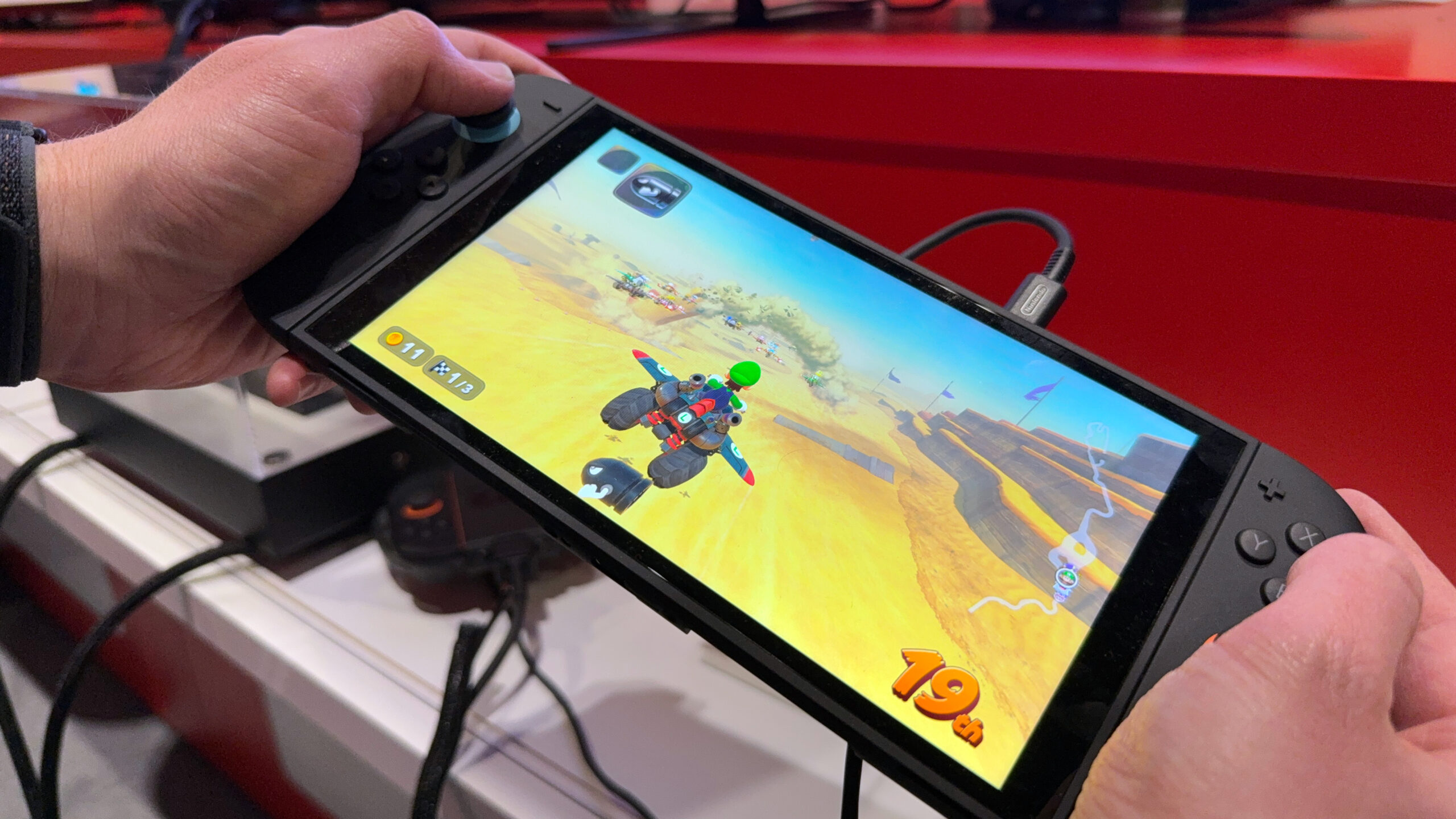

Is Your Nintendo Switch 2 at Risk in the Heat? Understanding Temperature Limits
Are you planning on gaming outdoors this summer? You might want to check the temperature first. Nintendo recently issued a warning regarding the operating temperature of its Nintendo Switch and the upcoming Nintendo Switch 2. Specifically, the consoles should only be used between 5 and 35 degrees Celsius (41 to 95 degrees Fahrenheit). This advisory, posted on Nintendo Japan’s customer service X account, highlights the potential for malfunctions when these devices are used in hot environments. Understanding these temperature limitations is crucial for ensuring the longevity of your console, especially considering how technologically advanced the handhelds are, and this article will delve into why this is and how you can protect your console.
Understanding the Nintendo Switch 2 Temperature Warning
Nintendo’s advisory is clear: exceeding the recommended temperature range can lead to overheating and potential malfunctions. But what’s the science behind this warning, and how does it impact gamers worldwide?
Nintendo’s Official Statement on Operating Temperatures
The official statement, posted on X, serves as a public service announcement, especially relevant given recent heatwaves. It explicitly states that using the Nintendo Switch or Nintendo Switch 2 in environments exceeding 35°C (95°F) could cause the console to overheat, potentially leading to malfunctions. While the specific nature of these malfunctions wasn’t detailed, the implication is clear: prolonged exposure to high temperatures is a risk.
This warning applies globally, meaning that whether you’re in Japan, the United States, or anywhere else, adhering to the recommended temperature range is crucial for preventing potential damage to your Nintendo Switch 2.
Why is Heat Bad for Electronics?
Heat is a common enemy of electronic devices. Here’s why:
- Component Degradation: High temperatures accelerate the degradation of electronic components like capacitors, resistors, and integrated circuits. This can lead to reduced lifespan and performance issues.
- Battery Issues: Lithium-ion batteries, commonly used in handheld consoles like the Switch 2, are particularly sensitive to heat. Excessive heat can cause batteries to degrade faster, lose their charge capacity, or even swell, posing a safety hazard. Source: Battery University
- Thermal Throttling: To prevent permanent damage, many devices employ thermal throttling, which reduces the device’s performance when temperatures get too high. This means you might experience lag or stuttering during gameplay if your Switch 2 is overheating.
- Soldering Problems: Extreme heat can weaken solder joints, which connect components on the circuit board. This can lead to intermittent connectivity issues or complete failure.
Are Other Handheld Consoles Affected?
The Nintendo Switch 2 isn’t alone in having temperature limitations. Other handheld devices, including smartphones and even more powerful gaming consoles like the Steam Deck, also have recommended operating temperature ranges.
- iPhone 16: As mentioned in the original source, the iPhone 16 also has a maximum ambient operating temperature of 95 degrees Fahrenheit, similar to the Nintendo Switch 2.
- Steam Deck: Valve’s Steam Deck, a powerful handheld gaming PC, also shares a similar temperature limit. This highlights that even devices with advanced cooling systems have their limitations.
The table below compares the operating temperature ranges of several popular handheld devices:
| Device | Operating Temperature Range (Celsius) | Operating Temperature Range (Fahrenheit) |
|---|---|---|
| Nintendo Switch 2 | 5 – 35 | 41 – 95 |
| iPhone 16 | Typically 0-35 | 32-95 |
| Steam Deck | Not officially stated, assumed similar | Assumed similar to Switch 2 and iPhone 16 |
| Original Nintendo Switch | 0 – 35 | 32 – 95 |
It’s important to note that these are just examples, and manufacturers may provide slightly different temperature ranges for their devices. Always refer to the device’s official documentation for the most accurate information.
Protecting Your Nintendo Switch 2 From Overheating
Now that we understand the risks, let’s explore practical steps you can take to protect your Nintendo Switch 2 from overheating.
Gaming Indoors: Air Conditioning is Your Friend
The simplest solution is to play your Nintendo Switch 2 in a climate-controlled environment. Air conditioning can maintain a stable and safe temperature, preventing the console from overheating. If you live in a hot climate, consider investing in an air conditioner or ensuring your existing one is functioning properly.
Playing Outdoors: Shade and Ventilation are Key
If you want to play your Switch 2 outdoors, take these precautions:
- Seek Shade: Avoid direct sunlight, as it can significantly increase the console’s temperature. Find a shady spot under a tree, umbrella, or awning.
- Ensure Ventilation: Don’t block the console’s vents, as this can trap heat and lead to overheating. Make sure the console has plenty of space around it for air to circulate.
- Use a Cooling Pad: Consider using a portable cooling pad designed for laptops or handheld consoles. These pads typically use fans to circulate air and dissipate heat. While options specifically for the Switch 2 may not exist yet, a general-purpose cooling pad could still provide some benefit.
- Take Breaks: If you’re playing for an extended period, take regular breaks to allow the console to cool down. Turn it off and let it sit in a cool, shaded area.
- Avoid Playing During Peak Heat: Refrain from playing during the hottest parts of the day, typically between noon and 3 PM.
Preventing Overheating While Docked
Overheating can also occur when the Switch 2 is docked, especially if the dock is placed in a poorly ventilated area. Ensure the dock is in a well-ventilated space and avoid placing it near other heat-generating devices.
Additional Tips and Considerations
- Monitor the Console’s Temperature: While the Switch 2 doesn’t have a built-in temperature sensor, you can generally tell if it’s getting too hot if the fan is running excessively loud or if the console feels uncomfortably hot to the touch.
- Keep the Console Clean: Dust and debris can accumulate inside the console, hindering its ability to dissipate heat. Regularly clean the console’s vents with a can of compressed air.
- Avoid Extreme Environments: Don’t leave your Switch 2 in a hot car or other extreme environments. The temperature inside a car can quickly rise to dangerous levels, even on a moderately warm day.
What to Do If Your Nintendo Switch 2 Overheats
If your Nintendo Switch 2 overheats, follow these steps:
- Turn Off the Console: Immediately turn off the console to prevent further damage.
- Allow it to Cool Down: Let the console cool down completely before attempting to turn it back on. Place it in a cool, shaded area with good ventilation.
- Check for Blocked Vents: Ensure that the console’s vents are not blocked by dust or debris.
- Restart the Console: Once the console has cooled down, try turning it back on. If it still overheats, contact Nintendo customer support for assistance.
Conclusion: Stay Cool and Game On!
The Nintendo Switch 2 promises to be a fantastic handheld gaming experience, but it’s essential to be aware of its temperature limitations. By understanding the risks associated with overheating and taking proactive steps to protect your console, you can ensure it remains in good working order for years to come. Remember to game in a cool, well-ventilated environment, take breaks when needed, and avoid exposing your Switch 2 to extreme temperatures. By taking these simple precautions, you can continue to enjoy your favorite games without worrying about heat-related malfunctions.
What do you think? Will you be adjusting your gaming habits to accommodate the Nintendo Switch 2’s temperature limitations? Comment below and share your thoughts!
Sources & Further Reading:
Original article at www.tomsguide.com


