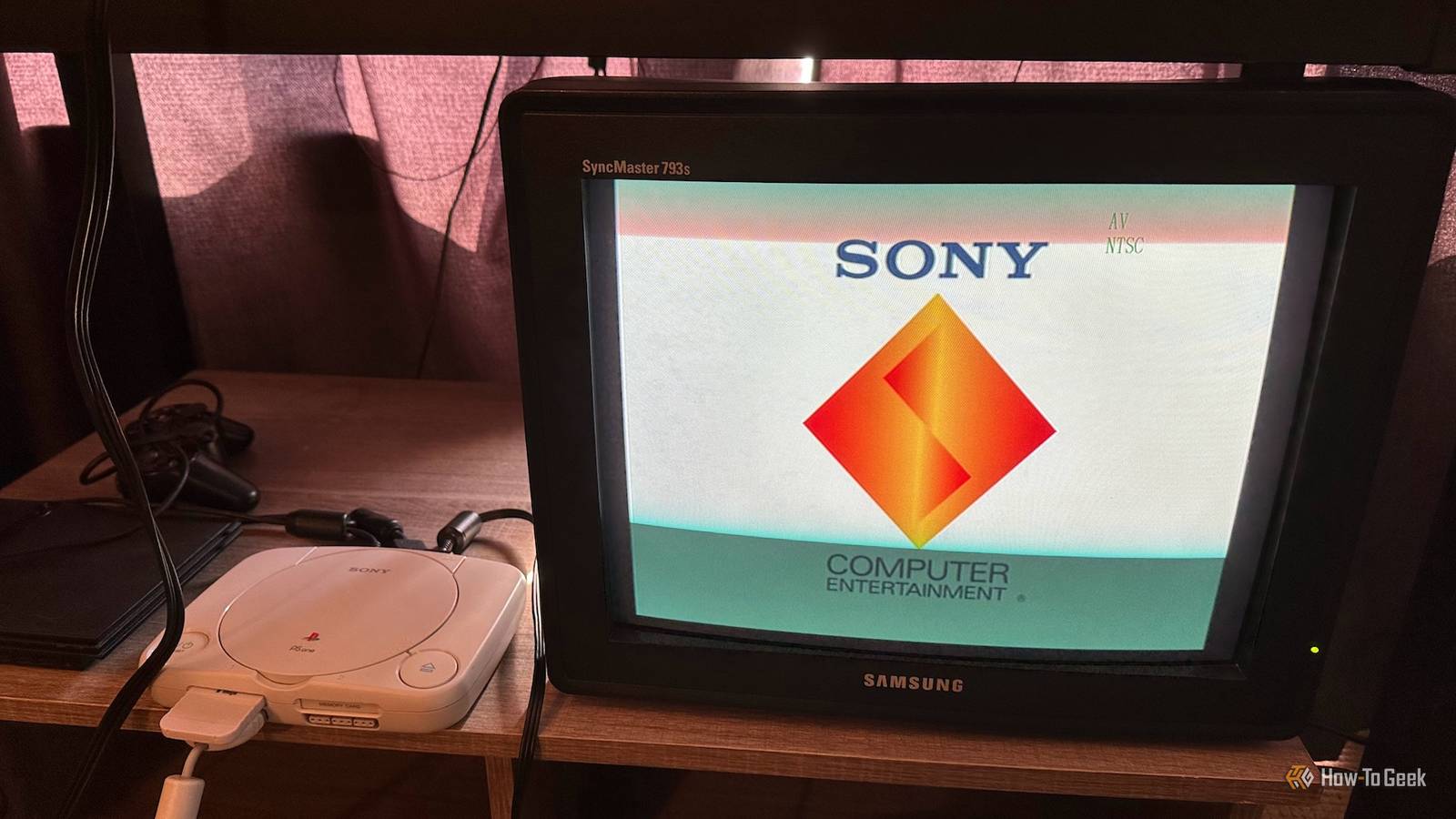

Are CRT PC Monitors the Secret Weapon for Retro Gaming?
Remember the days of pixelated graphics and glowing screens? For many gamers, the authentic retro gaming experience is only truly achieved on a CRT display. While CRT TVs are often touted as the best option, their bulk and increasing scarcity present challenges. But what if there was a readily available and often superior alternative? Enter the CRT PC monitor. Surprisingly, these relics of the past can offer a compelling solution for retro gaming enthusiasts seeking that classic visual fidelity. In this article, we’ll delve into why CRT PC monitors are making a comeback and why they might be the perfect choice for your retro gaming setup.
Why Choose a CRT PC Monitor for Retro Gaming?
While modern flat-panel displays boast impressive resolutions and vibrant colors, they often fall short in replicating the authentic look and feel of classic games. The unique way a CRT (Cathode Ray Tube) display renders images, with its soft edges and natural motion blur, is crucial to capturing the intended aesthetic of retro titles. This is where CRT PC monitors shine. While Professional Video Monitors (PVMs) are also an ideal choice, they are generally very rare and quite expensive, leaving CRT PC monitors as an easier and more cost-effective option.
Understanding CRT Monitors and Retro Consoles
Before diving into the benefits, it’s crucial to understand a key limitation. Most standard CRT PC monitors, especially those with only VGA inputs, aren’t directly compatible with the 15kHz signals (240p/480i) that many retro consoles natively output. This means you’ll typically need a converter or scaler to translate the console’s signal into a format the monitor can display.
This conversion process inevitably introduces some latency, a dreaded term for gamers. However, the added latency is minimal compared to the latency of most flat-panel displays. Also, the picture quality is enhanced compared to what you would see on flat-panel displays.
Consoles with Native or Modded VGA Support:
- Sega Dreamcast (Native VGA)
- Xbox 360 (Native VGA)
- Consoles Modded for VGA Output (Requires specific mods)
For Consoles Without VGA support (e.g., NES, SNES, PlayStation 1 & 2): A converter box or console mod is required.
Top Reasons to Embrace CRT PC Monitors for Retro Gaming
Here are compelling arguments for considering a CRT PC monitor as your retro gaming display of choice:
1. Less Wear and Tear & Greater Availability than PVMs
As stated earlier, PVMs are typically the best for retro gaming using CRT technology. However, they are extremely rare and expensive and may not be worth the cost.
One of the biggest advantages of choosing a CRT PC monitor over a CRT TV or a professional video monitor (PVM) is its condition and availability. PVMs are expensive and rare, CRT TVs can be beat-up, and CRT PC monitors are in the sweet spot of cheapness and availability. While the cost of a PVM is very high, the cost of a CRT monitor could even be free.
Here’s a quick comparison:
| Feature | CRT PC Monitor | CRT TV | PVM/BVM (Professional Video Monitor) |
|---|---|---|---|
| Condition | Often well-maintained, clean | Potentially worn, household use | Varies, often used professionally |
| Availability | Relatively common, easy to find | Decreasing, harder to find in good shape | Rare, difficult to acquire |
| Price | Very Affordable to Free | Affordable to Expensive | Very Expensive |
2. No More Interlacing Flicker Woes
Many classic consoles, especially the PlayStation 2, output games in 480i (interlaced) resolution. While this provides a higher resolution image, it often results in visible flicker on CRT TVs.
- 240p (Progressive Scan): Full frame redrawn with each refresh, creating stable, bright image with scanlines.
- 480i (Interlaced): Only half the frame drawn per refresh, leading to a dimmer image with noticeable flicker.
Using a deinterlacer in conjunction with a CRT PC monitor can eliminate this flicker, providing a stable, flicker-free image that retains the benefits of CRT technology, such as superior motion handling and color reproduction.
3. Accurate Picture Framing Through Reduced Overscan
CRT TVs typically suffer from “overscan,” where a portion of the image is cut off at the edges of the screen. While game developers accounted for this, the amount of overscan varies between TVs, leading to inconsistent presentation.
CRT PC monitors offer far greater control over image positioning and framing. You can precisely adjust the image to fit the screen perfectly, ensuring you see the game exactly as it was intended. This is especially helpful for games lacking built-in overscan adjustment options.
4. Smaller Footprint and Easier Placement
Let’s face it: CRT TVs are bulky and heavy. Even smaller models can dominate a room. PVMs are smaller, which is one of their benefits. However, they can still be hard to find and cost a lot of money.
CRT PC monitors, on the other hand, are significantly more compact and lighter. They fit easily on a desk or shelf, making them ideal for smaller living spaces or dedicated retro gaming setups. This allows for a more flexible and manageable retro gaming experience.
5. Superior Support for VGA and RGB Signals
Most consumer CRT TVs are limited to S-Video or Component video inputs. If your console supports RGB output (or can be modded to), connecting it to a CRT PC monitor with the correct conversion hardware will result in a noticeably sharper and more vibrant image than you’d get through S-Video or component connections. While some CRT TVs can be modded for RGB, the process is risky and can potentially damage the TV. CRT PC monitors are typically the most reliable when it comes to RGB and VGA signals.
6. Unrivaled Sharpness and Resolution
CRT PC monitors are specifically engineered to deliver a sharp, detailed image for computer graphics. Even when fed composite, S-Video, or component signals, they reproduce more detail than a standard CRT TV. While you may sacrifice the prominent scanlines beloved by some retro gamers, the trade-off is a clearer, more defined image.
Important Considerations Before You Buy
- Signal Conversion: Remember that most consoles will require a converter or scaler to work with a standard CRT PC monitor. Research compatible options and factor in the potential for added latency.
- Monitor Condition: Carefully inspect any used CRT PC monitor for signs of damage, burn-in, or discoloration. Look for models that have been well-maintained in clean environments.
- Geometry Adjustments: CRT monitors often require adjustments to achieve a perfectly straight and rectangular image. Familiarize yourself with the monitor’s controls and be prepared to spend some time tweaking the settings.
Conclusion: Embrace the CRT PC Monitor for Your Retro Gaming Needs
While the quest for the perfect retro gaming display can be complex, CRT PC monitors offer a compelling and often overlooked solution. Their sharper image quality, better signal support, smaller size, and greater availability make them a practical and cost-effective alternative to CRT TVs and expensive PVMs. With the right signal conversion and a bit of tweaking, a CRT PC monitor can provide an authentic and enjoyable retro gaming experience without breaking the bank or sacrificing valuable space.
Are you ready to rediscover your favorite retro games on a classic CRT display? What are your thoughts on CRT PC monitors for retro gaming? Share your experiences and opinions in the comments below!
Sources & Further Reading:
Original article at www.howtogeek.com


