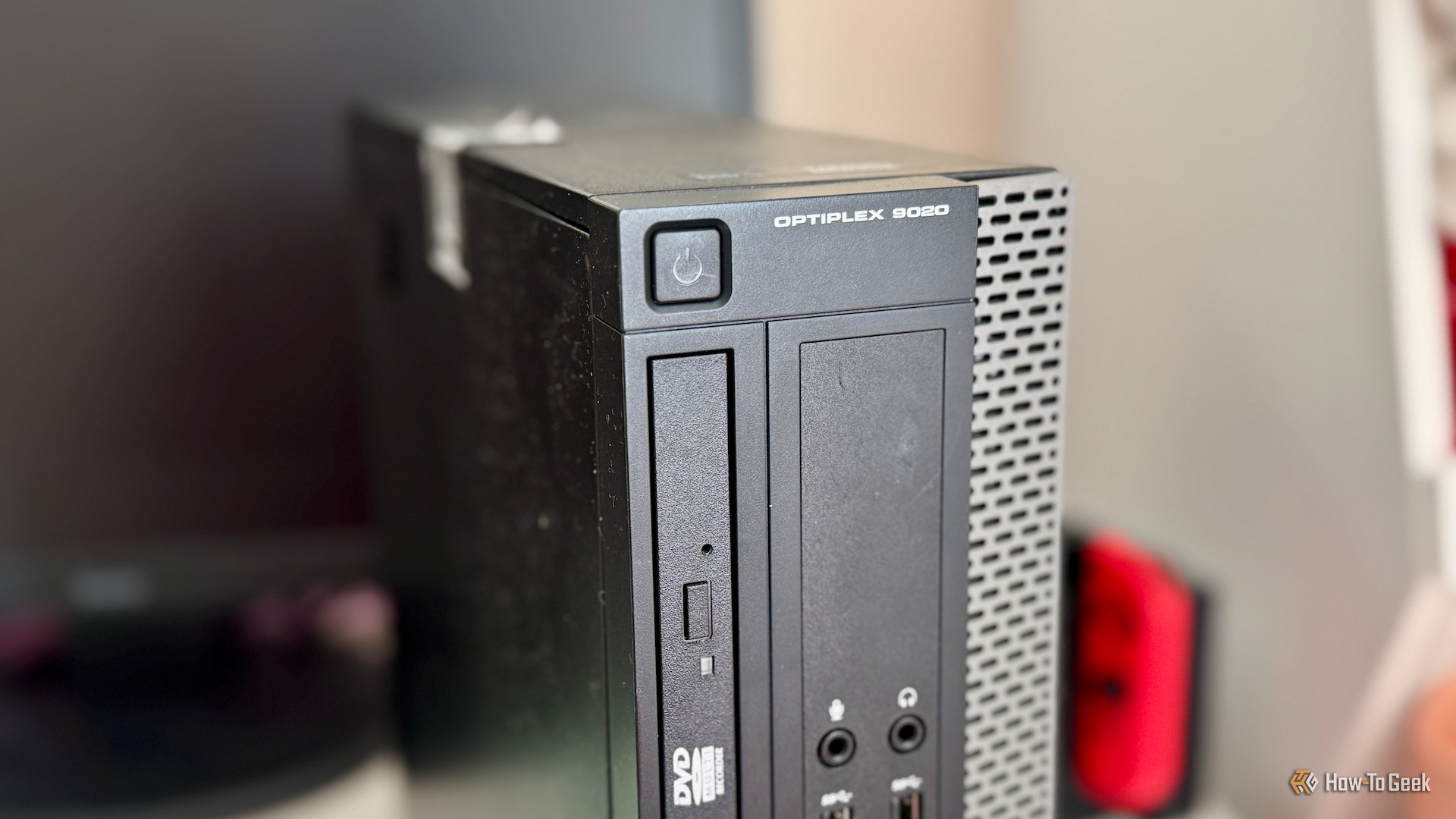

Give Your Old Hardware a Second Life with a DIY Homelab
That dusty laptop or aging desktop sitting in your closet isn’t actually obsolete—it’s a goldmine. While these machines might struggle to run the latest AAA games or handle intense video editing, they are perfectly suited for the world of self-hosting. You don’t need a professional server rack or a massive budget to build a personal digital hub; you just need a bit of curiosity and an hour of your time.
Low Specs, High Utility
One of the biggest myths in tech is that you need enterprise-grade hardware to run a home server. In reality, even a modest setup—think an AMD Ryzen 3 2200G paired with 16GB of RAM—is more than capable of handling a variety of essential services. Even with a standard 100Mbps connection, a basic SSD/HDD combination can replace several paid cloud subscriptions, giving you professional-grade utility without the monthly fee.
Why Go the Self-Hosted Route?
Building a homelab is all about digital sovereignty. Instead of trusting giant corporations with your private data, you can take the reins by hosting your own cloud storage, managing a private media server, or deploying a network-wide ad blocker.
Beyond the practical utility, it serves as a safe “sandbox” for learning. It’s the ideal environment to experiment with Linux, dive into virtualization, or master networking basics without any risk of crashing your main work computer.
Starting for Zero Dollars
The beauty of this project is that the entry cost is nonexistent. By leveraging free, open-source software and repurposing hardware you already own, you can launch everything from a personal wiki to a smart-home automation hub for absolutely free.
If you have a dormant PC and a free afternoon, stop letting that hardware waste away. With a few simple configuration steps, that “slow” computer can quickly become the most powerful and versatile tool in your entire household.


