
The Great GPU Money Pit: Are You Paying Premiums for Features You’ll Never Use?
Have you ever felt like upgrading your graphics card involves navigating a minefield of confusing prices and questionable value? You’re not alone. GPU pricing has detached from reality, skyrocketing not just due to AI demand and supply chains, but also because we’re being subtly pressured into buying capabilities that often remain dormant. Even if you stomach the high MSRPs, a surprising chunk of your investment likely funds underutilized “features” – excessive overclocking headroom, inflated VRAM buffers, or empty “future-proofing” promises. This GPU value proposition crisis means consumers consistently pay for potential they never unlock.
The Overclocking Illusion: Premium Price, Microscopic Gains
The allure of squeezing extra performance from your GPU is undeniable. Terms like “OC Edition” or “Overclocking-Ready” plastered on factory-overclocked versions command tangible price premiums – often $50-$150 extra. The implied promise? Significant free performance gains. Reality paints a starkly different picture.
Rigorous testing consistently reveals how marginal these gains have become:
- Benchmark Reality: Testing cards like the RTX 4070 Ti Super reveals dismal returns. Aggressive manual overclocking – requiring significant time, specialized knowledge, and often enhanced cooling solutions – typically delivers single-digit percentage improvements (think 3-7% gains) in actual games. Automated software OC often yields even less.
- Silicon Limits Reached: Modern GPUs are pushed remarkably close to their physical silicon limits straight out of the factory. Manufacturers meticulously tune voltages, frequencies, and power delivery to maximize performance within strict thermal and reliability constraints. This leaves minimal practical headroom for users to exploit without venturing into instability or accelerated component degradation.
- Diminishing Returns & Longevity Trade-off: Achieving that extra 5% might require pushing power consumption significantly higher, generating more heat, and stressing VRMs and memory. This often shortens the lifespan and potentially increases fan noise – a poor trade-off for such minimal gains.
The Bottom Line: For the vast majority of users, “OC Edition” branding offers negligible real-world benefit over the standard model while costing significantly more. Overclocking has evolved from a rewarding enthusiast pursuit into largely a marketing tactic capitalizing on past perceptions.
The Deceptive Allure of “Future-Proofing”
If overclocking premiums are easy to dismiss, the siren song of “future-proofing” is far more costly and seductive. The premise is simple: spend significantly more today on higher-tier specs (core count, memory bandwidth, VRAM) to ensure your GPU remains viable for years longer. Sounds logical, right? Unfortunately, the GPU industry evolves in ways that routinely render this strategy ineffective.
Evolution Over Specs: Graphics cards don’t just get slower relative to newer games; the underlying technology fundamentally shifts. Consider NVIDIA’s architectural journey:
- Turing: Introduced dedicated RT cores and Tensor cores for ray tracing and AI tasks (DLSS).
- Ampere: Refined RT/Tensor performance, pushing ray tracing closer to practicality.
- Ada Lovelace: Massively improved efficiency and introduced Frame Generation via enhanced AI hardware (DLSS 3, now DLSS 3.5).
- Blackwell (Upcoming): Focuses heavily on accelerating AI workloads and next-gen rendering complexities.
Each leap changes what constitutes “fast.” Games integrate new rendering techniques leveraging these architectural advancements. Performance expectations shift from brute-force rasterization (drawing pixels) towards optimized ray tracing traversal and AI-driven enhancements like Frame Generation. An older card with brute raster power lacks the specialized hardware to efficiently handle these new workloads.
Architectural Efficiency Trumps Raw Numbers: This is why specs alone fail as future-proofing metrics:
- AMD Example: RDNA 3 delivered a significant ~1.8x uplift in ray tracing performance over RDNA 2 without a proportional increase in core count or transistor budget. The gain came from architectural refinement and dedicated AI accelerators.
- Intel Example: Arc Alchemist (Xe HPG) GPUs saw substantial gen-on-gen improvements in some workloads (up to 50%+) via micro-architectural tuning and driver maturation, not just bigger specs.
- NVIDIA Reality Check: The “mid-range” RTX 4070 Ti Super consistently outperforms the previous-generation flagship RTX 3090 (often by ~15% at 1440p), despite the 3090 boasting a wider memory bus and much higher launch price. The 4070 Ti Super’s Ada Lovelace architecture handles modern rendering pipelines far more efficiently.
The Diminishing Returns Trap: Paying a large premium today for extra cores or bandwidth you hope will be useful 3-4 years down the line ignores how architectural advancements continuously redefine performance requirements. The extra investment often yields minimal longevity beyond a more sensibly specced card purchased based on today’s needs and architectures. Future-proofing frequently equates to paying exponentially more for linearly diminishing returns in extended lifespan.
VRAM Dilemma: Navigating a Minefield of Fear and Reality
Few aspects of GPU buying induce more anxiety than Video RAM (VRAM). The mantra “more is better” is drilled into consumers, fueled by a fear of obsolescence driven by headlines about poorly optimized ports (e.g., Hogwarts Legacy, The Last of Us Part I) demanding excessively high VRAM. But how much do you actually need? The answer is highly contextual and frequently oversimplified.
Understanding VRAM Usage: VRAM stores textures, geometry, framebuffers, and increasingly, data needed for compute tasks. Insufficient VRAM forces the GPU to dip into slower system RAM (via your motherboard’s PCIe bus), causing severe performance penalties like stuttering and dramatic frame drops (“VRAM bottleneck”).
Balancing Needs vs. Fears: Gaming vs. Creation:
| Usage Scenario | Resolution | Recommended VRAM | Reasoning |
|---|---|---|---|
| Gaming | 1080p | 8GB | Adequate for most modern titles at High/Ultra settings, minor texture/shadow compromises may be needed later. |
| Gaming | 1440p | 12GB – 16GB | Current optimal range for Ultra settings. Balances cost against emerging demands like high-res textures. |
| Gaming | 4K | 16GB+ | Highly recommended. Ultra textures require substantial buffers, poorly optimized ports exacerbate needs. |
| Creator | Video/Photo | 8GB+ | Sufficient for moderate editing/timelines. Faster load times than lower amounts. |
| Creator | Complex 3D/AI | 16GB MINIMUM / 24GB+ | Essential for handling large scenes, simulations, AI models, high-resolution assets without constant swaps. |
Industry Context: (Sources: Wikipedia – Graphics Card Memory, Professional Software Vendors – Adobe, Autodesk, Blender)
- Game Publishers: Push requirements higher partly due to using shared consoles assets with abundant memory (16GB+ shared pool), and sometimes optimization deficits.
- Creator Needs: Scale dramatically. Video editors benefit from buffer headroom; 3D artists/AI researchers working with large datasets quickly bottleneck on sub-16GB configurations. For professionals, VRAM dictates the scale and fidelity of projects possible.
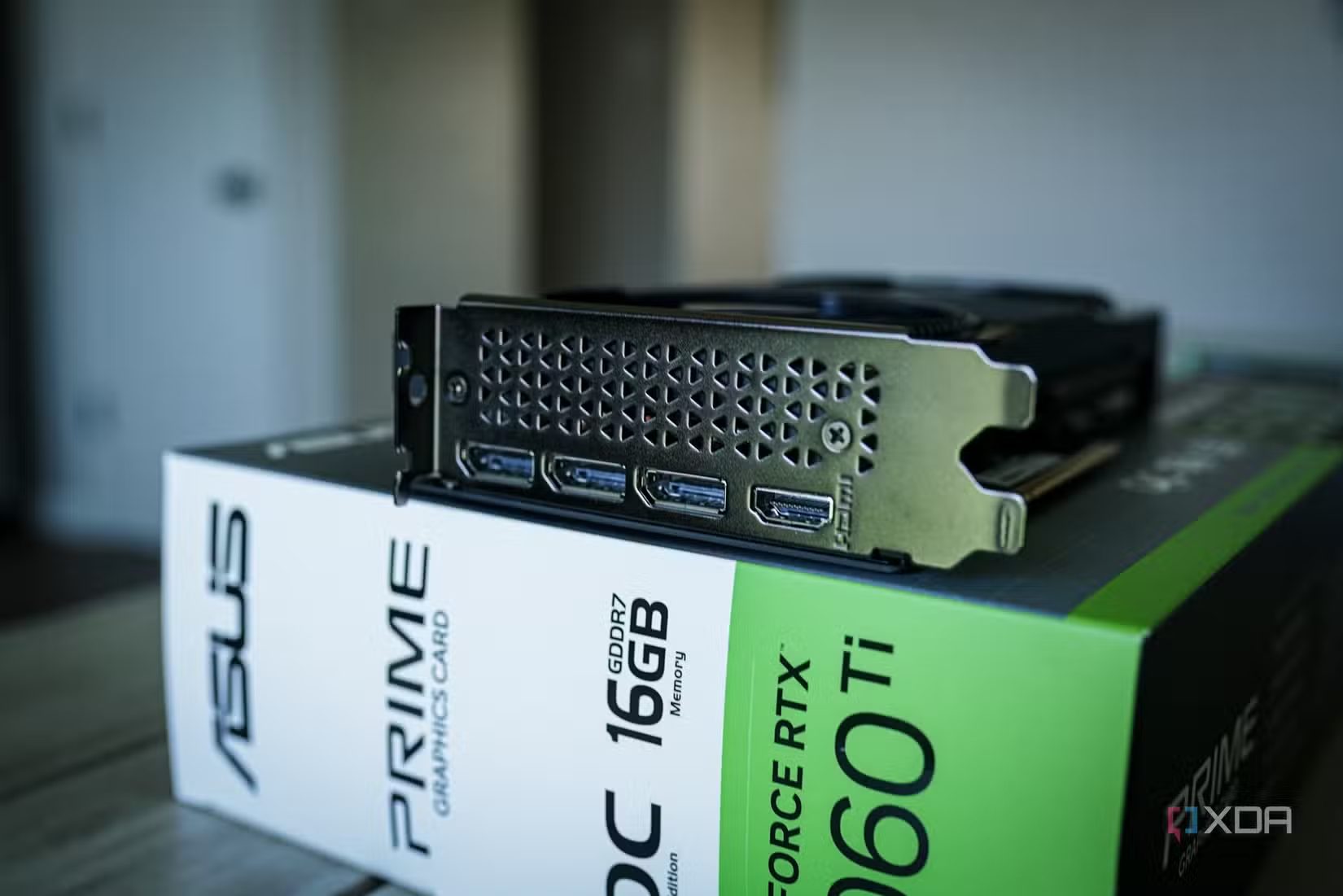
The Price of Fear: Manufacturer marketing stokes VRAM anxiety. Options like NVIDIA’s RTX 4060 Ti 16GB version, priced significantly higher than its 8GB sibling for identical core performance, exemplify the “insurance” premium. Paying substantially more for VRAM “just in case” often means paying for gigabytes sitting idle for years. For gamers, carefully evaluating resolution and game genre trends is crucial. Creators must assess their actual project workloads – skimping here leads to frustration, but overspending for non-relevant tasks wastes budget.
Making Smart GPU Upgrade Choices
Navigating the GPU market requires a mindset shift. We can’t control macro-economic factors pushing prices up, but we can control how wisely we allocate our personal budgets. Recognizing marketing traps is key:
- Question “OC Editions”: Unless benchmarking truly matters more than budget (e.g., competitive eSports titles chasing 500+ FPS), the standard model is almost always smarter. Save that surcharge.
- Beware the Future-Proofing Myth: Prioritize strong architectural efficiency aligned with current rendering techniques (e.g., Solid Ray Tracing Performance, AI Upscaling support) over sheer core counts or bandwidth spec sheets promising relevance that rapidly decays. Buy for today’s optimized needs.
- Solve the VRAM Equation Realistically: Assess actual use cases:
- Gamers: Match VRAM to your target resolution and reasonable settings expectations. 8GB (1080p), 12-16GB (1440p), 16GB+ (4K) are practical brackets.
- Creators: Scale VRAM with professional demands. Underspending cripples workflow; overspending on unused RAM wastes money. Refer to software vendor recommendations.
Avoiding these traps avoids paying premiums for dormant potential. The most expensive GPU feature isn’t boost-clock headroom or “future-ready” cores – it’s the potential sitting idle throughout your entire ownership period. Prioritize features actively enhancing your current experience, be it smooth high-res gaming or efficient professional workflows. What GPU upgrade dilemmas have you struggled with? Share your thoughts below!


