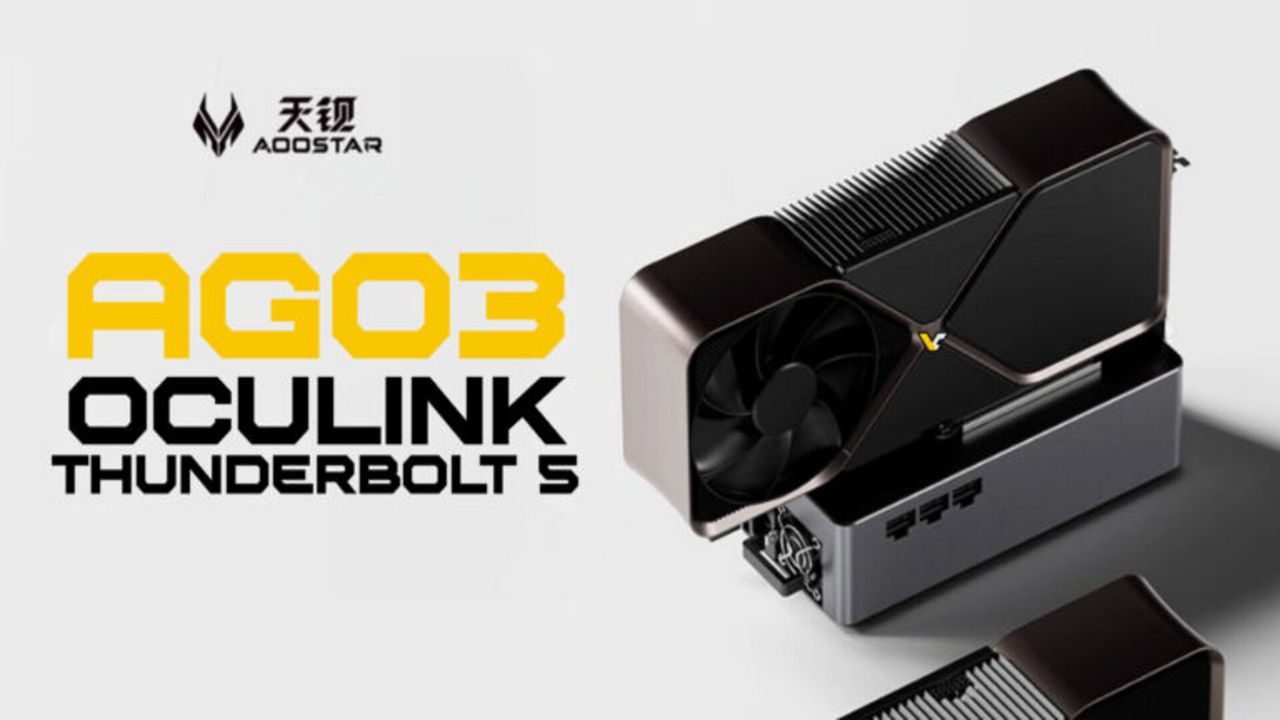

Mapping the Maze: Does Aoostar’s AG03 eGPU Finally Deliver a Streamlined Powerhouse?
Imagine transforming your sleek, portable laptop into a gaming or rendering beast without lugging a bulky desktop tower everywhere. That’s the tantalizing promise of eGPU docks. The new Aoostar AG03 eGPU enters this competitive fray sporting headline-grabbing specs like PCIe 4.0 x4 support and dual Thunderbolt 5 ports. Positioned as an affordable all-in-one solution for unlocking external GPU performance, its $214 price point generates interest. But beneath the sheen of next-gen connectivity lies a complex equation of performance limitations and critical omissions. Is this merely a stylish enclosure, or does it genuinely liberate laptop users seeking desktop-grade power? Unpacking the AG03’s capabilities reveals the real story behind Aoostar’s bold proposition. Understanding this device is crucial, as choosing the right eGPU dramatically impacts workflows and gaming experiences for creators and players alike.
Peeling Back the Spec Sheet: Connectivity & Power Handling
The AG03 isn’t shy about its headline features. At its core beats a PCIe 4.0 x4 interface – a significant upgrade over older PCIe 3.0 docks. This higher bandwidth allows modern graphics cards like the NVIDIA RTX 4070 or AMD RX 7800 XT to breathe easier without bottlenecking performance throughput for gaming or professional workloads. Bandwidth improves significantly over PCIe 3.0 x4, potentially reducing stuttering and lag in graphically intensive tasks – a key factor for effective external GPU implementations (PCI Express Performance History).
Host connectivity also impresses on paper:
- Dual Thunderbolt 5/USB4 v2 Ports: Offering speeds up to 80Gbps bi-directionally and up to 120Gbps for displays (Intel Thunderbolt Technology), TB5 technically outperforms Thunderbolt 4/USB4, though laptops fully utilizing this aren’t common yet. More ports offer docking flexibility.
- OCuLink Support: This direct-attach PCIe cable interface delivers pure, low-latency PCIe signaling – crucial for maximizing eGPU throughput potential without Thunderbolt’s overhead. Providing both TB5 and OCuLink guarantees compatibility with modern laptops.
Power management further entices:
- 140W Host Charging: Powers laptops actively using the dock, minimizing cable clutter and battery drain during intense sessions.
- Internal Power Supply: An 800W unit creates ample headroom for future hardware.
Minding the Power Cap Gap: Hardware Limits Exposed
So far, so good… but Aoostar trips up on power constraints. Despite its generous 800W internal PSU, Aoostar explicitly limits auxiliary power delivery to the installed external GPU to just 500W using a new rating system. This is a puzzling step backwards from their prior AGOX model, which offered GPU developers 600W. It raises immediate questions:
- Why Cap It?: The PSU capacity exists (~800W). Purposeful limitation likely balances thermals and system stability but sacrifices card compatibility. Is this necessary preventative engineering or cost-cutting? The reasoning remains opaque.
- Real-World Card Compromises: This limits access to flagship cards needing hefty power draws. For example:
- RTX 4090 (Reference TDP: 450W) operates precariously thin margins alongside auxiliary system power needs.
- Brands often exceed reference TDPs significantly for factory overclocks. Cards like MSI’s Radeon RX 7900 XTX require 406W–easily pushing AG03’s limits under load.
- Users eyeing power-hungry high-end GPUs face increased instability risk or must severely throttle settings–negating performance upgrades. Cards well-suited include RTX 4070 (~200W TDP) or RX 7800 XT (~263W TDP).
Comparing Aoostar Power Limitations
| Aoostar Model | Total Power Supply | GPU Power Rating Limit | Notable Card Limitations |
|---|---|---|---|
| AG03 (New) | 800W | 500W | RTX 4090 / RX 7900 XTX near limit; factory OC cards problematic |
| AGOX (Prev.) | Likely >700W | 600W | Better handles RTX 4090 / RX 7900 XTX within safer tolerances |
Connectivity Blind Spots: Missing Faces in the All-in-One Promise
Beyond raw GPU power, Aoostar’s vision of an “all-in-one solution” hits stumbling blocks with perplexing omissions:
- No Ethernet Port: This forces reliance on Wi-Fi or a separate adapter/USB hub for wired networking. While Wi-Fi 6/7 bandwidth competes favorably (IEEE 802.11be), wired connections still dominate for ultra-low latency online gaming or transferring large project files. Its absence necessitates additional hardware for crucial scenarios.
- Missing M.2 Slot: Preventing direct NVMe SSD expansion means users wanting blazing-fast internal storage must route externally via USB/TB. Slow external enclosures bottleneck NVMe speeds, harming workflows prioritizing rapid project loading/access.
These omissions undermine Aoostar’s positioning. Users wanting seamless desk setups face extra clutter/a spending creep beyond cheap external GPU rigging. Competitors like many Razer and Sonnet enclosures integrate Gigabit Ethernet & M.2 hardware storage, proving solutions exist without drastically inflating prices.
Positioning & Value: Walking an Affordable Tightrope
The AG03’s ~$214 price tag positions it aggressively lower than major competitors. Context is essential:
- Razer Core X: $399 (TBs/USB hub, M.2 slot not present; PCIe 3.0; 700W GPU Power)
- Sonnet eGFX Breakaway Box 750ex: $399+ (PCIe 3.0; Ethernet/M.2;650W GPU Power )
- TH3P4G3 Portable: $299+ (PCIe 4.0; M.2 Slot & TB depends on variant; 700W+ Designs)
Even compared to their own $199 AGO2 TB4-driven predecessor, AG03 offers PCIe 4.0 connectivity & OCuLink options at a modest premium.
For buyers valuing future-proof TB5 connectivity alongside OCuLink flexibility primarily as an eGPU dock – foregoing storage/networking integrations – AG03 delivers unique utility unmatched at this price bracket. Its bargain positioning exploits economic constraints inherent to external GPU adoption. However


