
Is Ubuntu’s Update Manager Driving You Crazy? A New Fix is Coming!
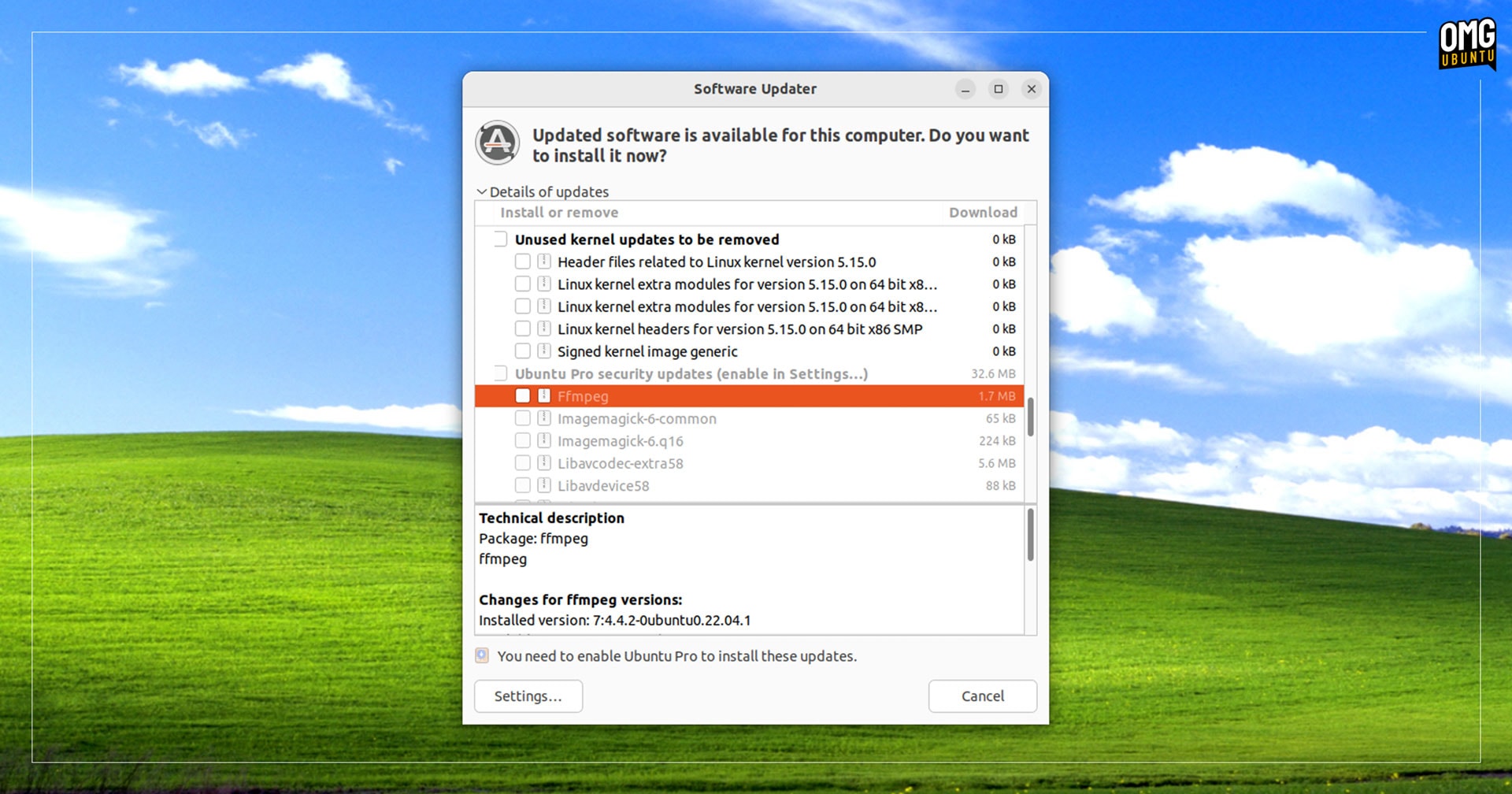
Have you ever been engrossed in writing an important email, only to have the Ubuntu Update Manager rudely interrupt, stealing your focus and sending your keystrokes into the void? This frustrating behavior, while well-intentioned, has plagued many Ubuntu users. Fortunately, the developers have heard your cries! A recent fix addressing this annoying window focus issue is slated for inclusion in the upcoming Ubuntu 25.10 release. This article delves into the details of the problem, the solution implemented, and why this change is important for the Ubuntu user experience.
Understanding the Ubuntu Update Manager’s Focus-Stealing Problem
The core issue revolves around how Ubuntu’s Update Manager handles the notification of pending system updates, particularly within the Wayland display server environment. Under the older X11 windowing system, the Update Manager could be launched in the background using the --no-focus-on-map flag, preventing it from grabbing focus unexpectedly. However, this functionality breaks down under Wayland, leading to the disruptive behavior many users have experienced.
Why Does Wayland Cause This Problem?
The problem is not specific to Ubuntu, but is rather a consequence of how Wayland handles window focus by default. According to Ubuntu’s Alessandro Astone, “GNOME Shell and most other Wayland desktops default to focusing any new window because the mechanism to explicitly request focus is not broadly implemented yet.”
In simpler terms, Wayland lacks a standardized, widely adopted method for applications to request focus in a non-intrusive manner. As a result, the system defaults to simply giving focus to any new window that appears, regardless of what the user is currently doing. This behavior contrasts sharply with the expected user experience, where focus should generally remain on the active application unless the user explicitly switches to another window.
The Annoyance Factor: Real-World Scenarios
To illustrate the severity of this issue, consider the following scenarios:
- Coding: A programmer is debugging a complex piece of code, carefully scrolling through lines and making edits. The Update Manager pops up, suddenly diverting focus. Now, the programmer’s keystrokes are being directed to the Update Manager, potentially causing unintended consequences or requiring them to re-find their place in the code.
- Writing: A writer is furiously typing away, trying to capture a fleeting idea. The Update Manager interrupts, causing them to lose their train of thought and potentially miss critical elements of their narrative.
- Gaming: While perhaps less common, unexpected focus steals can even disrupt gaming sessions. Imagine being in a crucial moment of a game, only to have the Update Manager take control, potentially leading to a game over.
These are just a few examples of how the Update Manager’s intrusive behavior can negatively impact productivity and overall user satisfaction. The unexpected nature of the interruptions amplifies the frustration, making it a significant pain point for Ubuntu users.
Ubuntu’s Solution: A Less Intrusive Approach
Recognizing the need for a more user-friendly approach, the Ubuntu development team has implemented a workaround that significantly reduces the intrusiveness of the Update Manager’s notifications.
From Focus Stealing to Desktop Notifications
Instead of directly opening the Update Manager window and stealing focus, the new method relies on desktop notifications. These notifications appear unobtrusively in the corner of the screen, informing the user about available updates without interrupting their current workflow.
Users then have the option to:
- Open the Update Manager: Clicking on the notification opens the Update Manager window, allowing them to view the available updates in detail.
- Install Updates Directly: Some notifications may provide a direct option to install the updates without opening the full Update Manager.
- Dismiss the Notification: If the user is currently busy, they can dismiss the notification.
If the notification is dismissed, an applet will appear in the system tray area, serving as a subtle reminder of the pending updates. This ensures that users are still informed about the updates without being constantly bombarded with disruptive pop-ups.
Why This is a Practical Workaround
This approach is a clever compromise that addresses the immediate problem while acknowledging the ongoing development of Wayland’s window activation protocols.
- Immediate Relief: The desktop notification system provides immediate relief from the annoying focus-stealing behavior.
- Non-Blocking: The system does not force users to interact with the Update Manager immediately, allowing them to continue their work uninterrupted.
- Persistent Reminder: The system tray applet ensures that users are still aware of pending updates, preventing them from being completely forgotten.
- Future-Proof: As Wayland’s window activation mechanisms mature and become more widely adopted, Ubuntu can seamlessly transition to a more elegant and standardized solution.
Feature Freeze Exception: Why This Fix Matters
Ubuntu 25.10 is already in its beta phase, which means that most new features and changes have already been frozen. Introducing a fix at this stage requires a Feature Freeze Exception (FFe). This exception is only granted when the change is deemed essential and unlikely to introduce significant instability or regressions.
The fact that the Ubuntu developers filed an FFe for this particular fix underscores its importance. It demonstrates the team’s commitment to providing a smooth and user-friendly experience, even if it requires bending the rules slightly.
Testing and Long-Term Support (LTS)
By including the fix in a non-LTS (Long Term Support) release, the Ubuntu team can thoroughly test the new approach and address any lingering issues before it is rolled out to users who rely on the stability of LTS builds. This allows for a more cautious and iterative approach, minimizing the risk of introducing unforeseen problems in a critical release.
Impact on Users: A Smoother, More Productive Experience
The implementation of this fix will have a significant positive impact on Ubuntu users, particularly those who use Wayland. By eliminating the annoying focus-stealing behavior of the Update Manager, it will create a smoother, less disruptive, and more productive computing experience.
- Reduced Frustration: Users will no longer have to worry about their work being interrupted by unexpected pop-ups.
- Improved Focus: The ability to concentrate on tasks without distractions will lead to increased productivity.
- Enhanced User Satisfaction: A more pleasant and user-friendly experience will contribute to greater overall satisfaction with the Ubuntu operating system.
The move represents a significant step towards a more polished and refined user experience on Ubuntu. It shows the developers’ responsiveness to user feedback and their commitment to addressing even seemingly minor annoyances that can have a significant impact on daily workflow.
Conclusion: A Win for Ubuntu Users
The late fix for the Ubuntu Update Manager’s focus-stealing behavior is a welcome change that will improve the overall user experience. By switching to a more discreet notification system, the Ubuntu development team has addressed a long-standing annoyance without sacrificing the important function of informing users about pending system updates. This practical workaround demonstrates a commitment to usability and responsiveness to user feedback, making Ubuntu an even more attractive choice for both new and experienced Linux users. What do you think about this change? Are there other similar issues you’d like to see addressed? Comment below and let us know!
Sources & Further Reading:
Original article at www.omgubuntu.co.uk


