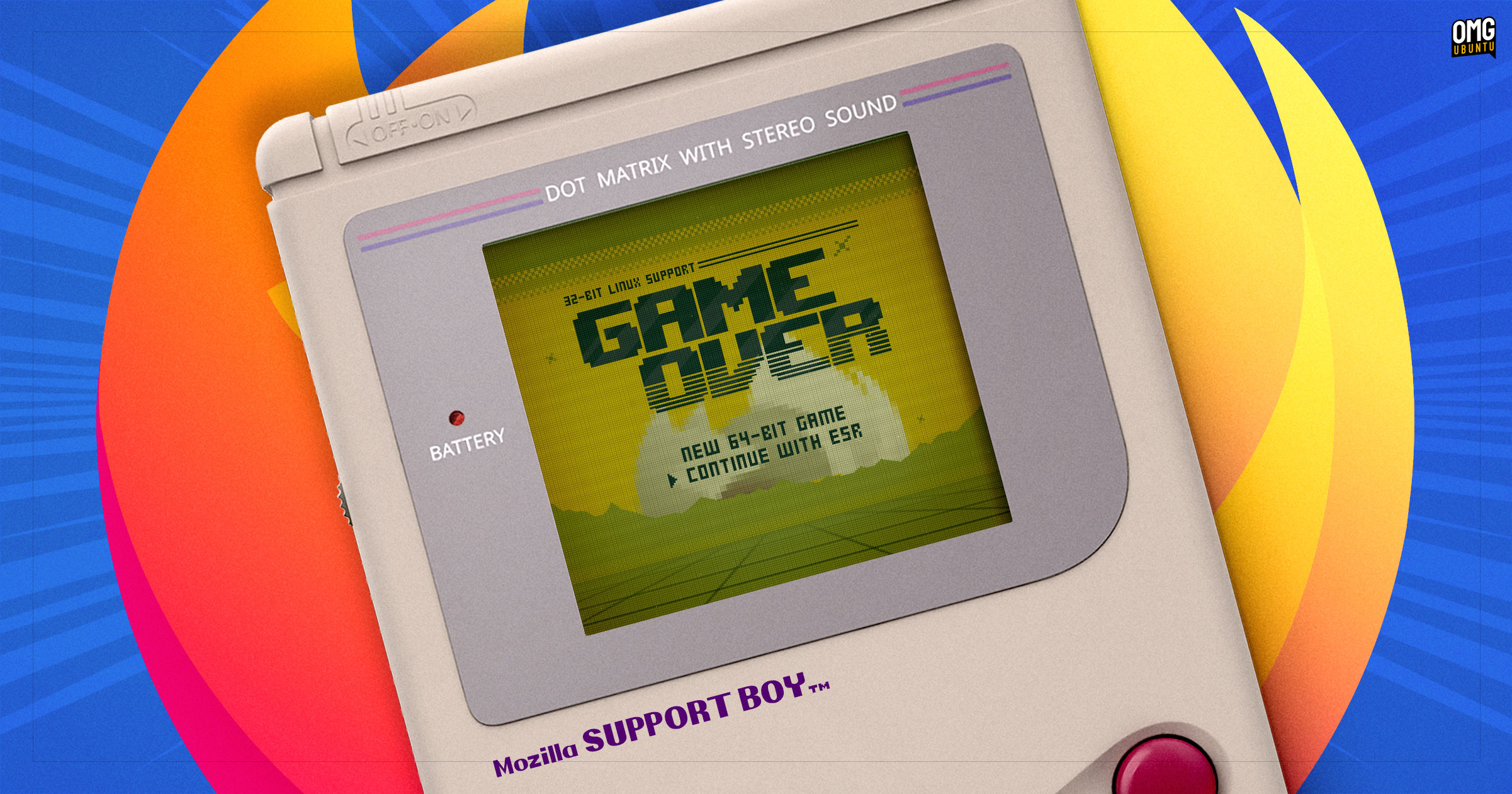

The End of an Era: Mozilla to Drop Firefox Support for 32-bit Linux
Are you still running a 32-bit Linux distribution? If so, you might be surprised to learn that one of its stalwart supporters, Mozilla, is finally pulling the plug on Firefox support. While the news may sound alarming, especially for those who rely on older hardware, it’s not necessarily a cause for immediate panic. This article will explore Mozilla’s decision to discontinue Firefox support for 32-bit Linux, the reasons behind it, and what options remain for users who still depend on this older architecture.
Why is Mozilla Ending Firefox Support for 32-bit Linux?
Mozilla’s decision to end support for Firefox on 32-bit Linux is driven by a combination of factors, primarily related to resource allocation and the dwindling user base of 32-bit systems. While the company has been committed to supporting older hardware for longer than many of its competitors (Google Chrome dropped 32-bit Linux support back in 2016), the costs associated with maintaining a separate build for this architecture have become unsustainable.
Diminishing User Base and Technical Challenges
The primary driver behind this decision is the declining popularity of 32-bit Linux distributions. As hardware technology has advanced, 64-bit processors have become the standard, offering significant performance advantages over their 32-bit counterparts. This shift has led to a corresponding decrease in the number of users running 32-bit operating systems.
Mozilla explicitly states that “maintaining Firefox on this platform has become increasingly difficult and unreliable.” This likely stems from several issues:
- Increased Complexity: Supporting multiple architectures requires developers to test and optimize code for each one, increasing development time and resources.
- Security Concerns: Older systems may be more vulnerable to security threats, requiring additional effort to patch and secure.
- Performance Bottlenecks: 32-bit systems have inherent limitations in terms of memory addressing, which can impact performance, especially with modern web applications. The theoretical maximum RAM that a 32 bit operating system can address is 4GB, though the practical maximum is around 3.5GB. This is a significant limitation compared to the vast amount of memory available to 64 bit systems.
- Modern Web Technologies: As the web evolves, newer technologies and standards may not be easily supported on older 32-bit architectures.
- Focus on Modern Firefox: By sunsetting the 32-bit release, Mozilla’s engineering efforts can be streamlined, allowing them to focus on developing a faster, more secure, and feature-rich browser for the vast majority of their users.
The End of the Line: Firefox 144
The final version of Firefox to officially support 32-bit Linux will be Firefox 144, scheduled for release on October 14, 2025. After this date, Firefox 145 and subsequent versions will no longer offer 32-bit builds. This marks a significant change, as Firefox has supported Linux since its early days (technically Phoenix 0.1 supported Linux, but Phoenix wasn’t technically Firefox).
What Happens After Firefox 144? Navigating the Post-Support Landscape
If you’re currently running a 32-bit Linux distribution and rely on Firefox, here’s a breakdown of your options and what to expect:
- Firefox 144 Will Still Work (For a While): Your existing installation of Firefox 144 won’t suddenly stop functioning after the support ends. You can continue to use it to browse the web. However, it’s crucial to understand the limitations:
- No Security Updates: This is the biggest concern. Without ongoing security patches, your browser will become increasingly vulnerable to exploits and malware.
- No New Features: You won’t receive any new features or improvements introduced in later versions of Firefox.
- Compatibility Issues: Over time, websites may start to render incorrectly or require features not available in Firefox 144, leading to a degraded browsing experience.
- Firefox ESR (Extended Support Release): Another viable option is to switch to Firefox 140 ESR. The ESR version receives security updates for an extended period, allowing you to continue browsing safely. As of this writing, Firefox 140 ESR is the last supported ESR version to include a 32-bit build. With that in mind, consider that it will reach end-of-life in September 2026.
Here’s a quick comparison:
| Feature | Firefox 144 (End-of-Life) | Firefox 140 ESR |
|---|---|---|
| Support Status | Unsupported | Supported (until September 2026) |
| Security Updates | No | Yes |
| New Features | No | No (after feature freeze) |
| Compatibility | Decreasing | Better (than 144) |
- Migrate to a 64-bit System: The most sensible long-term solution is to upgrade to a 64-bit CPU, install a modern 64-bit Linux distribution, and use the 64-bit version of Firefox. This will provide you with access to the latest features, security updates, and performance improvements.
- Alternative Browsers: Another option is to switch to another web browser that still offers 32-bit support. However, it’s important to research these alternatives carefully, as some may not be as secure or feature-rich as Firefox. Chromium-based browsers are unlikely candidates, given that Google Chrome dropped 32-bit support years ago.
- Embrace the “Vintage” Experience: For those who are keeping old computers in service for nostalgic reasons or specific hobby projects, the lack of the latest Firefox might be a minor inconvenience compared to the inherent limitations of running an outdated operating system. In this case, you may simply accept the limitations of Firefox 144 and continue using it until it becomes unusable.
Upgrading to 64-bit Linux: A Practical Guide
If you decide to upgrade to a 64-bit Linux distribution, here’s a simplified overview of the process:
- Check Your Hardware: Ensure that your CPU is 64-bit compatible. Most processors manufactured in the last 15 years are 64-bit, but it’s always a good idea to verify. You can usually find this information in your system settings or by searching for your CPU model online.
- Choose a 64-bit Distribution: Select a modern 64-bit Linux distribution. Popular choices include Ubuntu, Debian, Fedora, and Linux Mint.
- Back Up Your Data: Before proceeding with the installation, back up all your important files and data to an external drive or cloud storage.
- Create a Bootable USB Drive: Download the ISO image of your chosen distribution and use a tool like Rufus or Etcher to create a bootable USB drive.
- Boot from the USB Drive: Restart your computer and boot from the USB drive. You may need to adjust your BIOS settings to change the boot order.
- Follow the Installation Instructions: The installation process will vary depending on the distribution, but generally involves partitioning your hard drive, selecting a username and password, and installing the operating system.
- Install Firefox: Once the installation is complete, you can download and install the 64-bit version of Firefox from the Mozilla website.
Conclusion: Adapting to Change in the Linux Landscape
The end of Firefox support for 32-bit Linux marks a significant milestone in the evolution of computing. While it may be disappointing for users who rely on older hardware, it’s a necessary step for Mozilla to focus its resources on developing a modern and secure browser for the majority of its users. The move is largely a reflection of the 64 bit architecture becoming ubiquitous over time, leading to a decline in 32-bit usage.
By understanding the reasons behind this decision and exploring the available alternatives, users can navigate this transition smoothly and continue to enjoy a safe and productive browsing experience. Whether you choose to stick with Firefox 144 for as long as possible, switch to Firefox ESR, upgrade to a 64-bit system, or explore other browser options, the key is to make an informed decision that aligns with your individual needs and priorities. What solution are you considering? Let us know in the comments below!
Sources & Further Reading:
Original article at www.omgubuntu.co.uk


