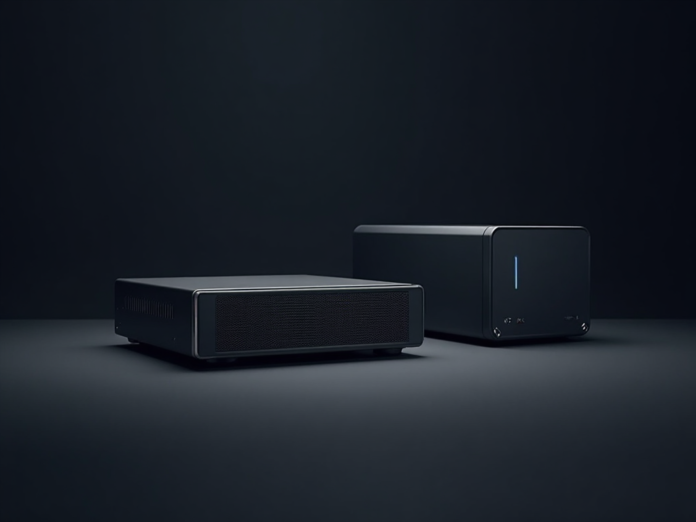

Getting started with a home lab can feel overwhelming, especially when budgets are tight and space is limited. The most practical entry point, however, is to keep the hardware simple and modular from day one. By splitting the workload between a low‑cost thin client and a network‑attached storage (NAS) device, you get a functional environment without the expense and complexity of a monolithic machine.
The thin client itself typically costs around fifty dollars. It’s a stripped‑down computer that relies on network booting (PXE or iPXE) to load an operating system from a central server. Because it has no local storage, cooling fans, or high‑end CPU, power consumption stays low and the device remains silent. You can install a lightweight Linux distribution—such as Ubuntu Server or Alpine—on the NAS and then point the thin client to it, effectively turning the inexpensive box into a full‑featured workstation for tasks like development, testing, or media streaming.
The NAS provides the real muscle of the setup. Modern entry‑level models come with four bays, dual‑core processors, and enough RAM to run virtual machines, containers, or a personal cloud service. With inexpensive hard drives or SSDs installed, the NAS offers ample storage for backups, media libraries, and the operating system images that the thin client will use. Because the NAS is a dedicated storage node, you can expand its capacity simply by adding more drives, and you can also host services such as a DNS server, DHCP, or a web interface for managing the lab.
Building a single, high‑end server might look appealing, but it brings several drawbacks for a beginner. A powerful CPU, large amount of RAM, and multiple drives drive the price well above a thin client plus NAS combo. The heat and noise generated by a high‑performance machine can be distracting, and any hardware failure means the entire lab goes down. In contrast, the thin client is a low‑risk component: if it fails, you can replace it for a fraction of the cost and still retain all your data and services on the NAS.
This two‑piece architecture also offers flexibility. You can start with a single thin client and later add more nodes, each serving a specific purpose—gaming, networking, or specialized workloads—without having to redesign the whole system. Upgrading the NAS’s storage or adding a more capable CPU is straightforward, whereas upgrading a single‑server configuration often requires a new motherboard or even a new machine.
In short, a $50 thin client paired with an affordable NAS gives you a low‑noise, low‑power, and easily expandable foundation for your first homelab. It lets you experiment with virtualization, networking, and storage management without the financial strain or technical headaches of a single, high‑end server. For anyone eager to dip their toes into home lab technology, this approach is both practical and budget‑friendly.


